In Short
- Google Analytics 4 is the free baseline, and you add tools only for the gap it leaves.
- Supermetrics, Funnel and Improvado move and organize ad data, while Databox shows it.
- Triple Whale, Northbeam and Dreamdata estimate attribution, so validate them with tests.
- Choose by your channels and sales cycle, and write the metric definitions before you buy.
The Best Marketing Analytics Tools at a Glance
| Tool | Type | Best for |
|---|---|---|
| 1. Google Analytics 4 | Web and app analytics | Almost every website that needs a free baseline of traffic and conversion data |
| 2. Adobe Analytics | Enterprise digital analytics | Large organizations with complex segmentation and many data sources |
| 3. HubSpot Marketing Hub | Marketing automation with reporting | Teams that want campaigns, CRM and reporting in one system |
| 4. Supermetrics | Marketing data connectors | Marketers who pull ad data into Sheets, Looker Studio or a warehouse |
| 5. Funnel | Marketing data hub and measurement | Teams that want governed marketing data plus attribution and media mix tools |
| 6. Improvado | Marketing data pipeline | Larger marketing teams that need many sources cleaned and delivered to a warehouse |
| 7. Databox | Dashboards and KPI tracking | Small teams and agencies that want quick marketing dashboards and goals |
| 8. Triple Whale | Ecommerce attribution dashboard | Shopify brands that want one view of ad performance and profit |
| 9. Northbeam | Marketing attribution | Ecommerce brands with larger ad spend and many channels |
| 10. Mixpanel | Product and funnel analytics | Product-led and subscription businesses analyzing user behavior |
| 11. Dreamdata | B2B revenue attribution | B2B companies with long sales cycles and a CRM |
The 11 Best Marketing Analytics Tools, Ranked
I start with the tools that suit the widest range of teams and move toward specialist attribution and data pipeline platforms, so you can stop reading when you find your fit. The tool is only part of the result: in the marketing analytics consulting projects I review, tracking quality and agreed definitions matter more than which platform draws the chart.
Google Analytics 4
The Free Baseline Every Marketing Team Should Have Running, Whatever Else You Add
Google Analytics 4 tracks website and app events, connects to Google Ads and exports raw data to BigQuery for deeper analysis.
GA4 is the one tool I assume is installed on every site I audit, and I look at how it is set up before anything else. It is free, it connects to Google Ads and Search Console, and the event-based model handles sites and apps in one property. The BigQuery export on the free tier gives analysts raw data they can join to anything.
The interface is the usual complaint, and the larger problem is configuration. Key events are often missing, internal traffic is not filtered and consent mode is half set up. Before you judge GA4, check your setup against the marketing analytics framework I use for audits, because most disappointment comes from the setup, not the product.
Where Google Analytics 4 Shines
- Free for most businesses, with a free BigQuery export
- Native links to Google Ads and Search Console
- Event model works across web and app
Where Google Analytics 4 Falls Short
- The reporting interface is harder to navigate than older versions
- Data sampling and thresholds appear in some reports
Google Analytics 4 Pricing
Standard Google Analytics is free. A paid enterprise tier, Analytics 360, exists, and I could not read its current price from Google's pricing page, so request a quote from Google or a reseller.
Google Analytics 4 Reviews
- G2: rated 4.5/5 (across +6,800 ratings)
- Capterra: rated 4.7/5 (across +8,100 ratings)
Adobe Analytics
Unmatched Segmentation Depth for Enterprises That Can Afford the Setup
Adobe Analytics is an enterprise analytics platform with Analysis Workspace, flexible segmentation, attribution models and links to the wider Adobe Experience Cloud.
Adobe Analytics is the tool I see in large retailers, media companies and banks, where analysts build segments across millions of visitors and compare paths without sampling. Analysis Workspace lets you drag dimensions and metrics around until a pattern appears, and the attribution options are broad.
It needs implementation effort and skilled analysts. A weak tagging plan produces expensive, confusing data, so I recommend budgeting for governance at the start. If your needs are simpler, you will get more value per dollar from GA4 plus a warehouse, and you will also avoid many of the marketing analytics challenges that come with a heavy platform.
Where Adobe Analytics Shines
- Deep, flexible segmentation and analysis
- Strong attribution and cross-channel features
- Fits well into the wider Adobe stack
Where Adobe Analytics Falls Short
- High cost and a long implementation
- Needs trained analysts to get full value
Adobe Analytics Pricing
Adobe does not publish Adobe Analytics prices. Its price page could not be read when I checked, so expect to request a quote based on your server calls and edition.
Adobe Analytics Reviews
- G2: rated 4.2/5 (across +1,200 ratings)
- Capterra: rated 4.5/5 (across +230 ratings)
HubSpot Marketing Hub
The Best Pick When Your Campaign Reporting Should Live Next to Your CRM
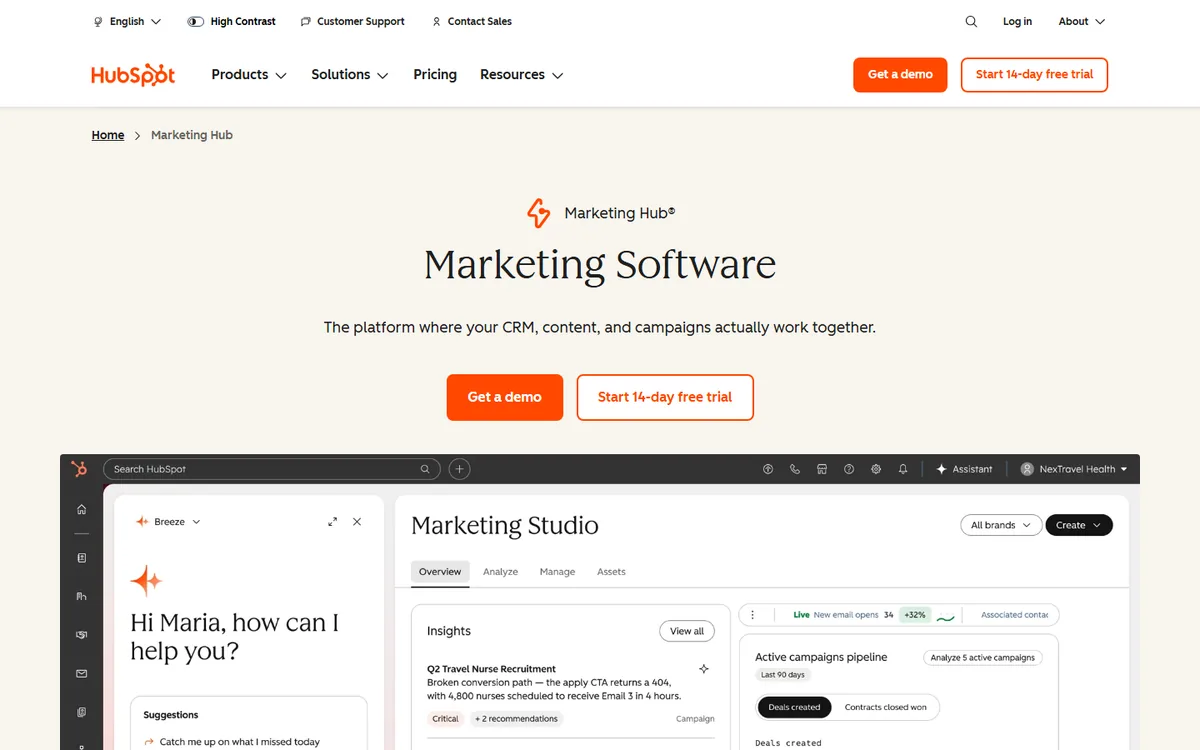
HubSpot Marketing Hub combines email, forms, landing pages, ads and lead management with attribution reports tied to contacts and deals.
HubSpot's reporting strength is that the contact is the center. You can see which campaign, email or page a lead touched and what revenue followed, without joining three exports. For B2B companies with a CRM in HubSpot, that closed loop is the reason to pick it.
The catch is cost and lock-in. Professional and Enterprise editions carry onboarding fees, and contact-based tiers climb as your database grows. I would not choose it only for analytics, but I do recommend it when automation and CRM are also on your list, and its numbers should still be checked against the marketing analytics metrics you report to finance.
Where HubSpot Marketing Hub Shines
- Contact-level attribution tied to deals
- Automation, email and CRM in one place
- A free tier to start with
Where HubSpot Marketing Hub Falls Short
- Costs rise sharply at Professional and Enterprise levels
- Custom analysis is limited compared with a warehouse
HubSpot Marketing Hub Pricing
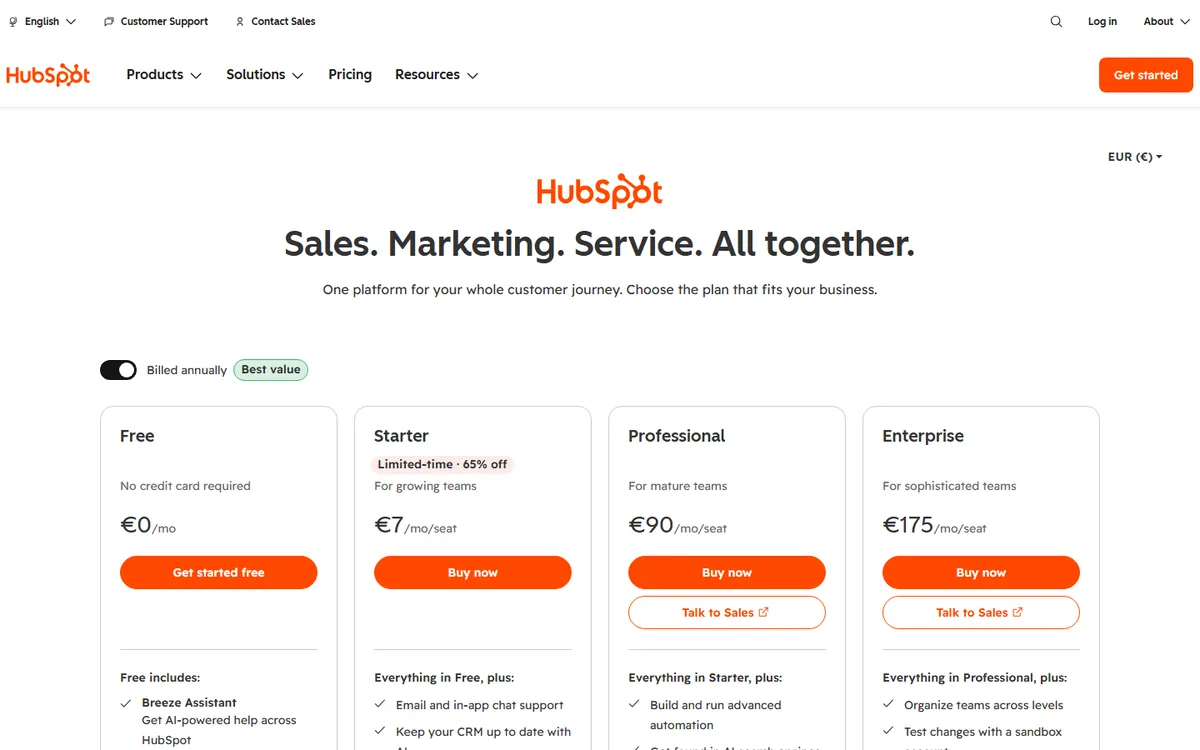
HubSpot lists a free edition with up to 2 users, Starter at $7 per month per seat, Professional from $800 per month with 3 core seats and a $3,000 one-time onboarding, and Enterprise from $3,600 per month with 5 core seats and a $7,000 onboarding. Starter includes 1,000 marketing contacts and the higher tiers include 2,000 and 10,000.
HubSpot Marketing Hub Reviews
- G2: rated 4.4/5 (across +16,000 ratings)
- Capterra: rated 4.5/5 (across +6,200 ratings)
Supermetrics
The Quickest Way to Pull Ad Platform Data Into the Tools You Already Use
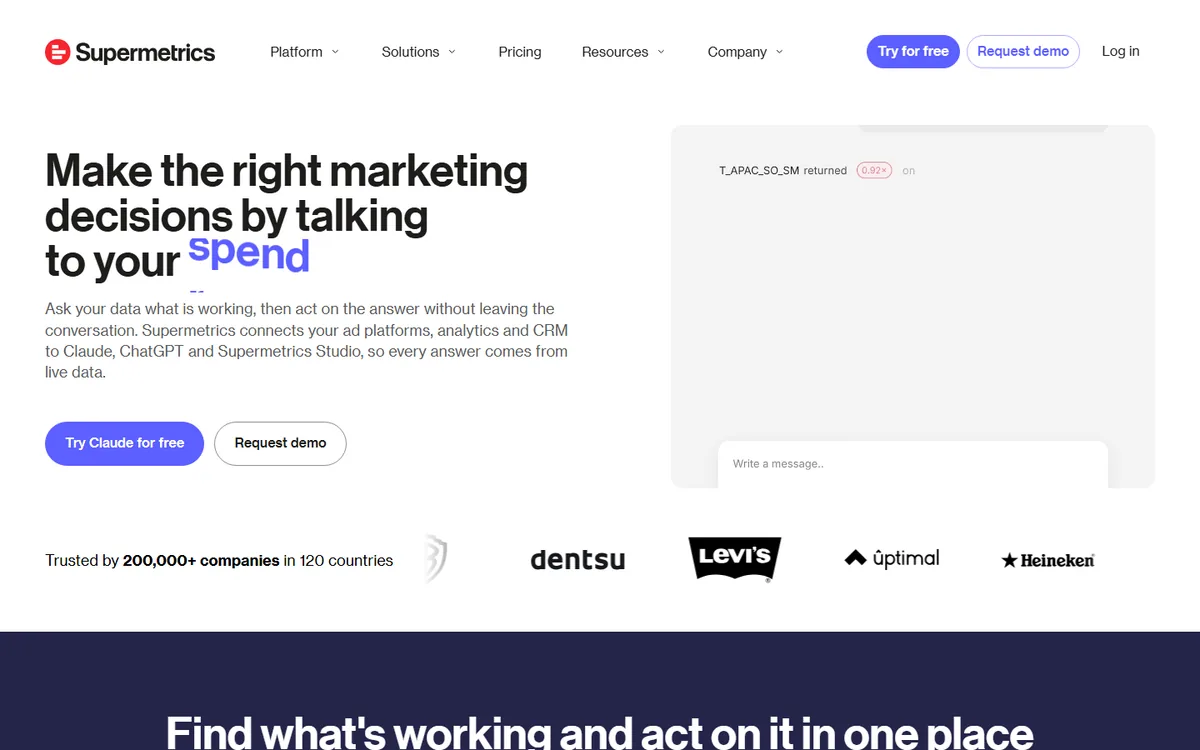
Supermetrics connects ad platforms, analytics and social tools to spreadsheets, BI tools and data warehouses with scheduled refreshes.
Supermetrics solves the most common reporting chore: getting spend and results from many platforms into one place. Marketers choose a source, a destination and a schedule, and the weekly copy and paste ends. Agencies use it heavily for client reports.
It moves data and does not model it, so definitions and deduplication stay your job. In my work, teams that connect everything and skip a shared definition end up with a faster version of the same disagreement. Treat it as plumbing and pair it with a roadmap such as the marketing analytics roadmap I use for sequencing.
Where Supermetrics Shines
- Large connector library and quick setup
- Works with Sheets, Looker Studio, Power BI and warehouses
- 14-day free trial without a card
Where Supermetrics Falls Short
- Pricing is based on sources and destinations and can add up
- Does not clean or reconcile data for you
Supermetrics Pricing
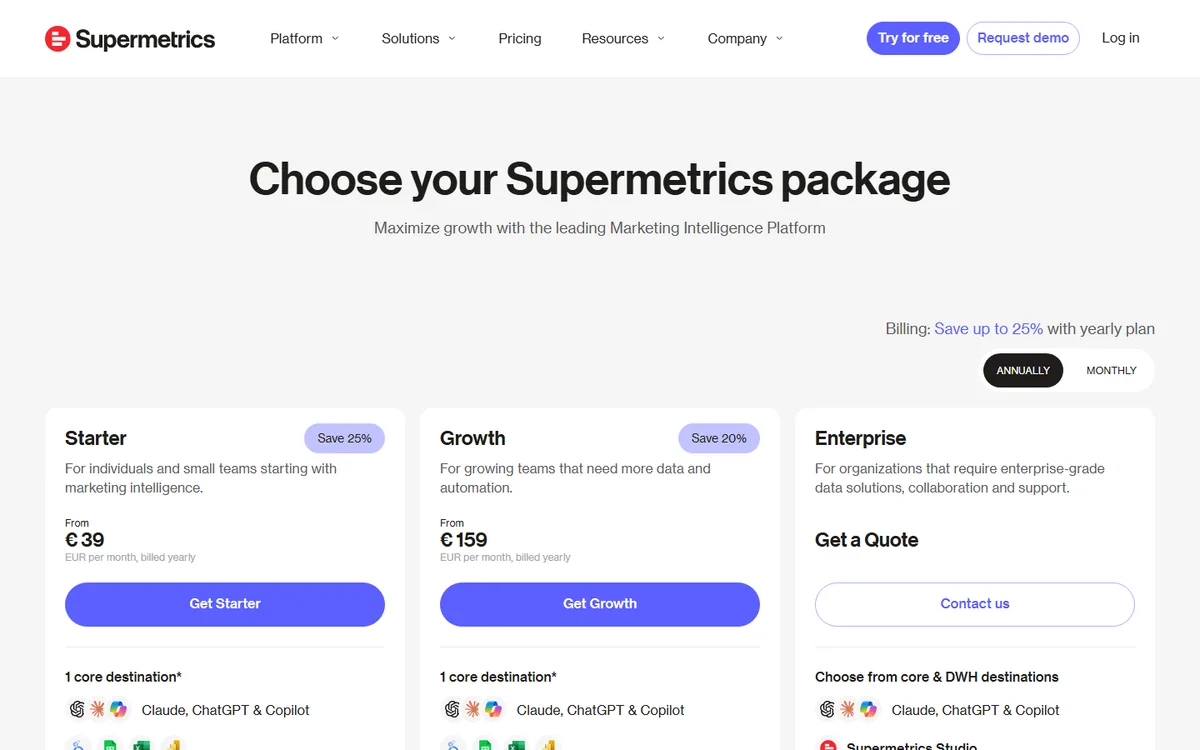
Supermetrics publishes Starter at $59 per month billed monthly, or $44 per month billed yearly, with 1 core destination and 2 data sources. Growth costs $222 per month, or $177 per month billed yearly, with 7 data sources and 2 users, and Enterprise is custom. Extra destinations, users and sources are add-ons.
Supermetrics Reviews
- G2: rated 4.4/5 (across +820 ratings)
- Capterra: rated 4.3/5 (across +110 ratings)
Funnel
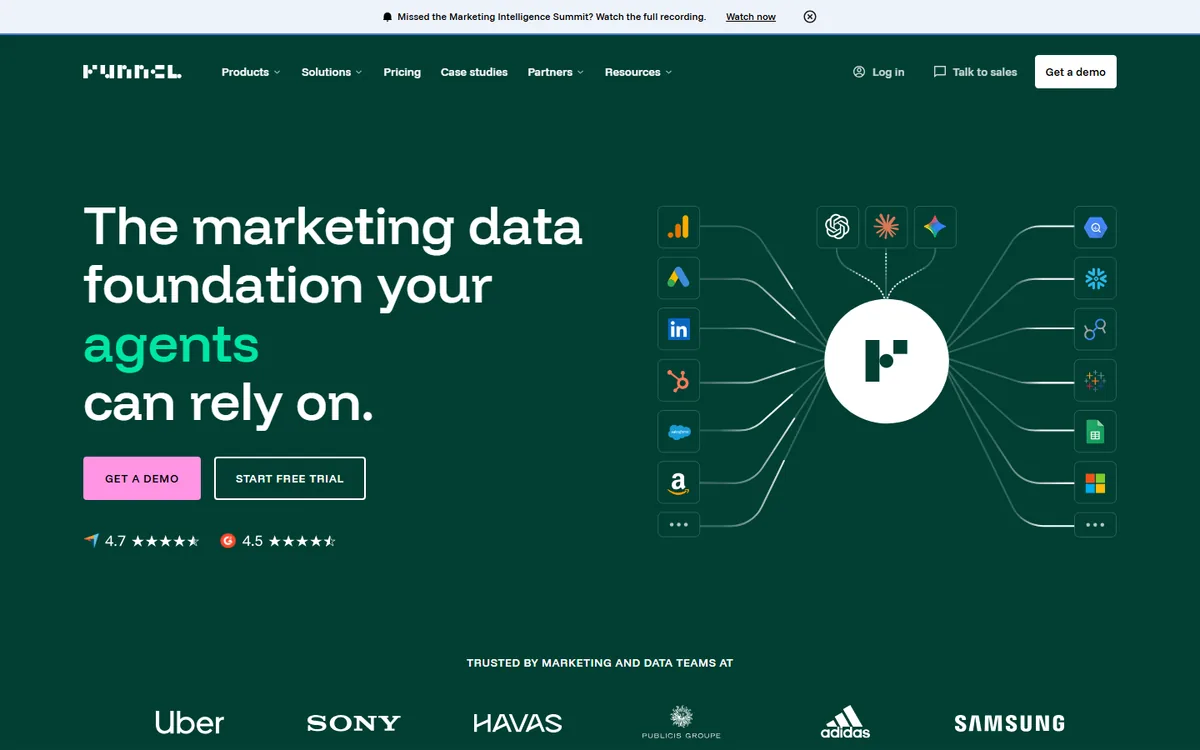
A Stronger Fit Than a Simple Connector Once You Need Governed, Mapped Marketing Data
Funnel collects marketing data from hundreds of sources, maps it into common dimensions and sends it to BI tools and warehouses, with measurement add-ons.
Funnel goes a step beyond a connector. It maps campaign names and metrics into one structure, so cost per click from Meta and Google line up in the same column. That mapping layer is what keeps reports consistent when campaigns multiply.
Cost is higher than lightweight connectors, and flexpoint-based capacity needs planning. It pays off for teams running many channels and markets, and the measurement add-ons for media mix and incrementality extend it past reporting.
Where Funnel Shines
- Data mapping keeps campaign data consistent
- Large connector and destination catalog
- Measurement add-ons for media mix and incrementality
Where Funnel Falls Short
- Starts at a higher price than basic connectors
- Capacity model takes time to understand
Funnel Pricing
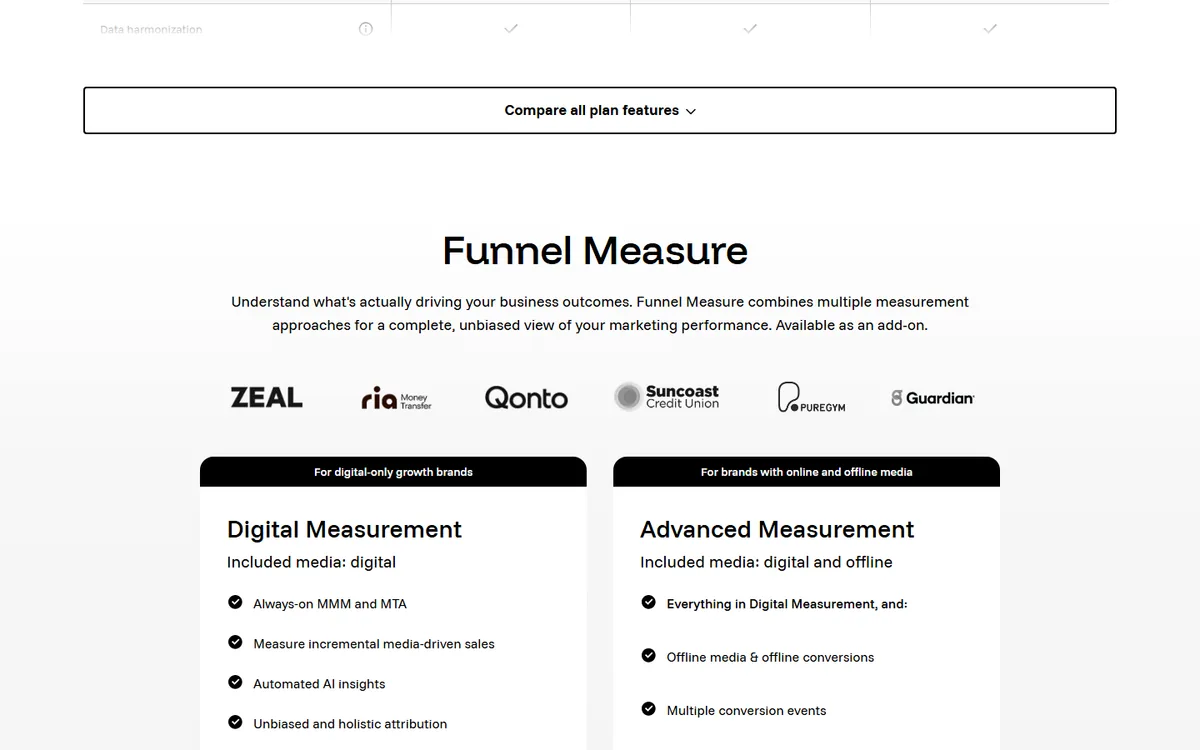
Funnel publishes Data Hub plans with a 14-day free trial: Starter from $300 per month billed annually with 117 connectors, Business from $600 per month billed annually with 579 connectors, and a custom Enterprise plan. The Digital Measurement add-on is listed at about $2,250 per month billed annually for the $500K to $1M monthly ad spend tier.
Funnel Reviews
- G2: rated 4.5/5 (across +290 ratings)
Improvado
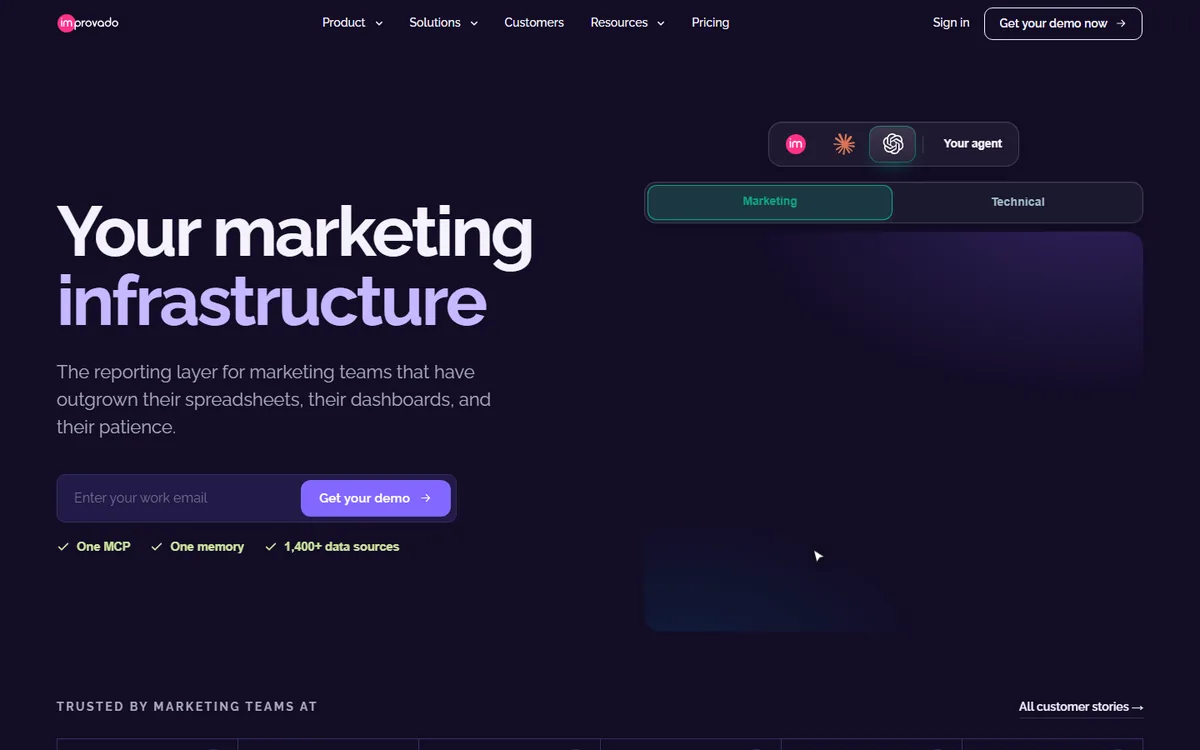
A Heavy-Duty Marketing Data Pipeline for Teams With Many Sources and Strict Governance
Improvado extracts, normalizes and loads marketing data from many platforms into warehouses and BI tools, with governance features and an AI agent layer.
Improvado targets enterprise marketing teams that outgrew connectors. It standardizes naming, tracks changes in source schemas and delivers data to a warehouse, so analysts spend time on questions instead of fixing broken syncs.
The price reflects that. Entry plans start at five figures a year, which is hard to justify for a small team. If you run dozens of accounts across markets and finance asks for audit-ready numbers, it deserves a place on your shortlist.
Where Improvado Shines
- Normalization and governance for many sources
- All connectors and destinations are included
- Pricing is not a share of your ad spend
Where Improvado Falls Short
- Starting price is high for small teams
- Fewer public reviews than the larger tools
Improvado Pricing
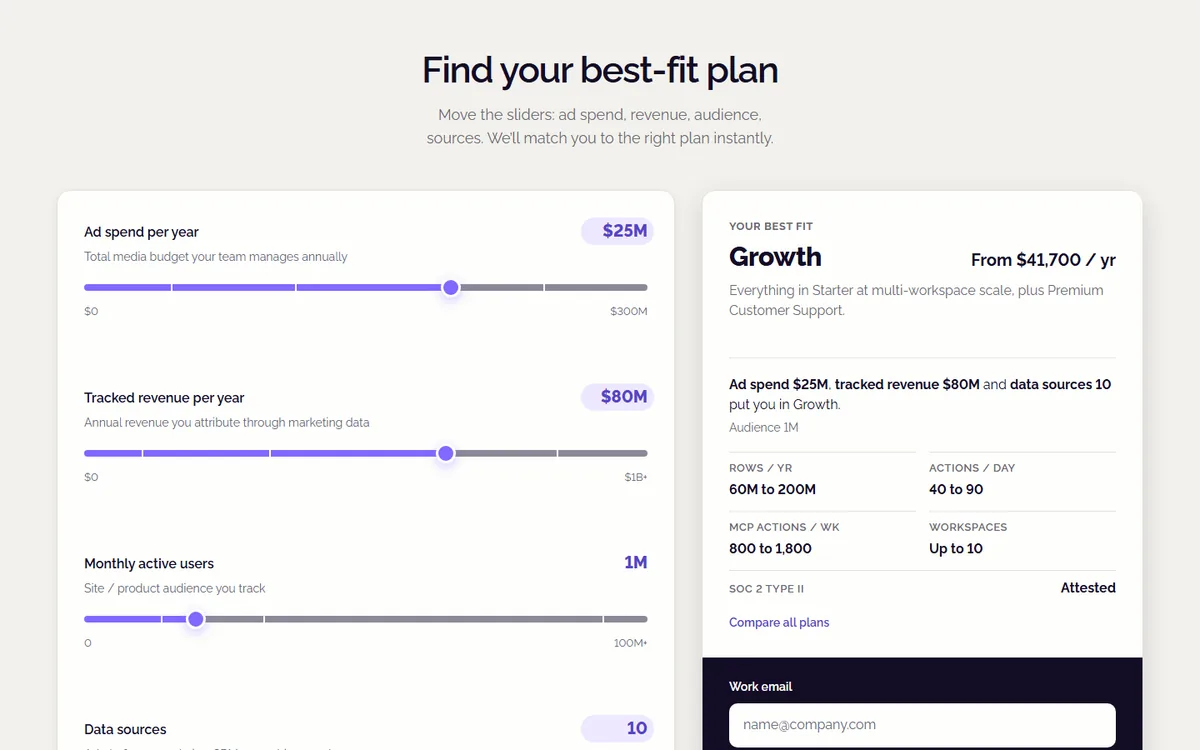
Improvado publishes an MCP Only plan at $100 per month, Starter from $20,000 per year, Growth from $41,700 per year and a custom Enterprise plan. Pricing is usage-based and scales with data volume and processing.
Improvado Reviews
- Capterra: rated 4.5/5 (across +20 ratings)
Databox
Simple, Goal-Based Dashboards for Teams That Want Answers Without a Data Team
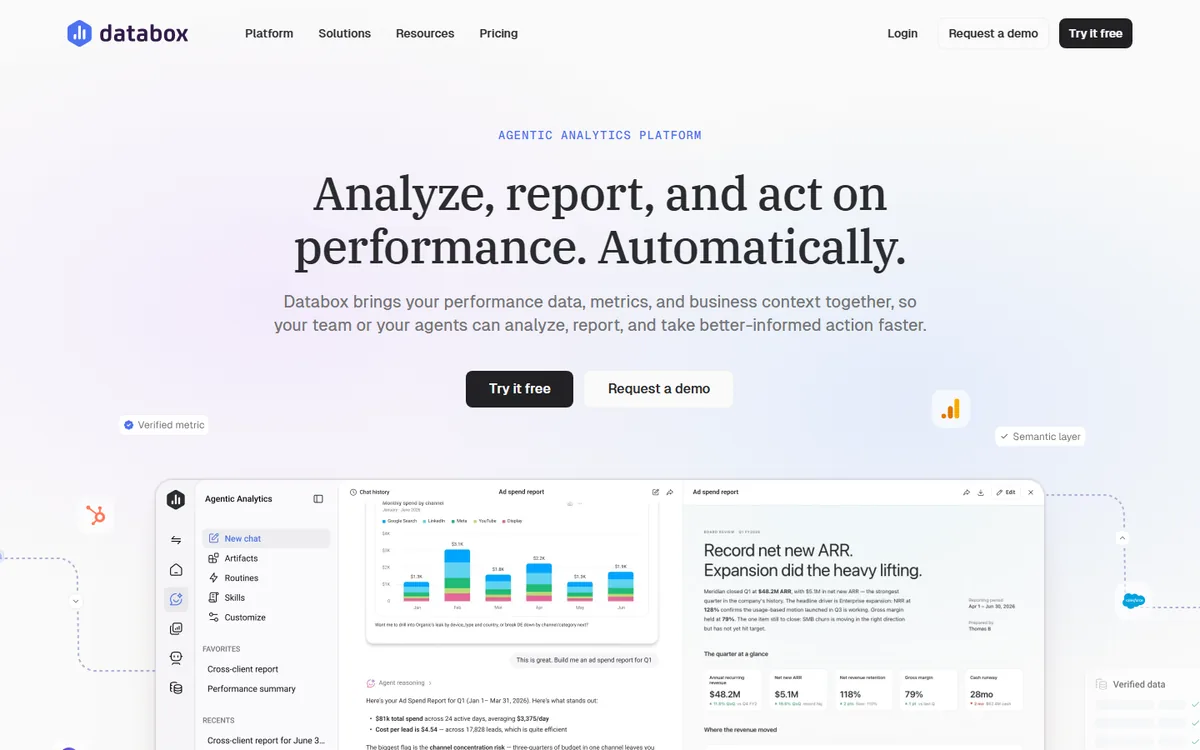
Databox pulls metrics from marketing and sales tools into dashboards with goals, alerts and scheduled reports.
Databox is what I suggest when a small team wants a dashboard this week. It has many integrations, templates for common reports and goal tracking that tells you when a metric is off pace. Agencies use the agency plan to produce client reports quickly.
Customization has limits, and deep analysis still belongs in a warehouse or BI tool. It works best as a monitoring layer for the marketing analytics KPIs you review weekly.
Where Databox Shines
- Fast setup with ready templates
- Goal tracking and alerts
- Agency plan for client reporting
Where Databox Falls Short
- Less flexible than a full BI tool
- No free plan, only a trial
Databox Pricing
Databox lists a self-serve Platform plan at $399 per month billed annually, or $499 billed monthly, and an Agency plan at $79 per month billed annually plus $20 per month per extra account pack. A custom done-for-you service starts at $15,000. There is no free plan, only a 14-day trial.
Databox Reviews
- Capterra: rated 4.6/5 (across +200 ratings)
Triple Whale
A Shopify-Focused Dashboard That Puts Ad Results and Store Profit Side by Side
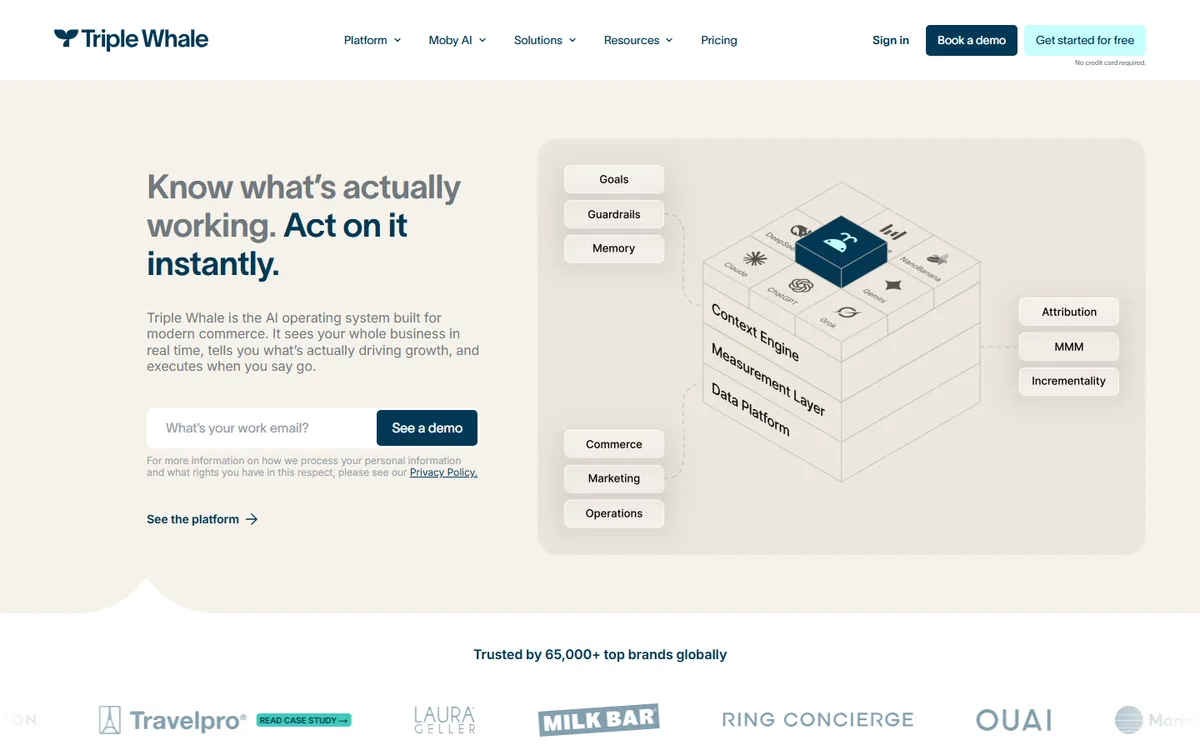
Triple Whale connects Shopify, ad platforms and email tools, and shows blended return, customer cohorts and a first-party attribution pixel.
Triple Whale is built for direct-to-consumer brands. Founders get a daily view of spend, revenue and blended return on ad spend, which is more honest than any single platform's numbers. The pixel and surveys add a second view of attribution.
It is narrow by design. If you are not on a store platform it supports, much of the value disappears. Remember too that any pixel-based model is an estimate, so validate it with holdout tests before you move large budgets.
Where Triple Whale Shines
- Daily blended view of spend, revenue and profit
- Built for Shopify and direct-to-consumer brands
- Free plan and a free founders dashboard
Where Triple Whale Falls Short
- Narrow focus on ecommerce
- Attribution is modeled, so it needs validation
Triple Whale Pricing
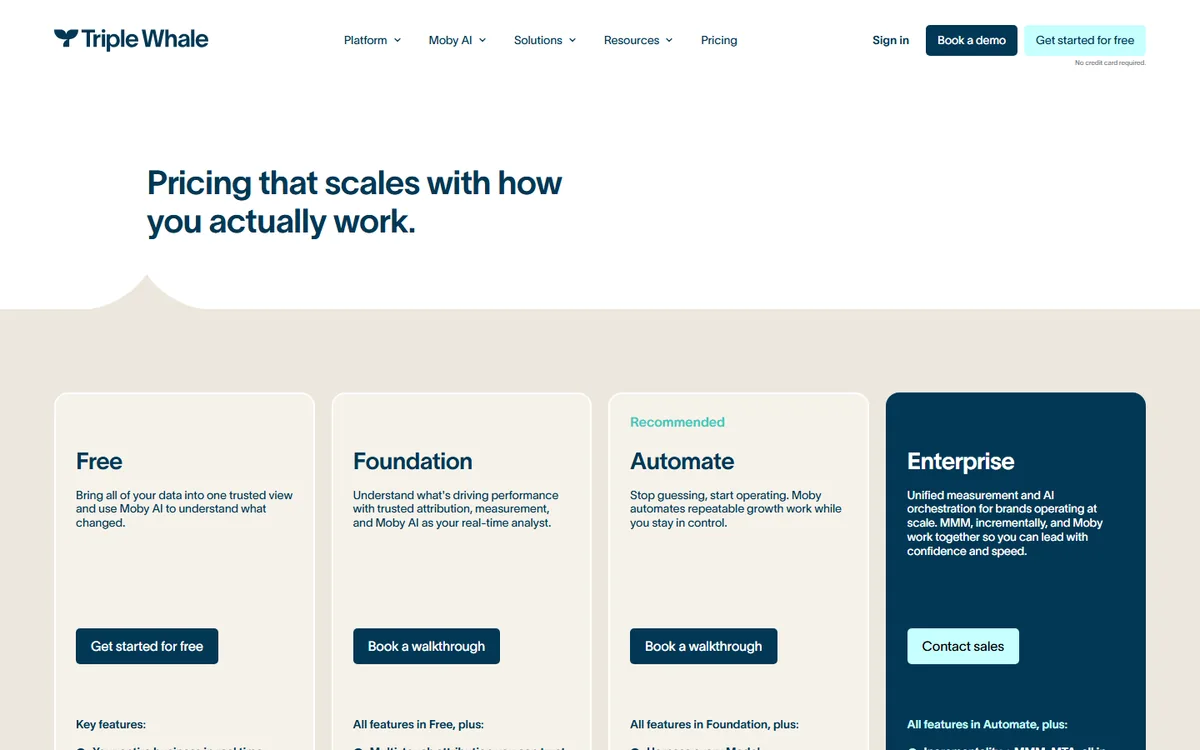
Triple Whale's pricing page showed conflicting plan prices when I checked, so confirm current plans with the vendor. It lists a free plan and a free Founders Dash, and says annual plans require a 12-month commitment.
Triple Whale Reviews
- G2: rated 4.5/5 (across +480 ratings)
Northbeam
Serious Multi-Touch Attribution for Brands With Real Spend to Allocate
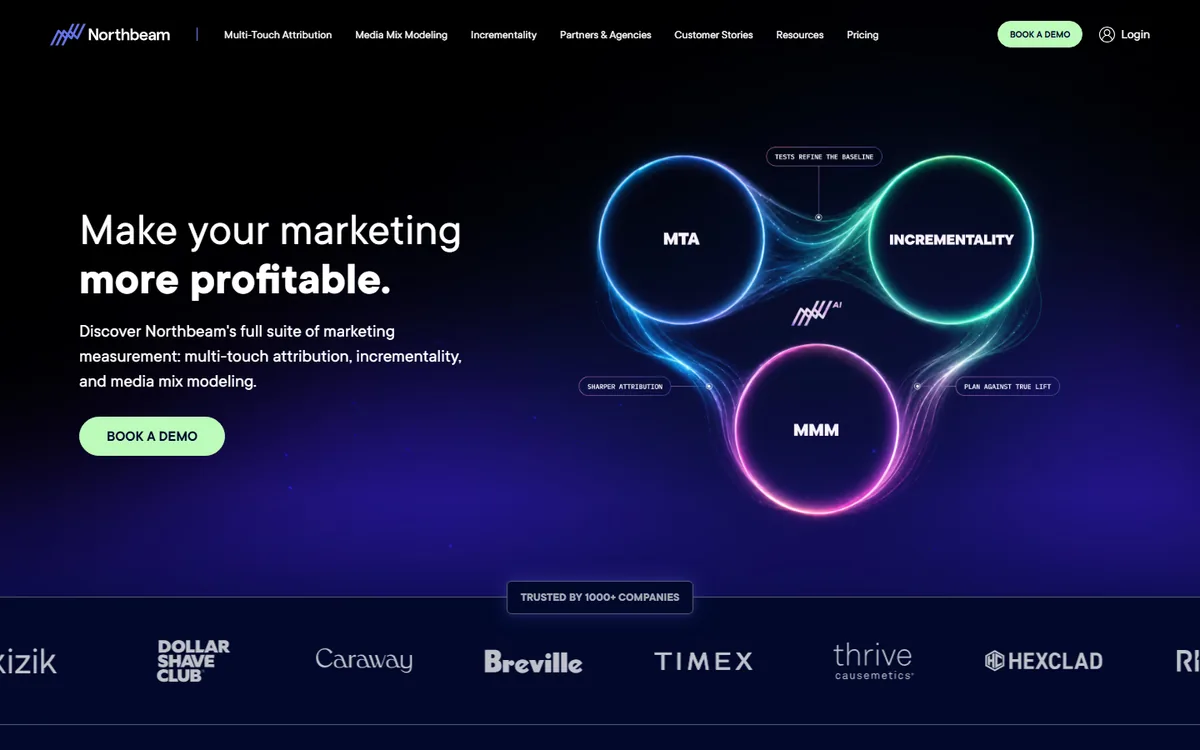
Northbeam uses first-party tracking and modeling to attribute orders across paid, organic and email, with media mix tools for budget planning.
Northbeam suits brands spending enough on ads that a few points of allocation error cost real money. It compares models side by side and updates quickly, which helps teams that move budget weekly.
Pricing is tied to ad spend and data volume, so it is not a tool for small stores. The review count is small, so ask for a trial with your data and compare its answers with your own orders before you trust it.
Where Northbeam Shines
- Multi-touch models across paid, organic and email
- Built for brands with larger ad budgets
- Updates quickly enough for weekly decisions
Where Northbeam Falls Short
- Expensive for small stores
- Few public reviews to compare
Northbeam Pricing
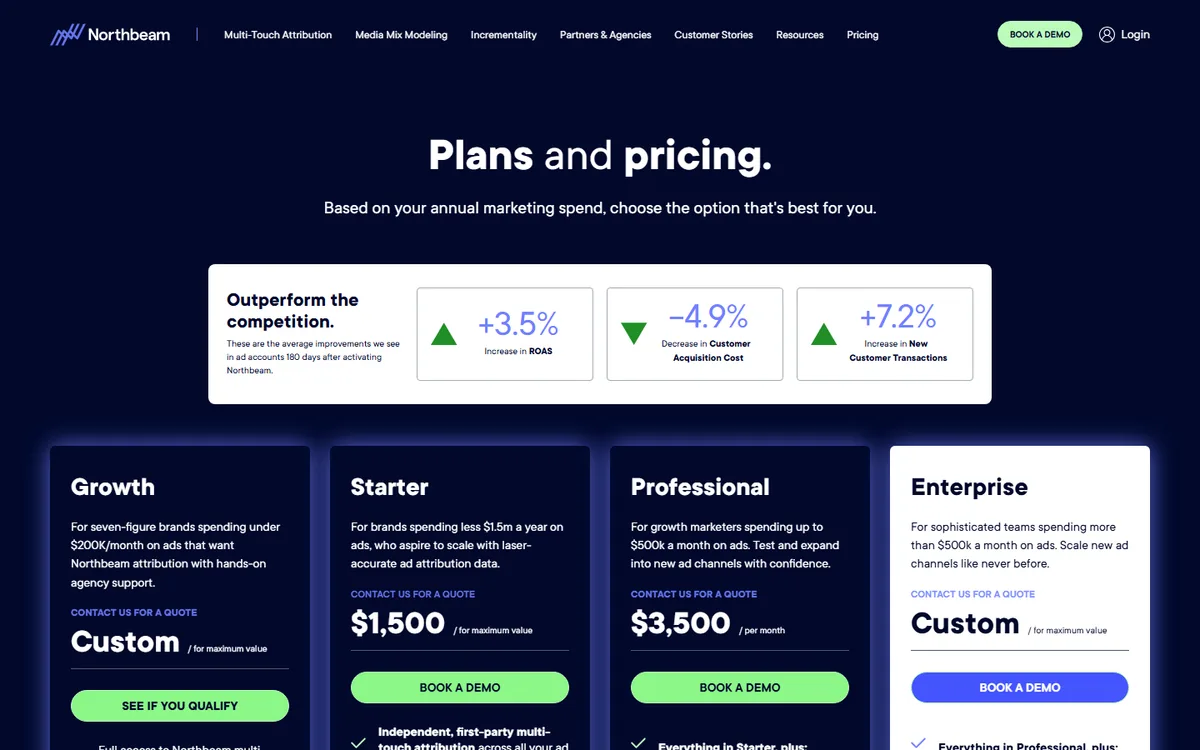
Northbeam says plans start at $1,500, with Professional listed at $3,500 per month and custom Growth and Enterprise quotes. Pricing depends on data volume measured in pageviews, and Starter is for Shopify brands only on a month-to-month basis.
Northbeam Reviews
- G2: rated 4.5/5 (across 16 ratings)
Mixpanel
The Sharpest Tool for Seeing What Users Do After the Click
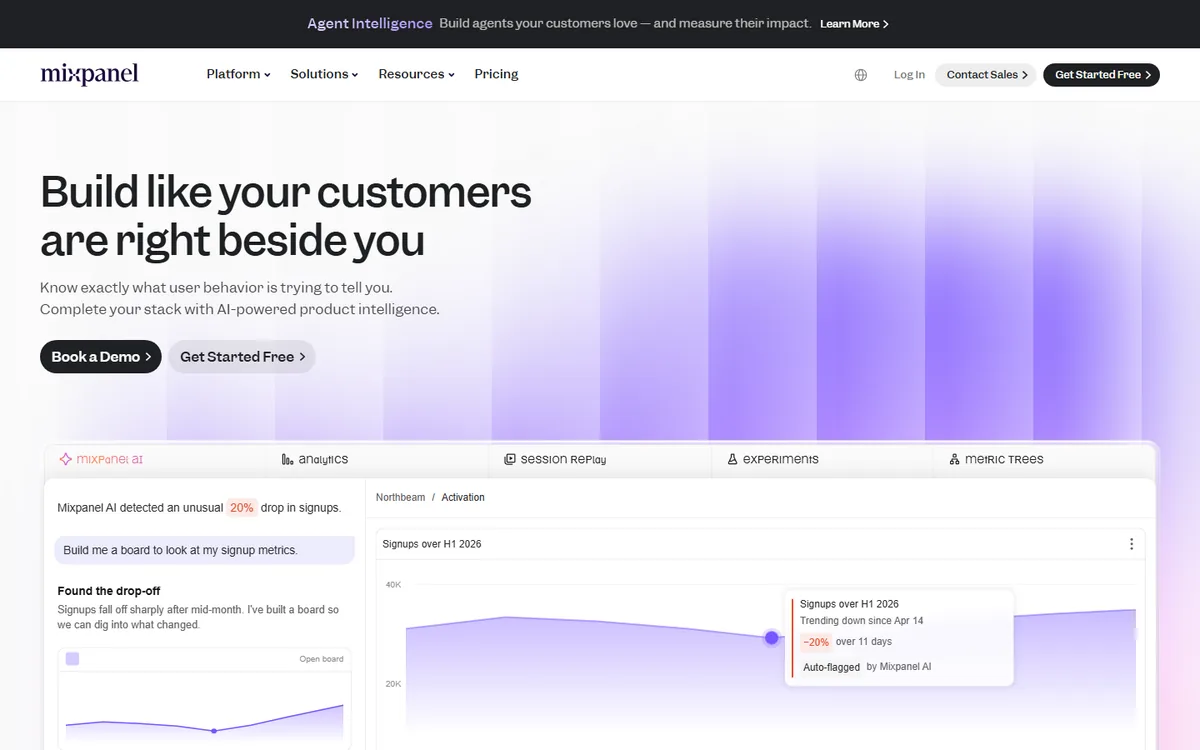
Mixpanel analyzes events to show funnels, retention and user paths, with session replay and experiments in the same product.
Mixpanel answers questions that marketing dashboards skip: which campaign brought users who stay, and where trial users drop. If your revenue depends on activation and retention, linking acquisition source to later behavior is worth more than another click report.
Quality depends on event design. A messy event plan produces messy reports, so write the plan before you instrument. The free tier is generous enough to test the idea with real traffic.
Where Mixpanel Shines
- Strong funnel, retention and path analysis
- A free plan with 1M events a month
- Fast self-serve exploration
Where Mixpanel Falls Short
- Needs disciplined event naming
- Less useful for pure ad reporting
Mixpanel Pricing
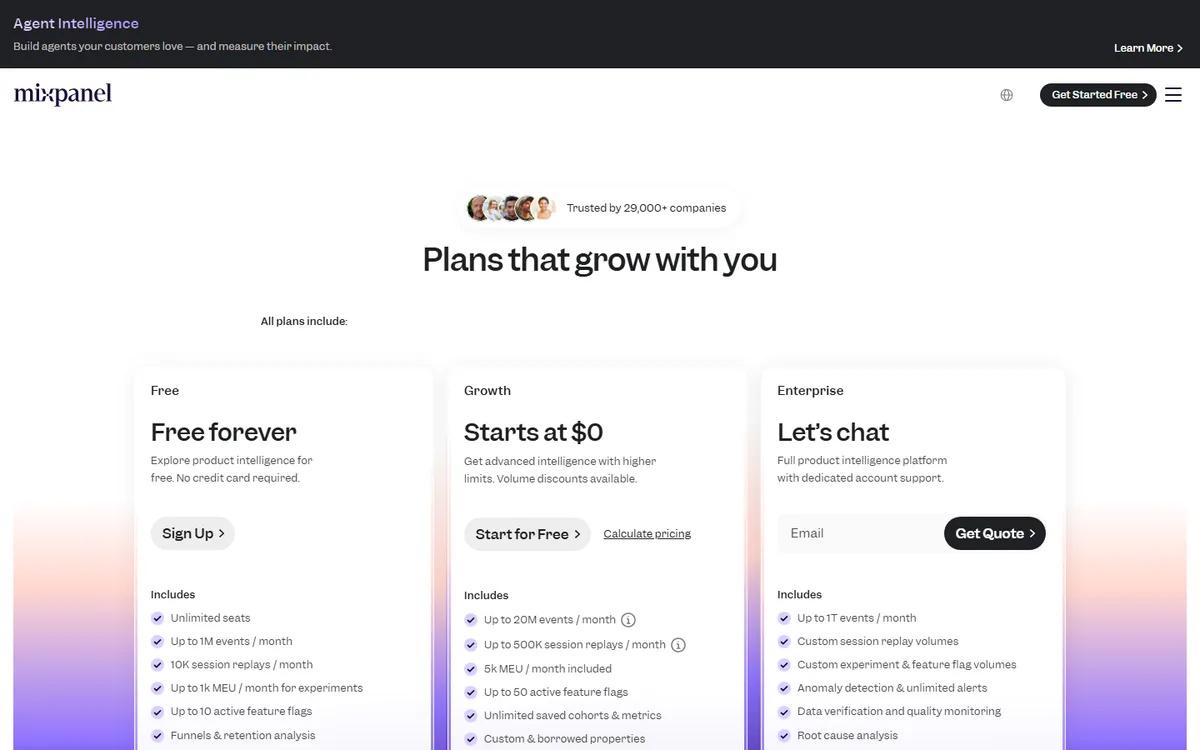
Mixpanel's Free plan includes up to 1M events per month. The Growth plan starts at $0, with the first 1M events free, and 1.5M events cost $100 per month billed yearly, rising to $1,635 per month at 20M events. Enterprise is custom.
Mixpanel Reviews
- G2: rated 4.5/5 (across +1,300 ratings)
- Capterra: rated 4.5/5 (across +140 ratings)
Dreamdata
The Most Useful Option for B2B Teams That Need Ad Spend Tied to Pipeline and Revenue
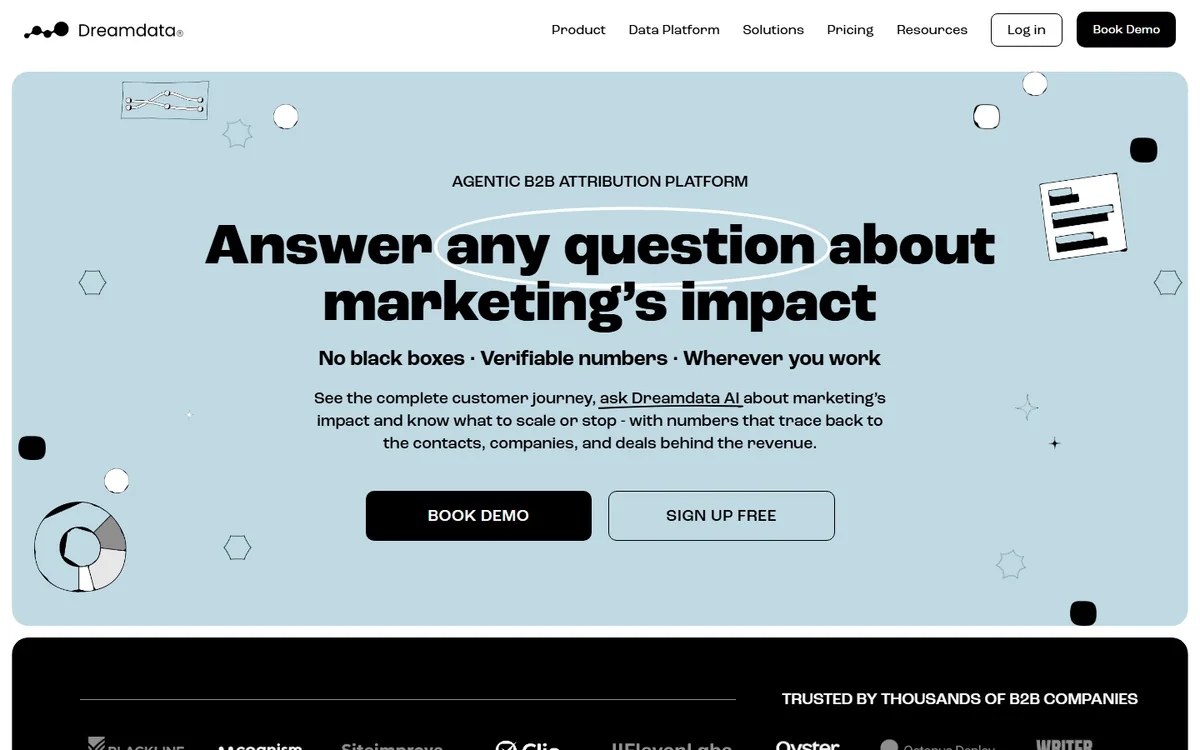
Dreamdata joins web activity, ad spend, CRM and deal data into account-level journeys, and attributes revenue to touchpoints.
B2B buying takes months and involves several people, so click-based reports mislead. Dreamdata stitches anonymous visits to accounts and deals, so you can see which channels sit in the journeys of closed revenue. Sales teams like the account timelines.
Its value depends on a clean CRM. If lifecycle stages and deal sources are patchy, the journeys will be too. A free plan lets you test with limited history, which is a sensible first step before committing.
Where Dreamdata Shines
- Account-level journeys from first visit to closed deal
- Free plan for core B2B analytics
- Connects ad spend to pipeline and revenue
Where Dreamdata Falls Short
- Depends heavily on CRM data quality
- Advanced pricing is quote-based
Dreamdata Pricing
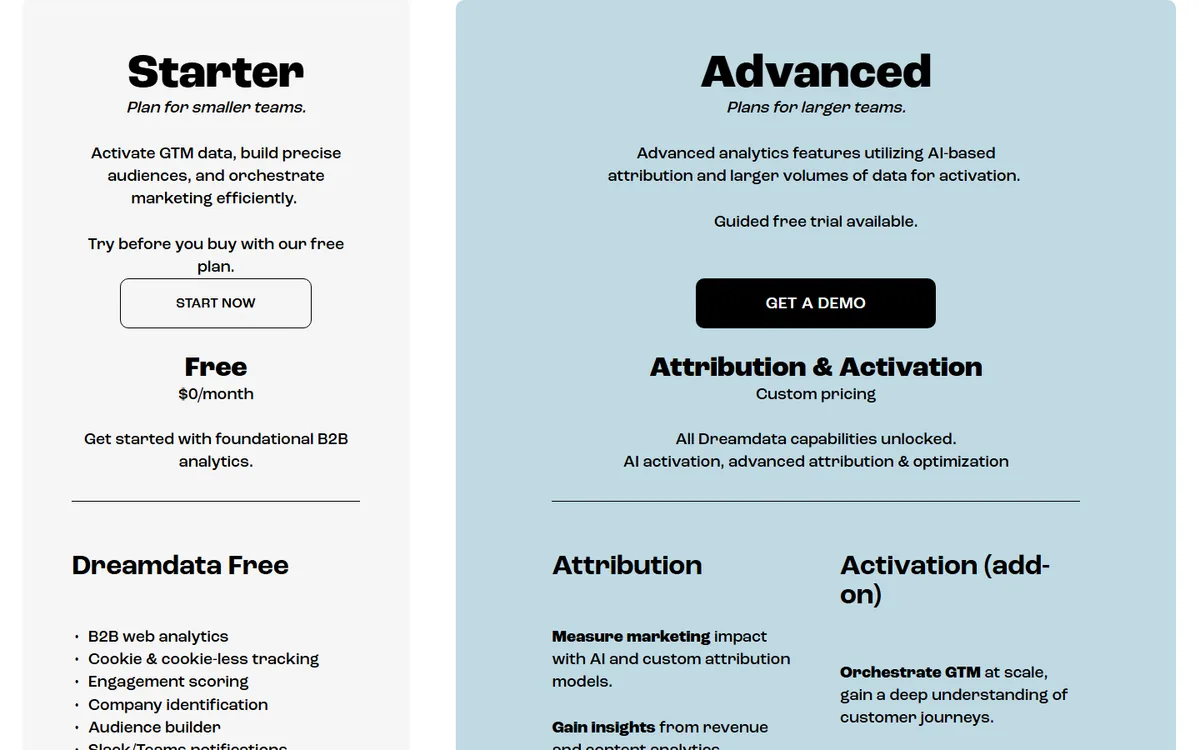
Dreamdata offers a free plan with core B2B analytics, up to 5 seats and 2 months of user history, with no credit card. The Advanced plan has custom pricing, and a guided free trial and demo are available.
Dreamdata Reviews
- G2: rated 4.7/5 (across +280 ratings)
- Capterra: rated 4.8/5 (across +56 ratings)
Estimate the Return on a Marketing Analytics Tool
Before you pick a plan, check whether the numbers work for you. Enter the manual reporting hours the tool could replace and its monthly price, and you will see what it could return in a year.
Is the Software Worth the Cost?
Move the sliders to match the work you want the tool to cover and the plan you are considering.
How to Choose the Right Marketing Analytics Tool
Fit with your sales cycle and your data decides more than any feature list. Before you compare vendors, answer four questions:
- Which budget decisions will the tool support, and how often are they made?
- Do you sell through a store, a website, a sales team or an app?
- Where does your data live, and who will maintain the connections?
- What is your ad spend, and does a tool priced on spend or data volume fit it?
If you need a free baseline, use GA4. If reporting is manual, try Supermetrics or Databox. If you run many channels and markets, compare Funnel and Improvado. If you sell on Shopify, look at Triple Whale or Northbeam, and if you sell B2B, start with Dreamdata. Whatever you pick, test its numbers against your real orders first.
Questions About Choosing Marketing Analytics Tools
What Is the Best Free Marketing Analytics Tool?
Google Analytics 4 is the best free starting point for most sites, with a free BigQuery export for deeper work. Looker Studio is a free way to build reports on top of it. Mixpanel and Dreamdata also have free plans if you need product or B2B analytics.
Do I Need a Marketing Attribution Tool?
Not always. If you spend little or run one or two channels, platform reports plus GA4 are usually enough. Attribution tools earn their cost when you spend across many channels and need to allocate budget, and even then I suggest you check their output with a holdout test.
What Is the Difference Between a Dashboard Tool and a Data Pipeline Tool?
A pipeline tool such as Supermetrics, Funnel or Improvado collects and prepares data from platforms. A dashboard tool such as Databox or Looker Studio displays it. Small teams often use a connector straight into a dashboard, while larger teams add a warehouse in between.
Is GA4 Enough for Ecommerce?
GA4 covers traffic, key events and purchases well, but it does not know your margins, returns or offline sales. Brands that spend heavily often add a blended view such as Triple Whale or a warehouse model. First make sure GA4 purchases match your actual orders.
How Much Do Marketing Analytics Tools Cost?
The range is wide. GA4 is free, Supermetrics starts at $59 per month billed monthly, Databox Platform at $399 per month billed annually and HubSpot Professional at $800 per month. Improvado starts from $20,000 per year, and Adobe Analytics needs a quote.
How Accurate Is Marketing Attribution?
All attribution is an estimate. Tracking gaps from browsers, consent choices and offline sales mean no model sees every touch. I treat attribution output as a direction, then confirm big budget changes with holdout or geo tests.
How Long Does It Take to Set Up Marketing Analytics?
A connector and a first dashboard can take a few days. A trustworthy setup, with clean tracking, consent handled, reconciled conversions and agreed definitions, usually takes several weeks, and the plan for that work matters more than the tool you pick.
Disclaimer: Prices, plans and ratings change often. They were checked when this article was last updated, so confirm them on each vendor’s site before you buy. Nothing here is legal or financial advice.
Was this useful?
We appreciate the feedback.
Rosalind Tierney
Rosalind leads the Flume editorial team and works with our consultants to turn real client projects into practical guides on dashboards, tracking, experimentation and machine learning. Before joining Flume, she spent 11 years in analytics and business intelligence roles. She has since edited more than 300 articles on analytics practice and reviewed dashboards, tracking plans and analytics audits from over 100 client projects. She is based in Minneapolis, Minnesota.