In Short
- Subscription analytics tools such as ChartMogul give MRR, churn and cohort views fastest from billing data.
- BI tools suit unusual revenue rules and multi-system models, but need a builder.
- Forecasting and conversation tools add forward-looking signals, not billing analytics.
- Reconcile one month of revenue before you buy, so the tool starts with numbers finance accepts.
The Best Revenue Analytics Software at a Glance
| Tool | Type | Best for |
|---|---|---|
| 1. ChartMogul | Subscription analytics | MRR, churn and cohorts from billing data |
| 2. Baremetrics | Subscription analytics | Founders who want payment recovery add-ons |
| 3. Maxio | Billing and revenue operations | B2B SaaS finance teams |
| 4. Clari | Revenue forecasting | Enterprise forecast and pipeline roll-ups |
| 5. Gong | Revenue intelligence | Conversation signals for deals and renewals |
| 6. Microsoft Power BI | BI platform | Custom revenue models across systems |
| 7. Tableau | BI platform | Visual revenue exploration |
The 7 Best Revenue Analytics Software Tools, Ranked
I start with tools built for recurring revenue and move toward general platforms, so you can stop reading once you find your fit. In the revenue analytics consulting projects I review, clean billing data matters more than the platform.
ChartMogul
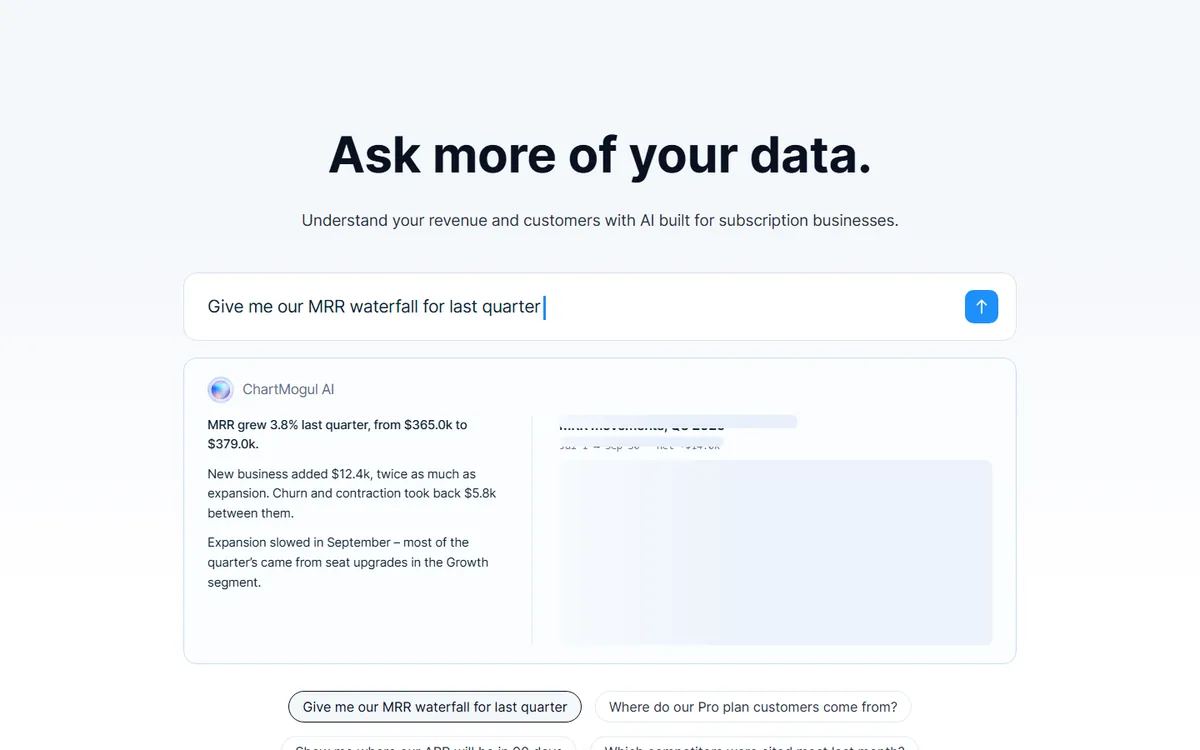
The Best Fit for Subscription Businesses That Want MRR, Churn and Cohort Reports Fast
ChartMogul connects to billing systems such as Stripe, Recurly, PayPal and Braintree, and turns invoices into recurring revenue metrics.
You see MRR movements split into new, expansion, contraction and churn, plus cohorts, customer lifetime value and segments. I like that it handles messy billing data well: plan changes, refunds and currency conversions are normalized, so the MRR figure is easier to trust. It is the first tool I suggest to a software company that wants the views described in my revenue analytics examples.
The limits are the pricing model and flexibility. Cost rises with MRR, and companies with accrual-based finance views may find the MRR model rigid. Reviewers also mention occasional sync delays from Stripe. Pair it with a BI tool if you need to join product or CRM data.
Where ChartMogul Shines
- Normalizes plan changes, refunds and currencies into clean MRR
- Cohort, churn and LTV views work out of the box
- Free plan for companies under $10,000 MRR
What I Don't Like About ChartMogul
- Price grows with MRR
- Less flexible for accrual-based finance reporting
ChartMogul Pricing
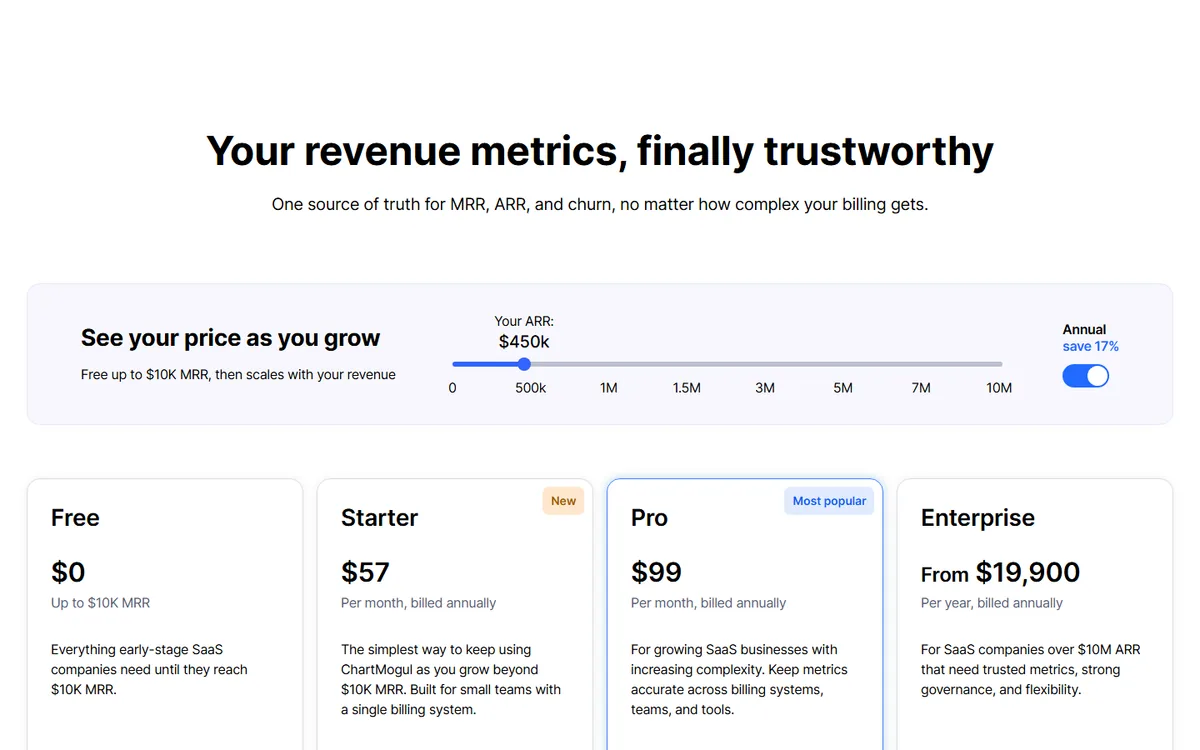
The vendor page lists a Free plan up to $10K MRR, Starter from $69 per month ($57 billed annually) and Pro from $119 per month ($99 billed annually) for companies up to $10M ARR, and Enterprise from $19,900 per year above that. Prices rise along the ARR slider.
ChartMogul Reviews
- G2: rated 4.5/5 (across 114 ratings)
- Capterra: rated 4.7/5 (across 44 ratings)
Baremetrics
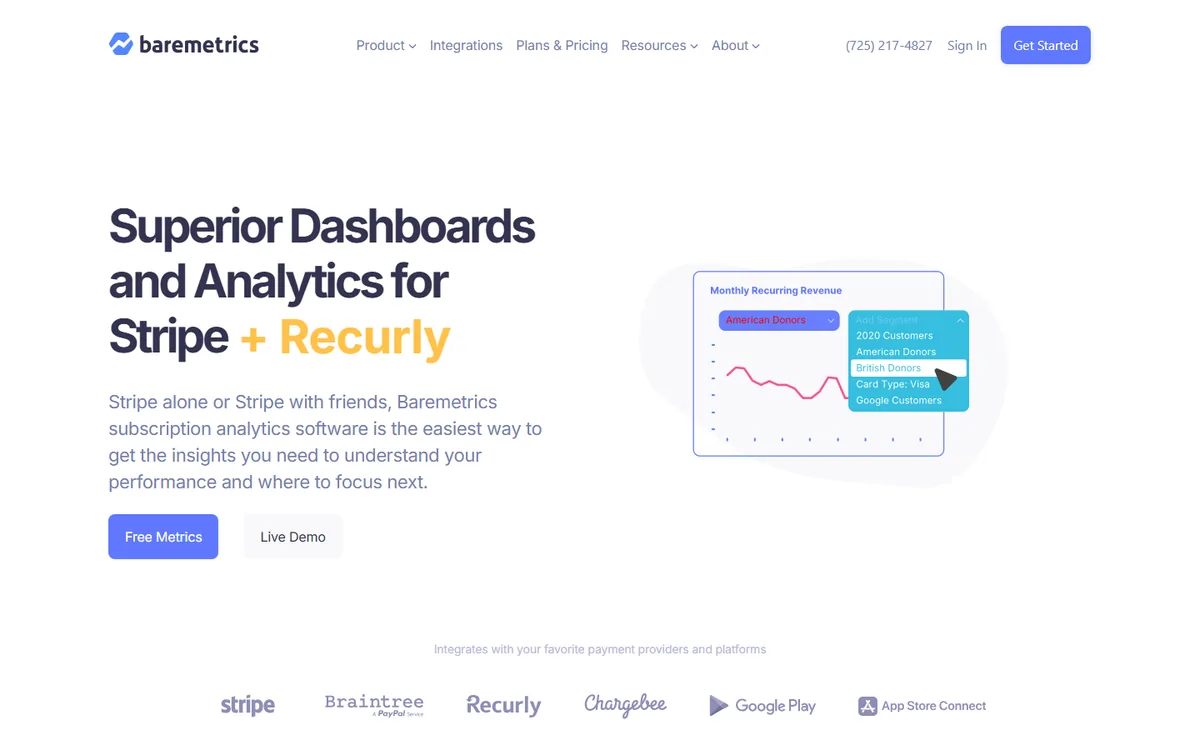
A Simple Subscription Dashboard With Add-Ons for Payment Recovery and Cancellation Insights
Baremetrics reads data from billing providers and shows MRR, churn, LTV and trials in a dashboard that founders can read quickly.
The add-ons stand out: Payment Recovery targets failed card payments, and Cancellation Insights asks customers why they leave. For small subscription companies, that is a practical bundle, because failed payments are a quiet source of churn.
It is lighter than a BI platform, so custom modeling is limited. Its Capterra profile shows only three reviews, which I will not use as a rating, so rely on the G2 score and a trial. The metrics you track here should match the ones in my list of revenue analytics KPIs.
Where Baremetrics Shines
- Clear dashboard that founders can read at once
- Payment recovery and cancellation add-ons target real leaks
- Demo environment to test before signing up
What I Don't Like About Baremetrics
- Limited custom modeling
- Add-ons cost extra each month
Baremetrics Pricing
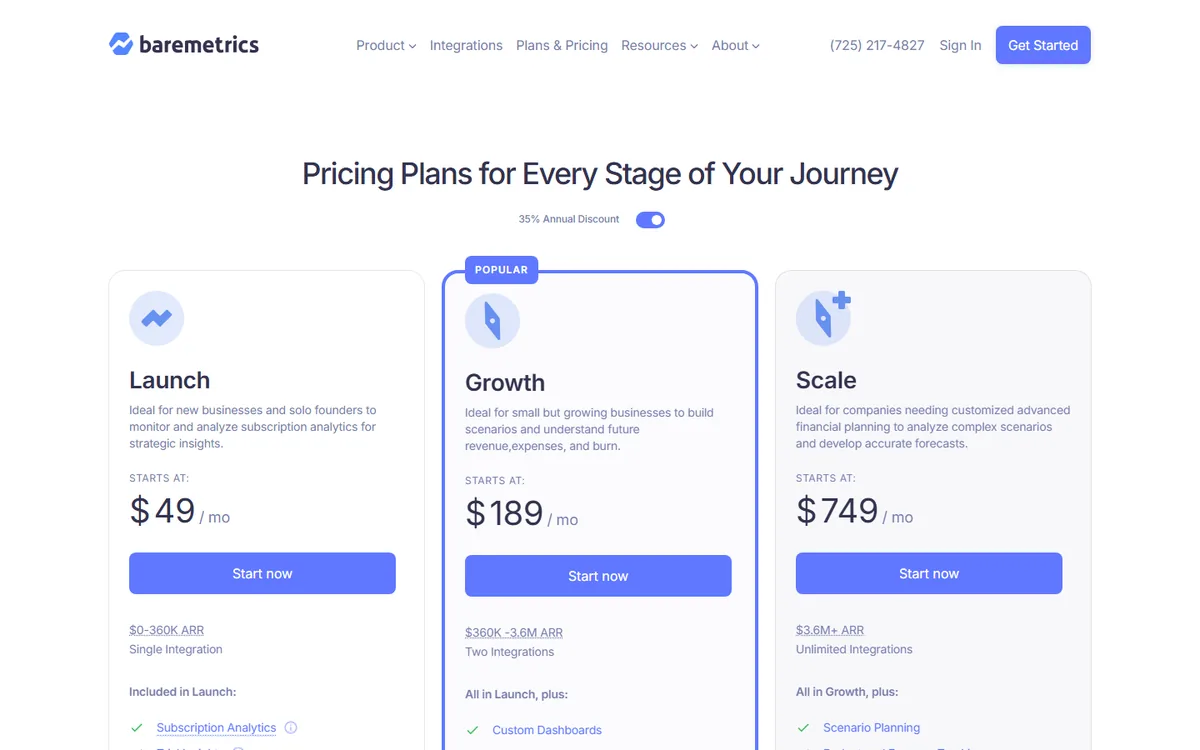
The pricing cards list Launch at $75, Growth at $255 and Scale at $1,152 per month by ARR tier, while the page FAQ shows $49, $189 and $749. The page does not say which is current, so confirm at signup. Annual billing saves up to 35 percent, and Payment Recovery and Cancellation Insights are $129 per month each.
Baremetrics Reviews
- G2: rated 4.6/5 (across 98 ratings)
Maxio
Billing and Revenue Operations in One Product for B2B SaaS Finance Teams
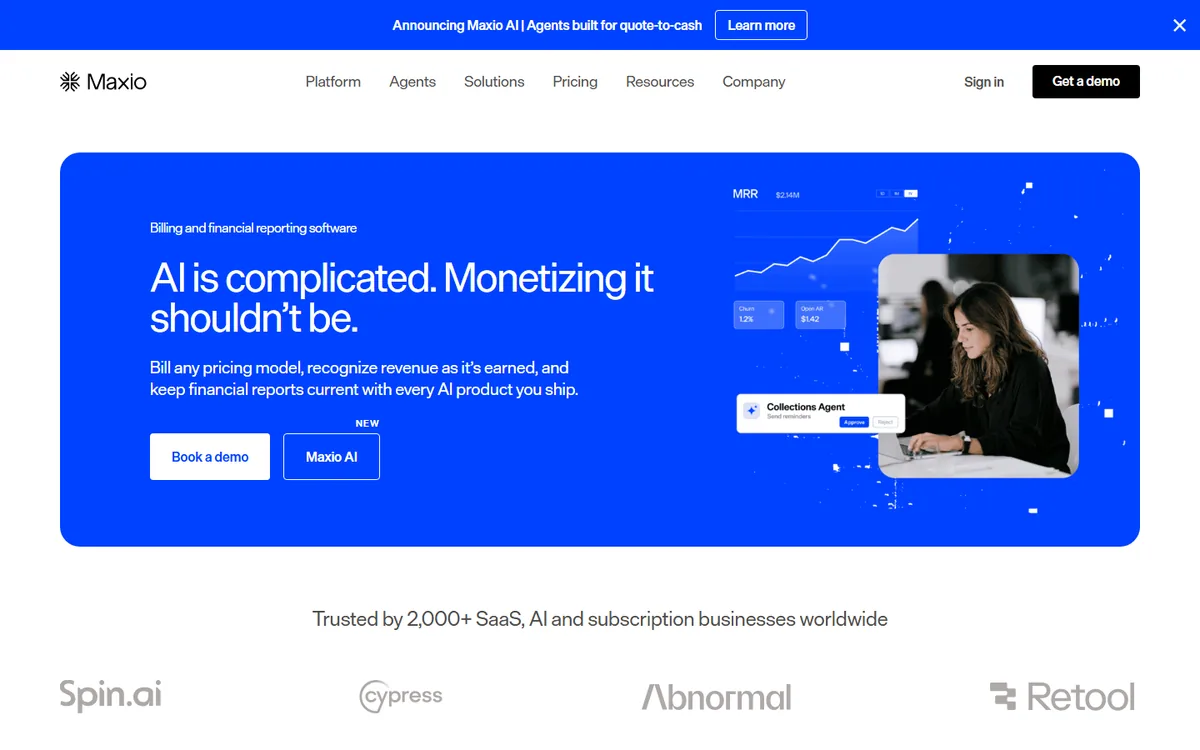
Maxio combines subscription billing, invoicing, collections and revenue reporting, so finance teams get analytics from the system that creates the invoices.
Reports cover MRR, churn and revenue recognition, and the platform supports usage-based billing and multiple payment gateways. For finance teams that want one place for billing and reporting, it removes a layer of reconciliation, which links directly to the leakage audits I describe in my revenue analytics consulting work.
It is a billing platform first. If you already run billing elsewhere, switching for analytics alone is a large step. Review the modules you need, because some features are optional add-ons.
Where Maxio Shines
- Analytics come from the system that issues invoices
- Revenue recognition and collections in the same platform
- Unlimited users on all plans
What I Don't Like About Maxio
- Switching billing systems is a large project
- Some modules are priced separately
Maxio Pricing
The vendor page lists Grow at $599 per month for up to $100K in monthly billings, and Scale is quote-based above that. Defaults are annual agreements, and add-ons are priced separately without published costs.
Maxio Reviews
- G2: rated 4.3/5 (across 831 ratings)
- Capterra: rated 4.3/5 (across 255 ratings)
Clari
Revenue Forecasting and Pipeline Inspection for Enterprise Revenue Teams
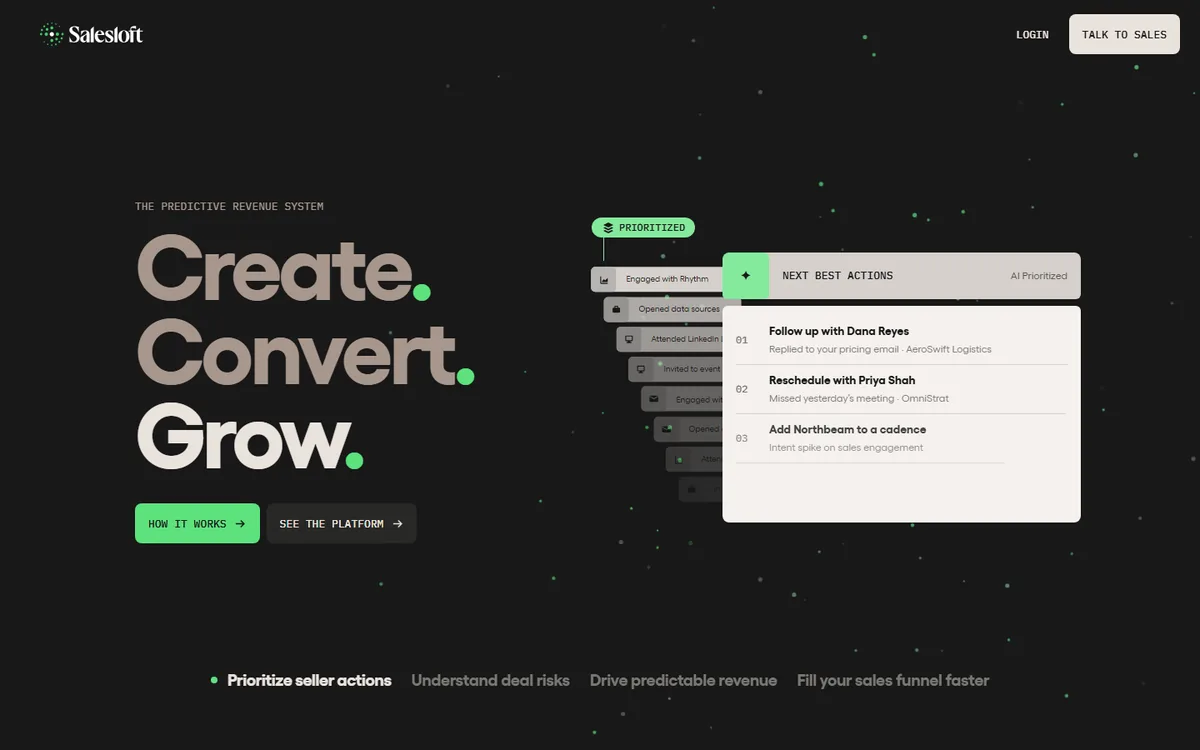
Clari collects signals from the CRM and other systems to give revenue leaders a view of forecast, pipeline risk and deal movement.
It suits companies where sales, success and finance share one revenue plan and want a single weekly roll-up. Forecast change tracking shows how the number moved during the quarter and why, which helps leadership ask better questions.
It is not a billing analytics tool, so you will not see MRR cohorts here. Treat it as the forward-looking layer, and add a subscription analytics or BI tool for retention and billing views.
Where Clari Shines
- Tracks how the forecast changes through the quarter
- One roll-up across sales, success and finance
- Works on top of the CRM
What I Don't Like About Clari
- No billing or MRR cohort analysis
- No public pricing
Clari Pricing
Clari does not publish prices, and its pricing page redirected to a demo request when I checked. You need to request a quote.
Clari Reviews
- Capterra: rated 4.5/5 (across 19 ratings)
Gong
Revenue Intelligence That Links Conversations to Deal and Renewal Outcomes
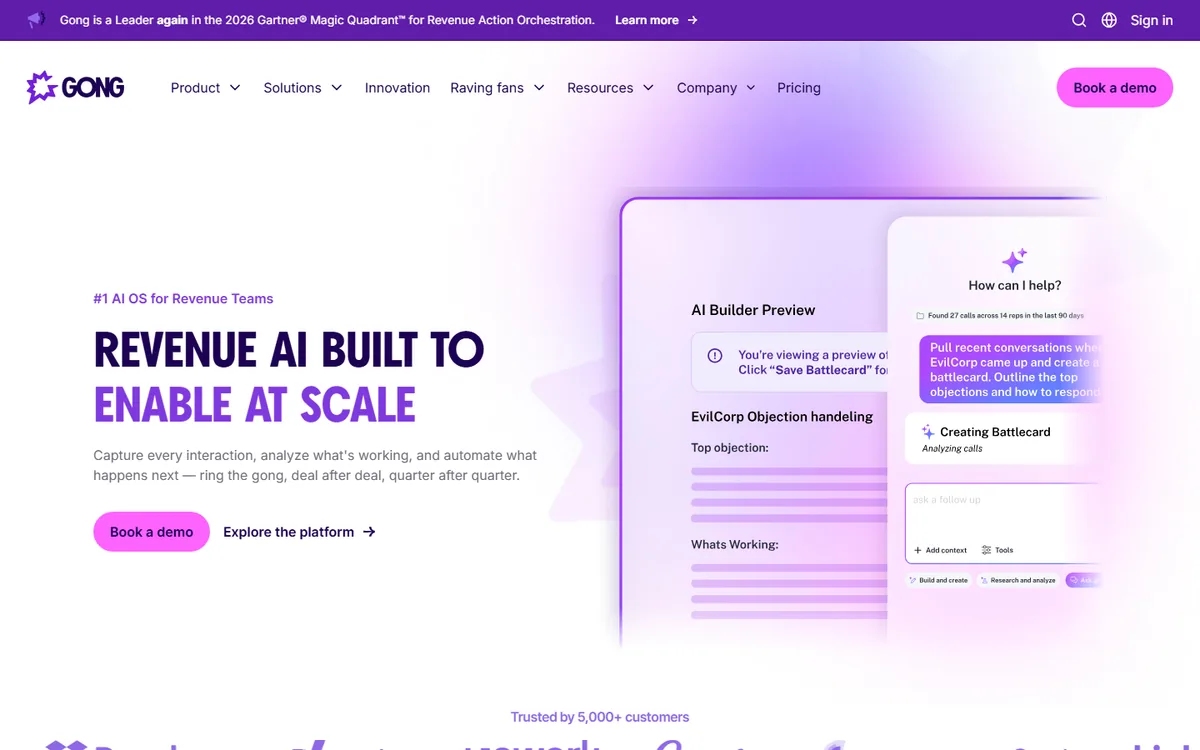
Gong analyzes customer calls and emails across sales and success teams, and ties them to deal and renewal outcomes.
For revenue analytics, its value is early warning. Signals such as a missing executive sponsor, a competitor mention or falling engagement show up before the numbers change. Forecast and deal views then use that evidence.
It is expensive and works best when managers coach from it. It does not replace billing analytics, so pair it with a tool that reports retention and expansion.
Where Gong Shines
- Early warning from conversation signals
- Covers both new business and renewals
- High ratings from a large review base
What I Don't Like About Gong
- Pricing is high and not published
- Needs manager follow-through to pay back
Gong Pricing
Gong does not publish prices. The vendor page says licenses are priced per user with a platform fee, and you request a proposal after sharing your team size.
Gong Reviews
- G2: rated 4.7/5 (across 6,793 ratings)
- Capterra: rated 4.8/5 (across 561 ratings)
Microsoft Power BI
The Most Flexible Low-Cost Choice for a Custom Revenue Model Across Systems
Power BI lets you combine billing, CRM, accounting and product data into one revenue model with your own definitions.
That flexibility matters when your revenue rules are unusual: multi-entity reporting, mixed one-time and recurring revenue or special rebates. You write each measure once and reuse it. Finance and sales then read the same number in different reports.
The price is effort. Someone must build and maintain the model, and a loose model gives confident wrong answers. A written metric dictionary before the build prevents most issues.
Where Microsoft Power BI Shines
- Combines any source into one model
- Custom revenue rules and measures
- Low per-user price
What I Don't Like About Microsoft Power BI
- Needs a skilled builder for the model
- Sharing needs paid licenses for viewers
Microsoft Power BI Pricing
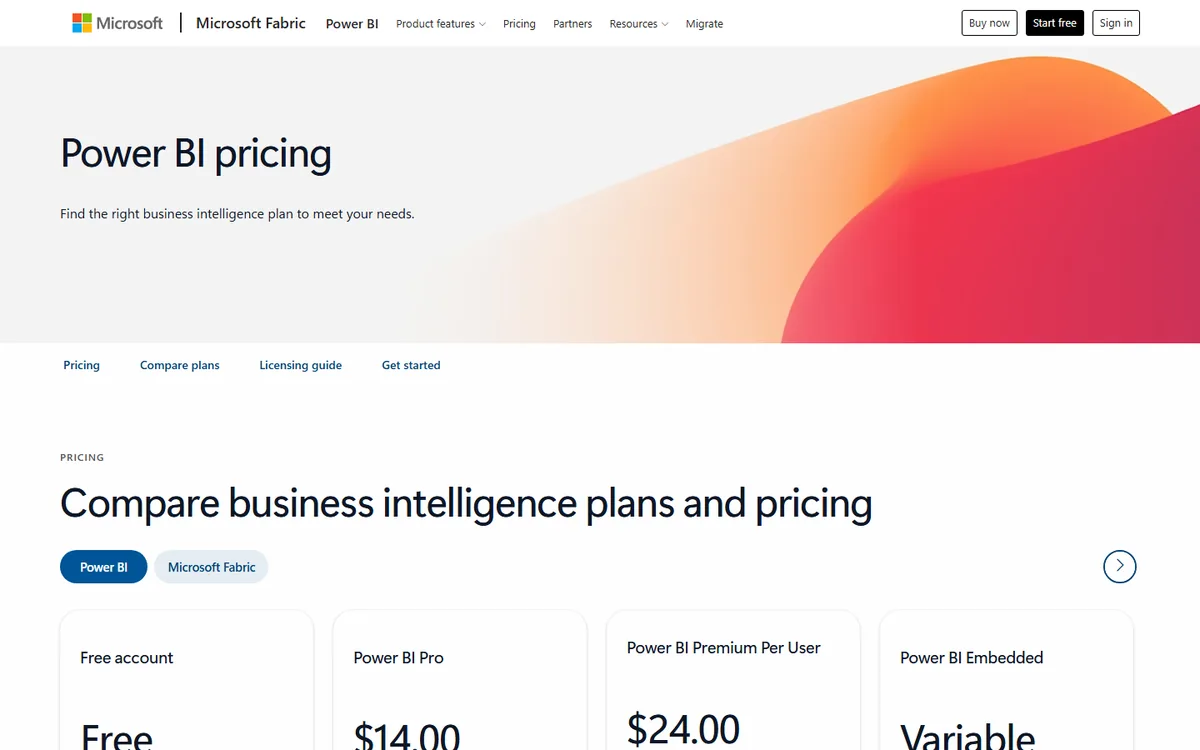
The vendor page lists a free account, Power BI Pro at $14 per user per month and Premium Per User at $24 per user per month, billed yearly. Fabric capacity pricing is separate, and Microsoft notes that prices vary by country.
Microsoft Power BI Reviews
- G2: rated 4.5/5 (across 1,610 ratings)
- Capterra: rated 4.6/5 (across 1,894 ratings)
Tableau
The Best Choice for Visual Revenue Exploration by Finance and Analytics Teams
Tableau helps analysts explore revenue data visually, drilling from a total into customers, products and periods.
I use it for price-volume-mix bridges, cohort heatmaps and customer concentration views, where chart quality changes how well the message lands. Connectors reach most databases and billing exports.
Governance needs planning, and pricing is annual and per user. Without certified data sources, teams publish conflicting revenue workbooks, which defeats the purpose.
Where Tableau Shines
- Excellent visual exploration
- Many connectors to databases and files
- Large community and training material
What I Don't Like About Tableau
- Conflicting workbooks without governance
- Annual contract only
Tableau Pricing
The vendor page lists Tableau Standard from $15 per user per month, Enterprise from $35 and Tableau Next from $40, billed annually, with annual contracts only. Cloud and Server capacity pricing is quote-based.
Tableau Reviews
- G2: rated 4.4/5 (across 4,237 ratings)
- Capterra: rated 4.6/5 (across 2,360 ratings)
Estimate the Return on Revenue Analytics Software
Before you pick a plan, check whether the numbers work for you. Enter the manual reporting hours the tool would replace and its monthly price, and you will see what it could return in a year.
Is the Software Worth the Cost?
Move the sliders to match the work you want the tool to cover and the plan you are considering.
How to Choose the Right Revenue Analytics Software
In my experience, the shape of your revenue decides the tool. Before you compare vendors, answer four questions:
- Is your revenue mostly subscription, usage-based or one-time?
- Which system is the source of truth for invoices?
- Do you need forward-looking forecasts, backward-looking retention or both?
- Who will maintain the model: finance, an analyst or a consultant?
If you sell subscriptions through Stripe or a similar provider, start with ChartMogul or Baremetrics. If you want billing and reporting in one place, look at Maxio. If your rules are unusual, build in Power BI or Tableau. If forecast discipline is the problem, add Clari, and for early warning from conversations, consider Gong. Whichever you choose, check the output against the ten measures in my guide to revenue analytics KPIs.
Questions About Choosing Revenue Analytics Software
What Is Revenue Analytics Software?
It is software that measures where revenue comes from and how it changes: recurring revenue, churn, expansion, cohorts and forecasts. Some tools read billing data, others read CRM or conversation data.
What Is the Best Revenue Analytics Software for SaaS?
For subscription businesses, ChartMogul and Baremetrics give MRR, churn and cohort views quickly from billing data. Larger finance teams often add a BI tool such as Power BI for custom models.
Do I Need a BI Tool as Well as a Subscription Analytics Tool?
Not at first. Subscription analytics tools cover standard metrics. You need a BI tool when you combine billing with CRM, product or accounting data, or when your revenue rules are unusual.
How Much Does Revenue Analytics Software Cost?
It ranges from free plans for small companies to quote-based enterprise contracts. Subscription analytics tools often price by MRR or ARR, while BI tools price per user. Check each vendor's page before you buy.
How Is Revenue Analytics Software Different from Forecasting Software?
Revenue analytics looks at what happened and why. Forecasting software, such as Clari, looks forward and tracks how the expected number changes during the quarter.
Can I Use Spreadsheets Instead?
For a small number of customers, yes. Spreadsheets break down with plan changes, refunds and currencies, which is where billing-connected tools save time.
What Data Do I Need Before I Buy?
A clean customer list and invoice history from your billing system. Reconcile one month against accounting first, so the tool starts with numbers that finance accepts.
Disclaimer: Prices, plans and ratings change often. They were checked when this article was last updated, so confirm them on each vendor's site before you buy. Nothing here is legal or financial advice.
Was this useful?
We appreciate the feedback.
Rosalind Tierney
Rosalind leads the Flume editorial team and works with our consultants to turn real client projects into practical guides on dashboards, tracking, experimentation and machine learning. Before joining Flume, she spent 11 years in analytics and business intelligence roles. She has since edited more than 300 articles on analytics practice and reviewed dashboards, tracking plans and analytics audits from over 100 client projects. She is based in Minneapolis, Minnesota.