In Short
- CRM reports are enough for many small teams, and BI tools add value when you combine several data sources.
- Conversation intelligence such as Gong adds insight that stage data cannot, at a higher price.
- Forecast quality depends more on clean stage definitions than on the tool you buy.
- Choose by data location, team skills and viewer count, then pilot on your own data.
The Best Sales Analytics Software at a Glance
| Tool | Type | Best for |
|---|---|---|
| 1. HubSpot Sales Hub | CRM with reporting | Small and mid-sized teams that want built-in dashboards |
| 2. Salesforce Sales Cloud | Enterprise CRM | Large teams with complex sales processes |
| 3. Microsoft Power BI | BI platform | Custom dashboards on top of any CRM |
| 4. Tableau | BI platform | Visual exploration by analysts |
| 5. Gong | Conversation intelligence | Analyzing calls and deal risk |
| 6. Clari | Forecasting layer | Weekly forecast and pipeline inspection |
| 7. Pipedrive | Pipeline CRM | Small teams that want simple reports |
| 8. Zoho Analytics | BI platform | Zoho users and low-budget BI |
| 9. Looker Studio | Free dashboards | Reports on Sheets, Ads and BigQuery |
| 10. Qlik Cloud Analytics | BI platform | Exploring data across many sources |
| 11. Domo | Cloud BI platform | Connectors and dashboards in one place |
The 11 Best Sales Analytics Software Tools, Ranked
I start with tools that suit the widest range of teams and move toward specialist platforms, so you can stop reading once you find your fit. In the sales analytics consulting projects I review, the quality of the data behind a tool matters more than the tool.
HubSpot Sales Hub
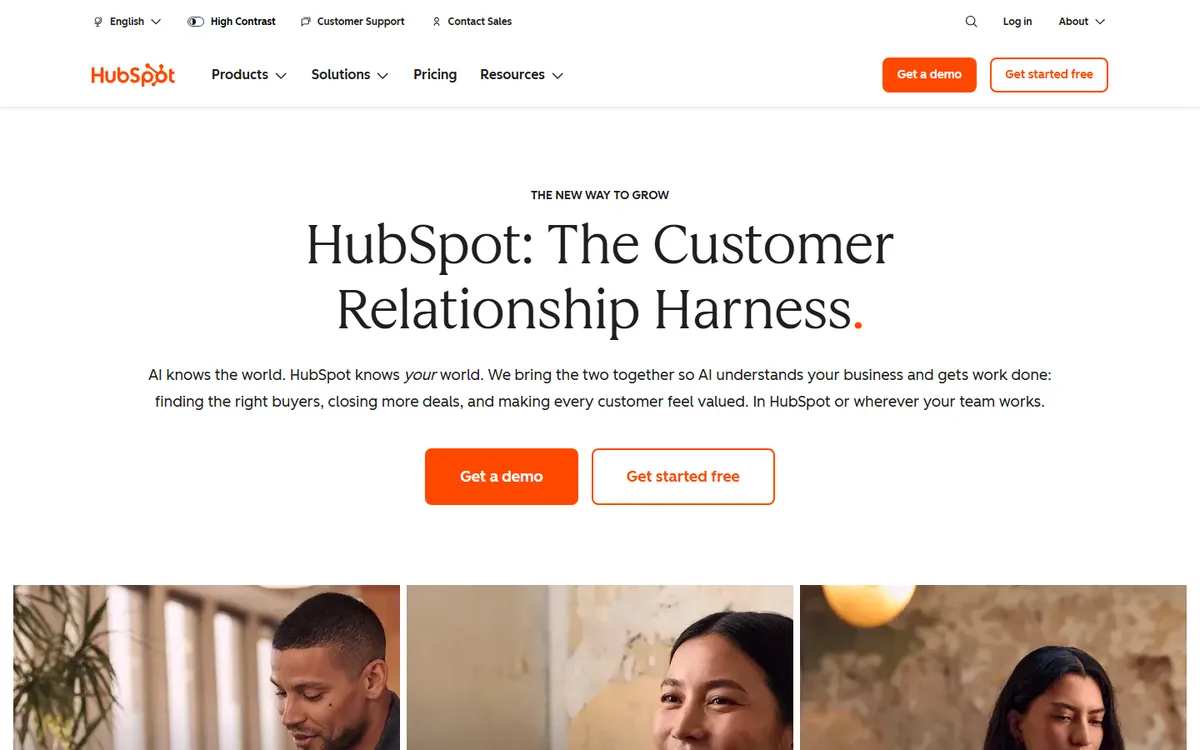
The Easiest Way to Get Useful Sales Reporting Out of a CRM Without a Data Team
HubSpot Sales Hub combines a CRM, sequences, meeting tools and reporting in one product, with dashboards built from the same records your reps already update.
I usually recommend it to teams under a hundred reps who want funnel, forecast and activity reports without hiring an analyst. You build a custom report from deal, contact and company properties, drop it on a dashboard and share it. Forecasting tools sit inside the same product, and the free tier lets you test the data model before buying.
The limit shows up in complex joins. Reporting across billing or product data needs extra work, and the numbers are only as good as the properties your team fills in. That is why the clean-up steps in my sales analytics best practices matter before any dashboard goes live.
Where HubSpot Sales Hub Shines
- Reports and dashboards sit on the same records reps already update
- A free tier lets you test the CRM and basic reports first
- Forecasting and deal views arrive without a separate product
What I Don't Like About HubSpot Sales Hub
- Joining billing or product data needs extra tooling
- Higher plans are priced per seat and add up for large teams
HubSpot Sales Hub Pricing
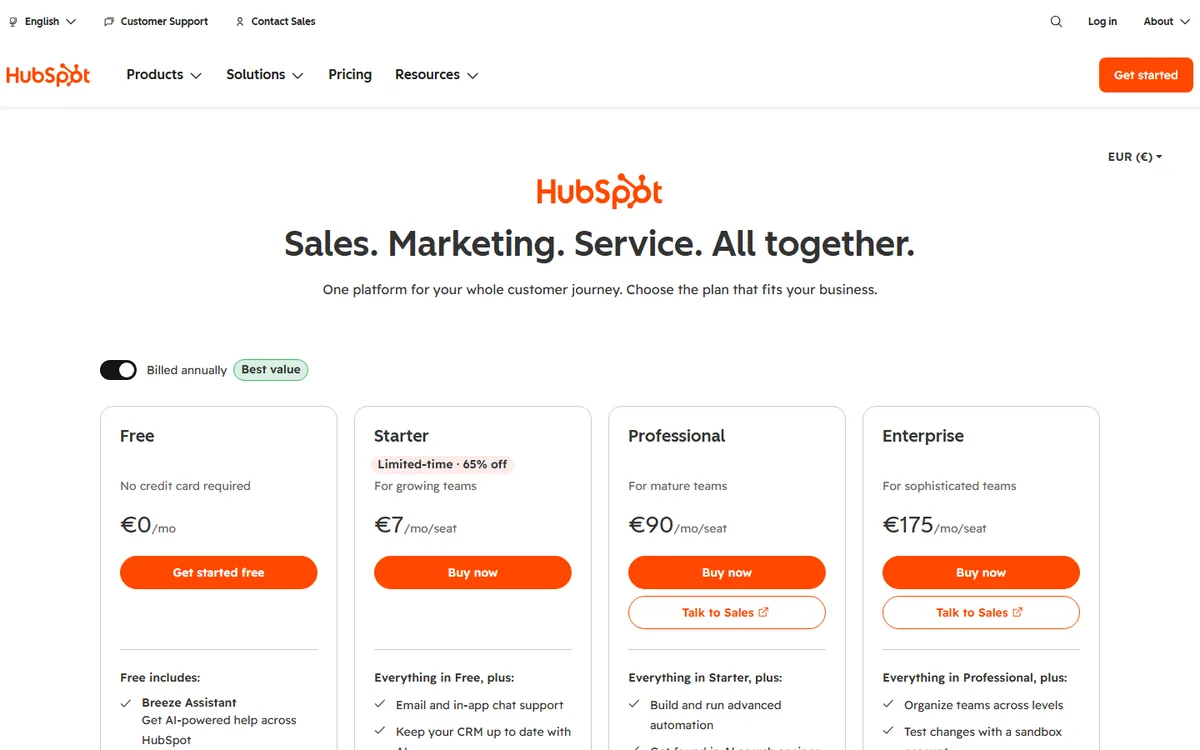
HubSpot offers free tools for up to two users. The vendor page lists Starter, Professional and Enterprise editions. Professional starts at $90 to $100 per seat per month and Enterprise at $150, with one-time onboarding fees of $1,500 and $3,500 on those two. Starter appears with two different prices on the page and Capterra lists $15 per user, so confirm the figure at checkout.
HubSpot Sales Hub Reviews
- G2: rated 4.4/5 (across 14,392 ratings)
- Capterra: rated 4.5/5 (across 506 ratings)
Salesforce Sales Cloud
The Deepest CRM Reporting for Large Teams With Complex Sales Processes
Salesforce Sales Cloud is the CRM many enterprise sales teams already run, and its reports, dashboards and forecasting grow with the organization.
I find it strongest when you have several products, territories and approval flows. Custom objects let you model almost any process, and reports can filter across related records. Forecast views roll up by manager and territory, and an ecosystem of add-ons covers conversation analysis and planning.
The price of that depth is administration. Someone has to own the data model, and I have seen reports break after an unplanned field change. If you plan to measure rep activity, the KPI definitions in my guide to sales analytics KPIs help you decide what to build first.
Where Salesforce Sales Cloud Shines
- Reports follow almost any custom process you model
- Forecasting rolls up by manager, territory and product
- A large add-on market covers specialist analytics needs
What I Don't Like About Salesforce Sales Cloud
- Needs an admin or partner to keep the data model clean
- Costs rise quickly as editions and add-ons stack up
Salesforce Sales Cloud Pricing
Capterra lists a Starter Suite at $25 per user per month for up to five users, billed mostly annually, with a free trial. Salesforce's own pricing page did not load for me, so check the vendor site for Pro, Enterprise and Unlimited editions and for current prices of add-on analytics products.
Salesforce Sales Cloud Reviews
- G2: rated 4.4/5 (across 27,591 ratings)
- Capterra: rated 4.4/5 (across 18,813 ratings)
Microsoft Power BI
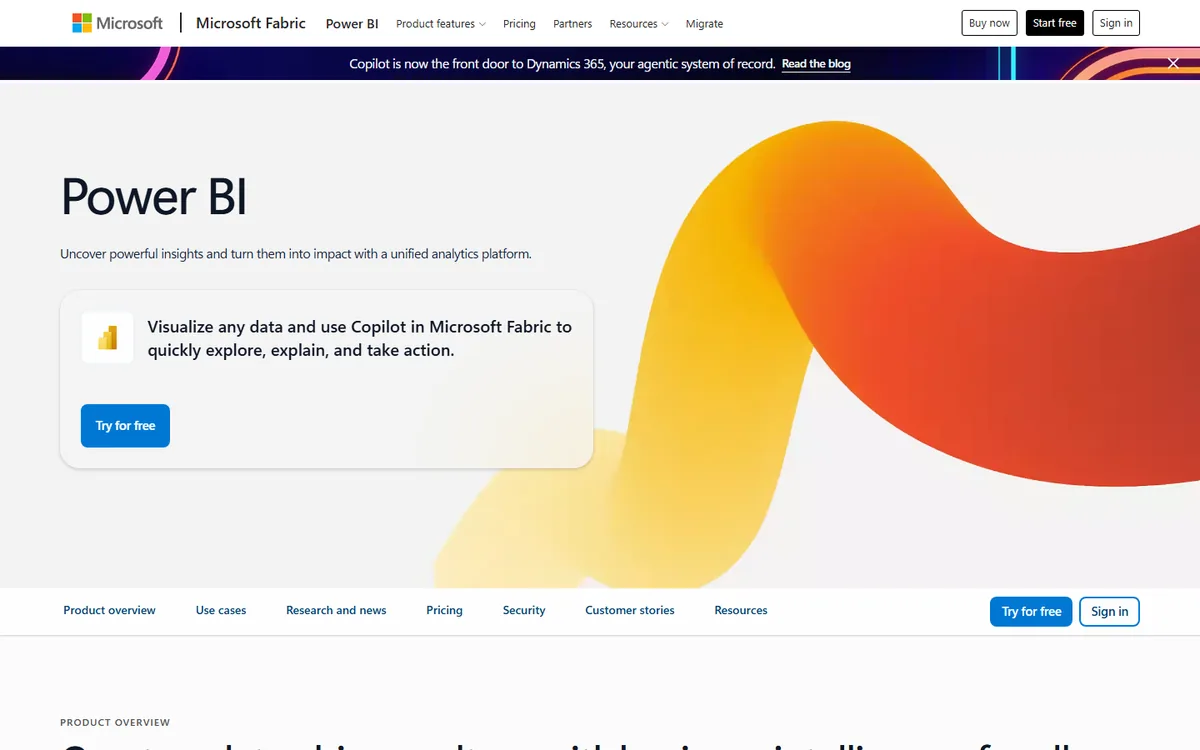
The Best Value for Teams That Want Custom Sales Dashboards on Top of Any CRM
Power BI connects to nearly every CRM, spreadsheet and database, and its modeling layer lets you build a sales model that finance and sales both trust.
This is the tool I reach for most often when a client wants to combine CRM data with billing or marketing data. You define measures once, such as win rate or pipeline coverage, and reuse them on every report. Refresh schedules keep dashboards current, and the free desktop app makes prototyping cheap.
The learning curve is real. DAX, the formula language, takes time, and a sloppy model produces confident but wrong charts. A short list of use cases helps keep scope tight, and my overview of sales analytics use cases is a good starting point.
Where Microsoft Power BI Shines
- Handles joins across CRM, billing and marketing data well
- Measures are defined once and reused everywhere
- Low per-user price compared with other BI tools
What I Don't Like About Microsoft Power BI
- DAX takes time to learn and bad models mislead
- Sharing reports requires a paid license for each viewer
Microsoft Power BI Pricing
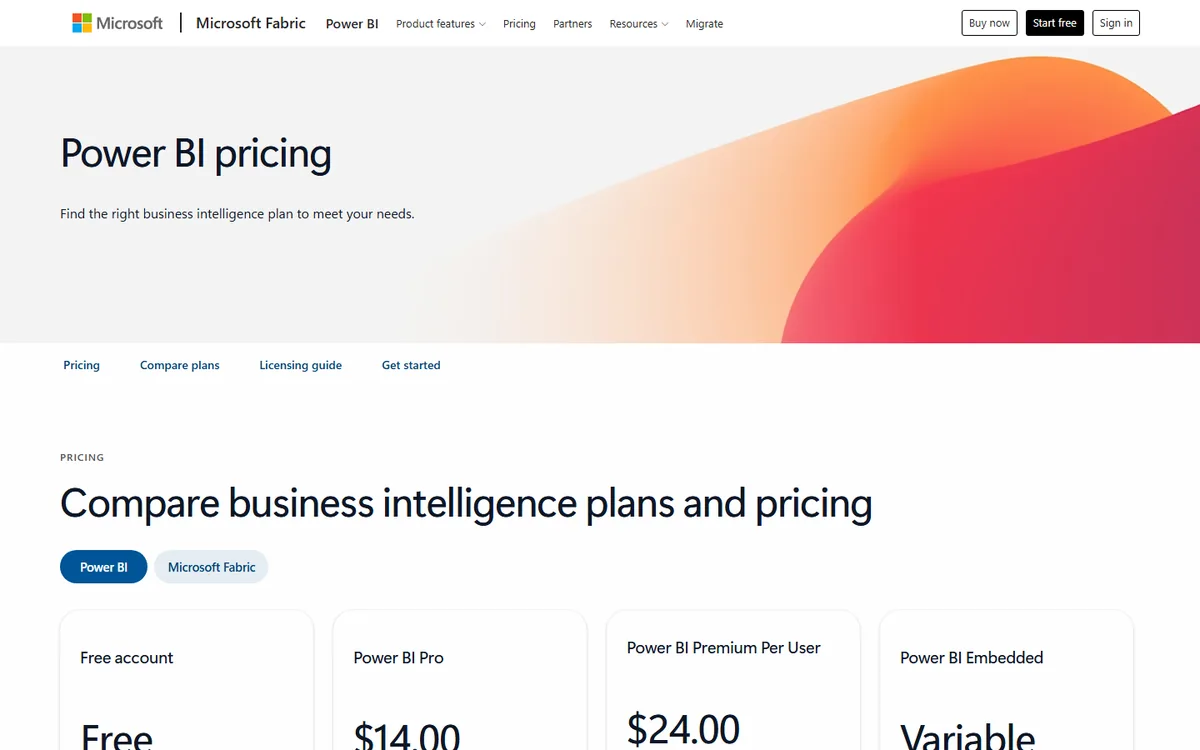
The vendor page lists a free account, Power BI Pro at $14 per user per month and Premium Per User at $24 per user per month, both billed yearly. Fabric capacity is priced separately and varies, and Microsoft notes that prices differ by country and checkout.
Microsoft Power BI Reviews
- G2: rated 4.5/5 (across 1,610 ratings)
- Capterra: rated 4.6/5 (across 1,894 ratings)
Tableau
The Strongest Choice for Visual Exploration of Sales Data by Analysts
Tableau is built for exploring data visually, and it remains the tool many analysts pick when they need to dig into why a number moved.
In sales work I use it for pipeline waterfalls, cohort views and territory maps, where the quality of the chart matters. Drag-and-drop exploration lets managers answer a follow-up question without a ticket to the analytics team. Tableau also connects to Salesforce directly, which helps when your CRM sits there.
Governance takes planning. Without agreed data sources, teams publish conflicting workbooks, and the sprawl is hard to reverse. I suggest you set up certified data sources first, then let teams explore. The worked cases in my collection of sales analytics examples show typical Tableau-style views.
Where Tableau Shines
- Excellent visual exploration and chart control
- Direct connectors to many CRMs and databases
- Large community and training material
What I Don't Like About Tableau
- Workbook sprawl without governance
- Pricing is per user and annual, so small teams pay for unused seats
Tableau Pricing
The vendor page lists Tableau Standard from $15 per user per month, Enterprise from $35 and Tableau Next from $40, all billed annually, and states that all products need an annual contract. Cloud and Server capacity pricing is quote-based.
Tableau Reviews
- G2: rated 4.4/5 (across 4,237 ratings)
- Capterra: rated 4.6/5 (across 2,360 ratings)
Gong
The Leading Pick for Analyzing Sales Conversations and Deal Risk
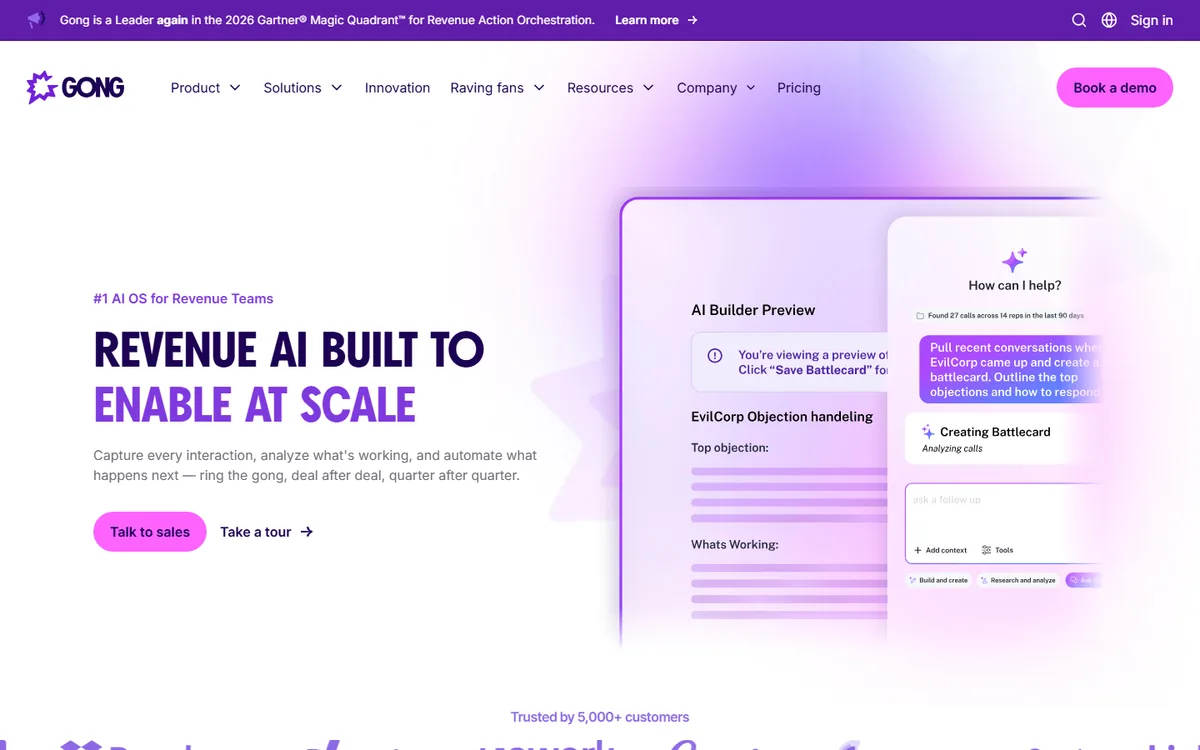
Gong records and analyzes sales calls and emails, and links what was said to deal outcomes.
It answers questions a CRM cannot, such as which competitors come up in lost deals, how much time reps spend talking in discovery and which deals show weak buyer engagement. Deal boards and forecast views use the same signals, so managers can inspect pipeline using evidence from conversations.
The cost is high, and the insights need someone to act on them. Adoption depends on managers coaching from the findings. If you only need pipeline reports, a CRM and BI tool will serve you better. For teams that sell by call or video, the coaching examples align well with the ranked ideas in my use case guide.
Where Gong Shines
- Connects what was said on calls to deal outcomes
- Strong forecast and deal risk views
- High G2 and Capterra ratings from a large review base
What I Don't Like About Gong
- No public pricing and tends to be high
- Value depends on managers coaching from the insights
Gong Pricing
Gong does not publish prices. The vendor page says licenses are priced per user with a platform fee, and you request a proposal after giving your team size.
Gong Reviews
- G2: rated 4.7/5 (across 6,793 ratings)
- Capterra: rated 4.8/5 (across 561 ratings)
Clari
A Forecasting and Pipeline Inspection Layer for Revenue Teams
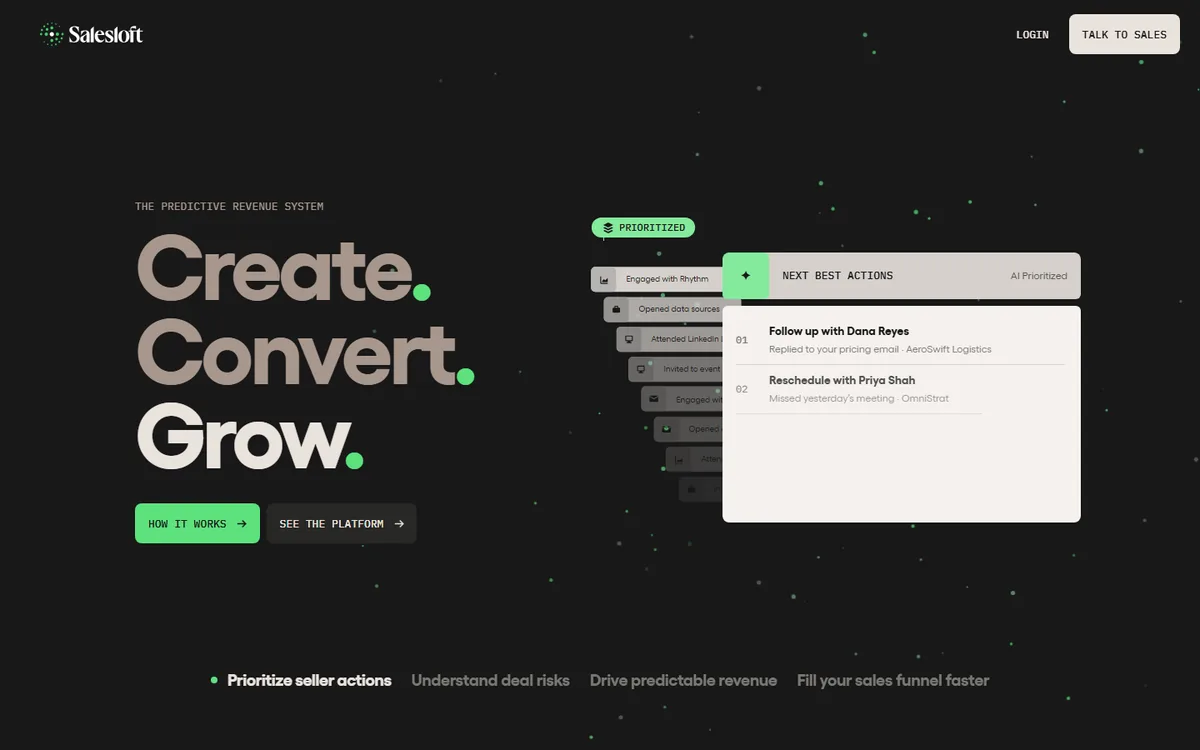
Clari sits on top of your CRM and gives managers a weekly view of forecast, pipeline changes and deal movement.
The product tracks how the forecast changes during the quarter, which highlights deals that slip or shrink. Roll-ups by manager and region replace spreadsheets that sales operations used to assemble by hand. I like it for companies whose forecast meeting still depends on copied exports.
It is a specialist tool, so check whether your CRM's own forecast views already cover your needs. Rollout also needs agreement on stage definitions, or the tool simply displays disagreements faster. My piece on forecast accuracy explains how to score the result.
Where Clari Shines
- Shows how the forecast changes week by week
- Replaces manual roll-up spreadsheets
- Works on top of an existing CRM
What I Don't Like About Clari
- Needs clean stage definitions to be useful
- No public pricing
Clari Pricing
Clari does not publish prices, and its pricing page redirected to a demo request when I checked, so you need to ask for a quote.
Clari Reviews
- Capterra: rated 4.5/5 (across 19 ratings)
Pipedrive
A Simple Pipeline CRM With Clear Reports for Small Sales Teams
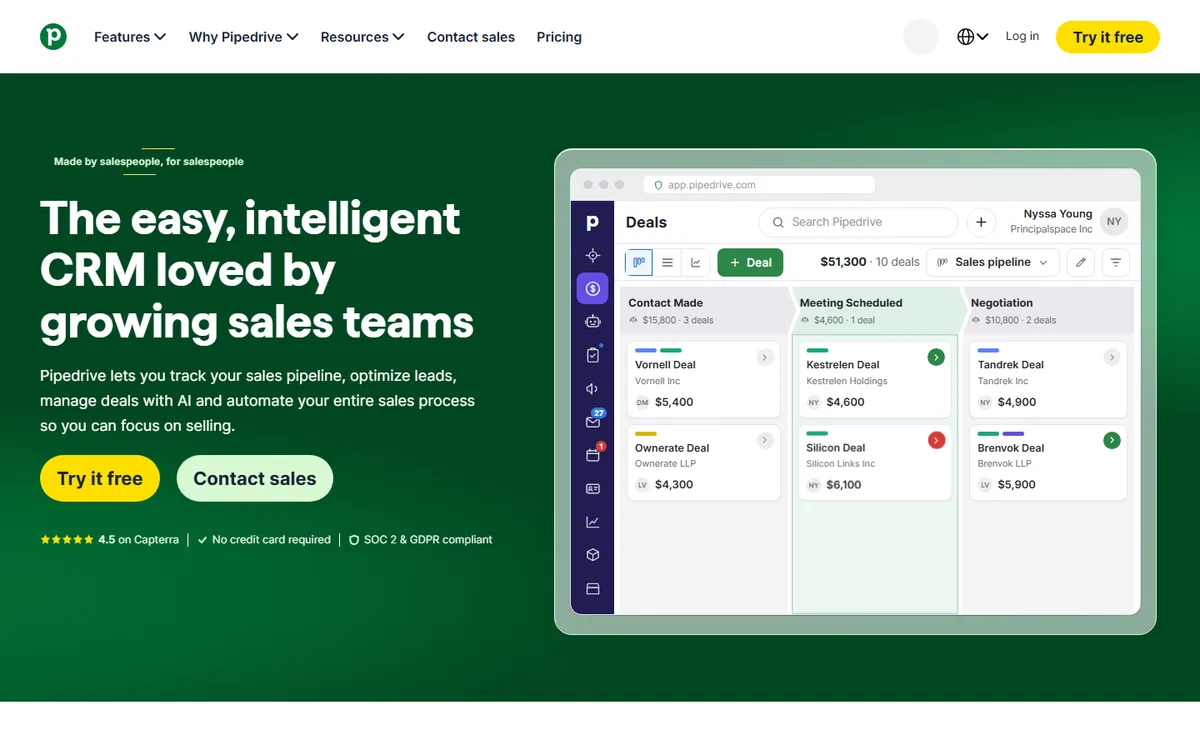
Pipedrive is a visual pipeline CRM, popular with small teams that want to see every deal and its next step.
Its reports cover deal conversion, activity and revenue forecasts, and the Growth plan adds forecast reports. For a team of five to twenty reps, that is enough to run a weekly pipeline review without a BI tool. Setup takes days, not weeks, and reps tend to use it because it is easy.
The reporting depth is limited compared with a BI platform. Once you need cohorts, joins with billing data or custom measures, you will export to a separate tool. Smaller teams can still use the funnel checks described in my sales analytics examples.
Where Pipedrive Shines
- Easy to set up and easy for reps to use
- Clear visual pipeline and activity reports
- Low entry price per seat
What I Don't Like About Pipedrive
- Limited custom reporting depth
- Advanced analytics need an external BI tool
Pipedrive Pricing
The vendor page lists Lite at $14, Growth at $39, Premium at $59 and Ultimate at $79 per seat per month, billed annually. Monthly billing prices were not shown on the page.
Pipedrive Reviews
- G2: rated 4.3/5 (across 5,122 ratings)
- Capterra: rated 4.5/5 (across 3,068 ratings)
Zoho Analytics
A Low-Cost BI Tool With Ready Connectors for Zoho CRM and Other Sources
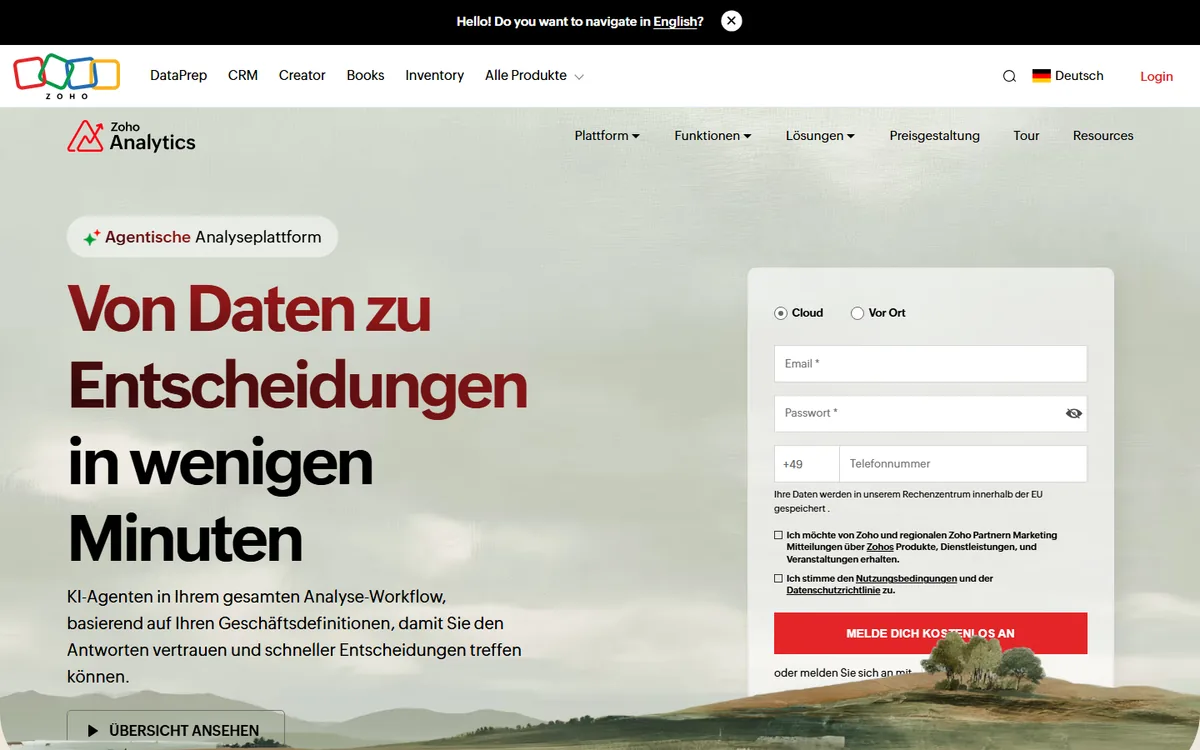
Zoho Analytics is a self-service BI platform that connects to Zoho CRM, spreadsheets, databases and many third-party apps.
I recommend it when a company already uses Zoho and wants dashboards without a separate BI budget. It includes prebuilt sales dashboards, an AI assistant for questions and scheduled reports. Because pricing scales by users and rows, small teams can start cheaply.
The interface feels less polished than the bigger BI tools, and very large data sets need higher plans. Its G2 review count is smaller than the leaders, so I suggest you run a trial on your own data first. For the metrics to build, see my guide to sales analytics KPIs.
Where Zoho Analytics Shines
- Prebuilt dashboards for Zoho CRM and common sources
- Pricing scales gently for small teams
- Includes a free plan to test
What I Don't Like About Zoho Analytics
- Interface is less polished than larger BI tools
- Row limits push growing teams up the plan ladder
Zoho Analytics Pricing
The vendor page lists a free plan for two users and 10,000 rows, then Basic, Standard, Premium and Enterprise plans by users and rows, but the dollar amounts did not load for me. Capterra lists the Basic plan at $30 per month for two users and 0.5 million rows.
Zoho Analytics Reviews
- G2: rated 4.2/5 (across 290 ratings)
- Capterra: rated 4.4/5 (across 361 ratings)
Looker Studio
The Free Option for Reporting on Sales Data in Sheets, Ads and Databases
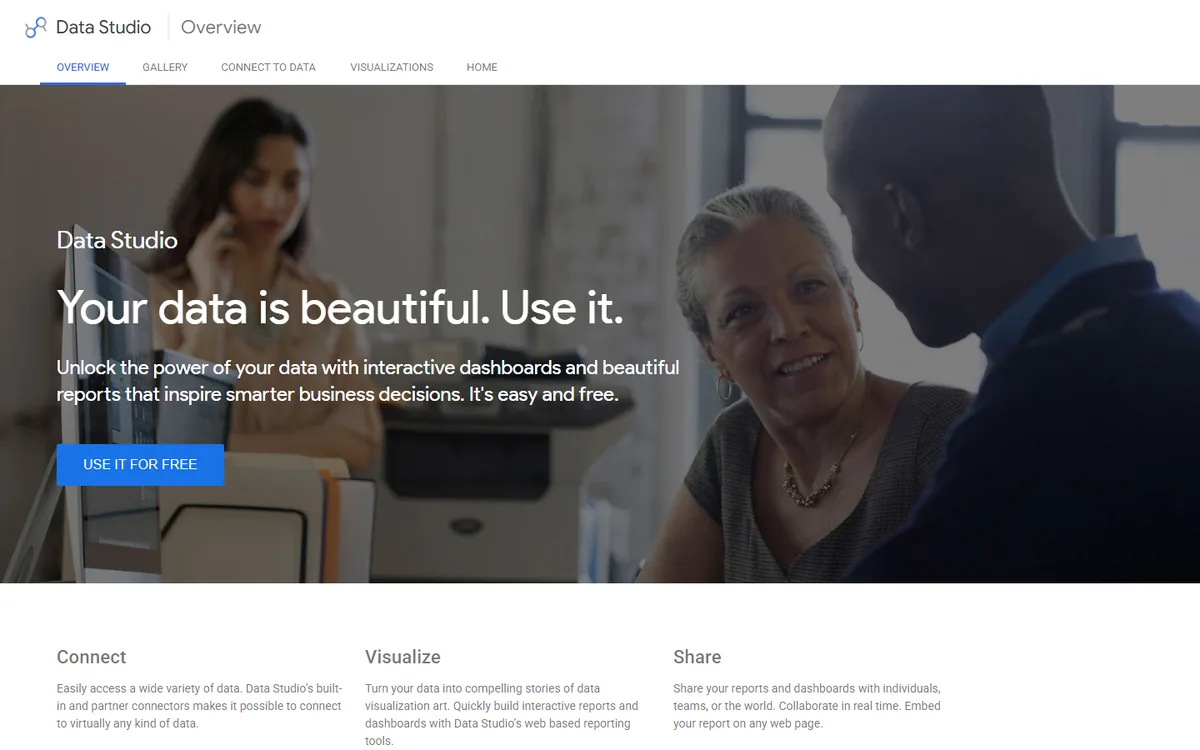
Looker Studio is Google's free dashboard tool, listed on review sites under its former name, Data Studio.
It connects to Google Sheets, BigQuery, Google Ads and many CRMs through connectors, so it works well for lightweight sales and marketing reports. Sharing is as easy as sharing a document, and templates get a first dashboard running within an afternoon.
The trade-off is scale. Heavy calculations slow down dashboards, and governance features are limited in the free tier. For a sales team with data in a warehouse, I would still build the model first and use Looker Studio for display. Teams unsure what to display can start with the list in my sales analytics use cases guide.
Where Looker Studio Shines
- Free to start with a large connector library
- Easy sharing and templates
- Good fit with Google Sheets and BigQuery
What I Don't Like About Looker Studio
- Slows down on heavy calculations
- Limited governance in the free tier
Looker Studio Pricing
Looker Studio is free to use. Google also sells a paid Pro tier through Google Cloud, but I could not load the current price from Google, so check Google's pricing page.
Looker Studio Reviews
- G2: rated 4.4/5 (across 477 ratings)
- Capterra: rated 4.5/5 (across 338 ratings)
Qlik Cloud Analytics
A Strong Associative Engine for Exploring Sales Data Across Sources
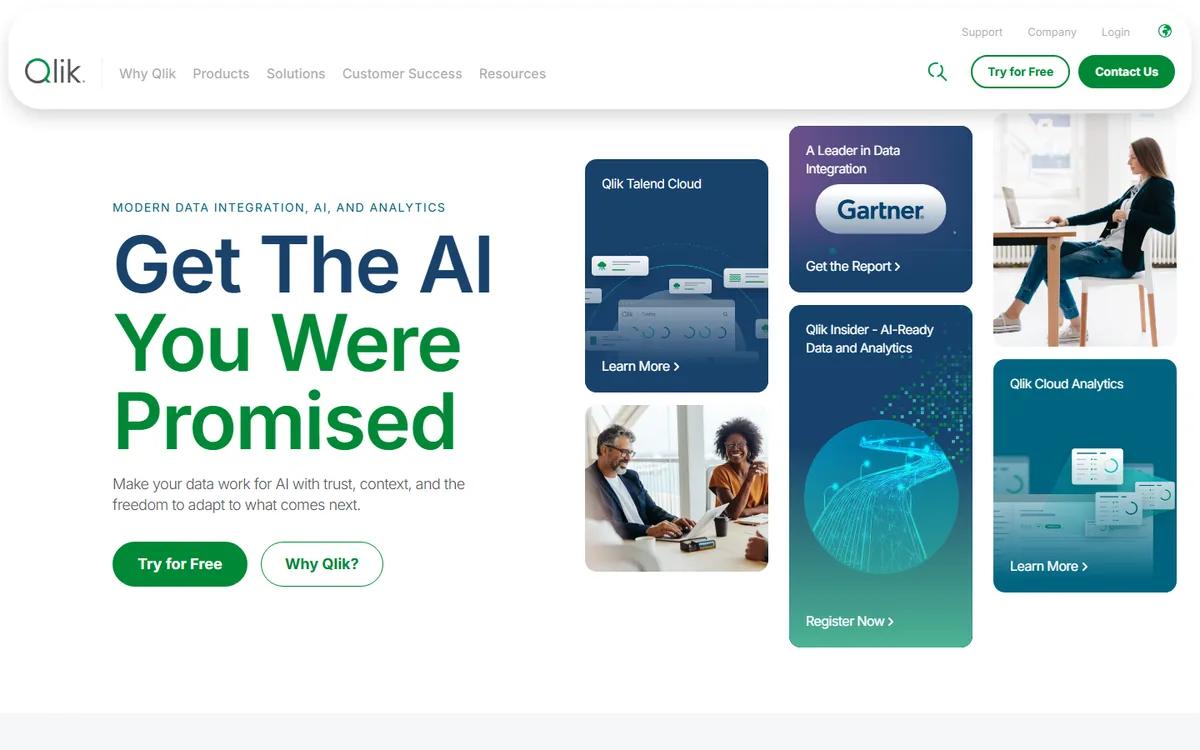
Qlik's analytics platform lets users click through related data from many sources and see associations that a fixed query would hide.
In sales, I find it useful when pipeline, product and support data live in different systems and users need to cross-filter freely. Qlik Cloud adds automation, alerts and AI-assisted analysis, and capacity-based plans suit companies that want predictable cost.
It asks more of the team than Power BI or Looker Studio, and good results depend on a well-designed data model. If you are choosing between platforms, run the same ten questions on each one. My list of best practices covers how to structure that test.
Where Qlik Cloud Analytics Shines
- Associative exploration across several sources
- Alerts and automation inside the platform
- Capacity-based plans give predictable cost
What I Don't Like About Qlik Cloud Analytics
- Needs careful data modeling
- Smaller community than Power BI or Tableau
Qlik Cloud Analytics Pricing
The vendor page lists Starter at $300 per month for 10 users and 10 GB, Standard at $825 per month for 25 GB and Premium at $2,750 per month for 50 GB, all billed annually. Enterprise is quote-based. Capterra lists a Business plan at $30 per user per month.
Qlik Cloud Analytics Reviews
- G2: rated 4.4/5 (across 929 ratings)
- Capterra: rated 4.5/5 (across 260 ratings)
Domo
An All-in-One Platform for Teams That Want Connectors, Dashboards and Apps Together
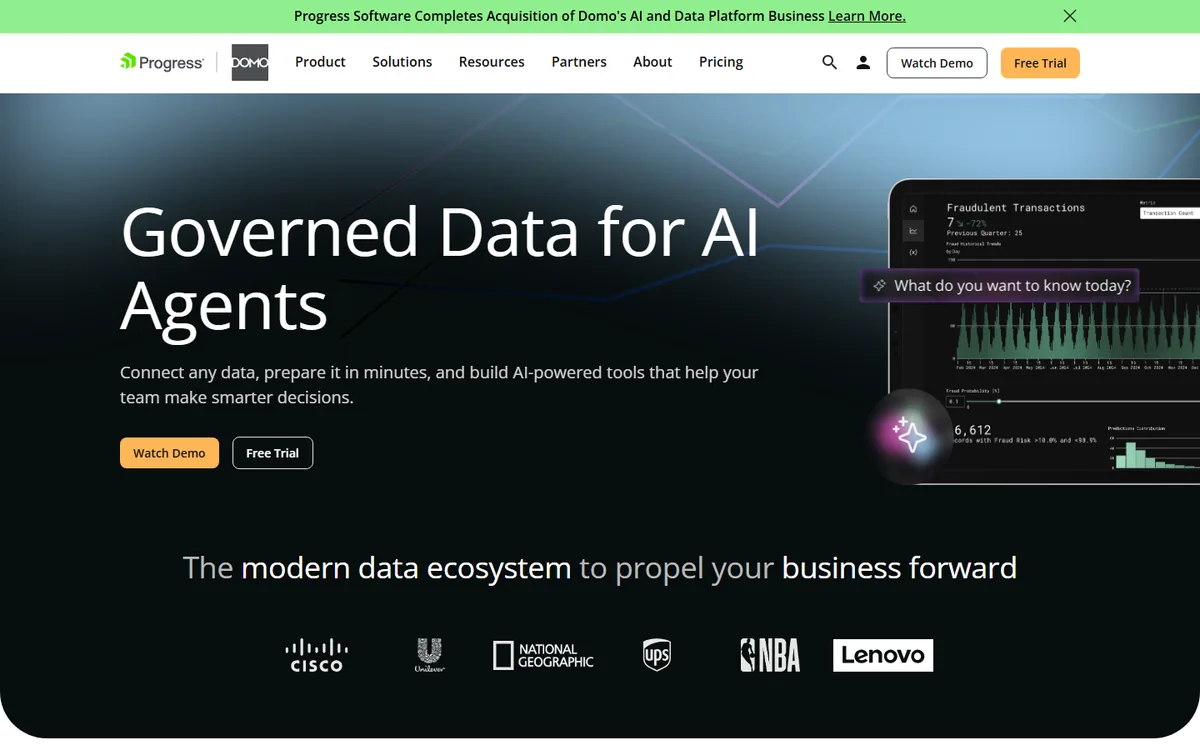
Domo bundles data connectors, transformation, dashboards and app building into one cloud platform.
I see it fit companies that want executives to open a mobile dashboard and operators to run alerts from the same place. Connectors pull from CRM, finance and marketing tools, and the platform has no per-seat fees, which makes wide rollout cheaper than per-user BI tools.
The pricing model is consumption-based, so cost depends on data volume and refresh frequency, and it needs watching. Contracts are custom. The structure of my sales analytics examples will help you scope a pilot that stays within limits.
Where Domo Shines
- Connectors, dashboards and alerts in one platform
- No per-seat fees, so wide rollout is simple
- Mobile-friendly executive dashboards
What I Don't Like About Domo
- Credit-based cost needs close monitoring
- No published prices, only custom quotes
Domo Pricing
Domo uses credit-based pricing with no per-seat fees, and paid plans are custom. The vendor offers a 30-day free trial with full platform access and no credit card.
Domo Reviews
- G2: rated 4.3/5 (across 1,096 ratings)
- Capterra: rated 4.3/5 (across 332 ratings)
Estimate the Return on Sales Analytics Software
Before you pick a plan, check whether the numbers work for you. Enter the manual reporting hours the tool would replace and its monthly price, and you will see what it could return in a year.
Is the Software Worth the Cost?
Move the sliders to match the work you want the tool to cover and the plan you are considering.
How to Choose the Right Sales Analytics Software
In my experience, fit with your data and your team decides more than any feature list. Before you compare vendors, answer four questions:
- Where does your sales data live today, and who keeps it clean?
- Do you need rep-level coaching from conversations, or pipeline reports?
- Who will build and maintain the dashboards: sales operations, an analyst or a consultant?
- How many people will view the dashboards, and does per-seat pricing suit that?
If your CRM already holds the data you need, start with its own reports, as with HubSpot or Pipedrive. If you must combine sources, shortlist Power BI, Tableau, Qlik or Domo. If forecast discipline is the problem, look at Clari, and if coaching is the problem, look at Gong. A short pilot on your own data tells you more than any demo. If you would like help choosing, my work in sales analytics consulting often starts with exactly this comparison. The KPIs you pick first should come from a defined list, such as the eight KPIs I recommend for a first dashboard.
Questions About Choosing Sales Analytics Software
What Is the Best Sales Analytics Software for Small Teams?
For most small teams I recommend starting with the reports in HubSpot Sales Hub or Pipedrive, and adding Looker Studio or Power BI when you need custom views. Both CRMs set up in days and cover pipeline, conversion and activity reports.
Do I Need a Separate BI Tool for Sales Analytics?
Not always. If your CRM answers your weekly questions, a BI tool adds cost. You need one when you combine CRM data with billing, product or marketing data, or when you need cohorts and custom measures.
What Is the Difference Between Sales Analytics and Conversation Intelligence?
Sales analytics works on structured data such as stages, amounts and dates. Conversation intelligence, such as Gong, analyzes what was said on calls and emails and links it to outcomes. Many teams use both.
Which Tool Is Best for Sales Forecasting?
Salesforce and HubSpot include forecast views, and Clari specializes in forecast inspection. In my work, forecast quality depends more on clean stage definitions than on the tool.
How Much Does Sales Analytics Software Cost?
It ranges from free, as with Looker Studio, to per-seat plans between roughly $14 and $150 per month, to quote-based enterprise contracts. Check each vendor's page, because plans and prices change.
Is Power BI or Tableau Better for Sales Dashboards?
Power BI usually costs less per user and suits teams on Microsoft. Tableau is stronger at visual exploration. Run the same set of questions on both with your own data before you decide.
Can I Use Free Tools for Sales Analytics?
Yes, for simple reporting. Looker Studio, free CRM tiers and the free plans of Zoho Analytics and Power BI are enough to prove value. Move to paid plans when you need sharing, scheduled refresh and support.
Disclaimer: Prices, plans and ratings change often. They were checked when this article was last updated, so confirm them on each vendor's site before you buy. Nothing here is legal or financial advice.
Was this useful?
We appreciate the feedback.
Rosalind Tierney
Rosalind leads the Flume editorial team and works with our consultants to turn real client projects into practical guides on dashboards, tracking, experimentation and machine learning. Before joining Flume, she spent 11 years in analytics and business intelligence roles. She has since edited more than 300 articles on analytics practice and reviewed dashboards, tracking plans and analytics audits from over 100 client projects. She is based in Minneapolis, Minnesota.