In Short
- Specialists like Sievo focus on analytics, while suites such as GEP SMART, Ivalua, JAGGAER and Coupa add sourcing and contracts.
- Most vendors publish no prices, so ask for a written quote based on your spend volume and modules.
- Data cleanup decides the result more than the tool, so budget for classification work.
- Run a pilot on your own data and check references before you sign.
The Best Spend Analytics Software at a Glance
| Tool | Type | Best for |
|---|---|---|
| 1. Sievo | Specialist spend analytics | Procurement teams that want analytics without a full suite |
| 2. GEP SMART | Source-to-pay suite with analytics | Large companies that want analytics inside a full suite |
| 3. Ivalua | Source-to-pay suite | Companies with several data sources and custom rules |
| 4. Coupa | Business spend management suite | Companies already on Coupa for purchasing or payables |
| 5. JAGGAER | Source-to-pay suite | Teams that need prebuilt dashboards across several ERPs |
| 6. SAP Ariba | Procurement network and suite | SAP customers who want spend analysis in their landscape |
| 7. Precoro | Procurement platform for mid-sized teams | Mid-sized teams that want purchasing control with reporting |
| 8. Zycus | Source-to-pay suite | Companies that want AI features in a procurement suite |
The 8 Best Spend Analytics Software Tools, Ranked
I start with the tools that focus on analytics and move toward large suites, so you can stop reading when you find your fit. Keep in mind that the tool is only part of the result: in the spend analytics consulting projects I review, the cleanup of supplier and category data matters more than the platform. Ratings come from G2 pages I read for this update, and I leave a rating out when I could not read one.
Sievo
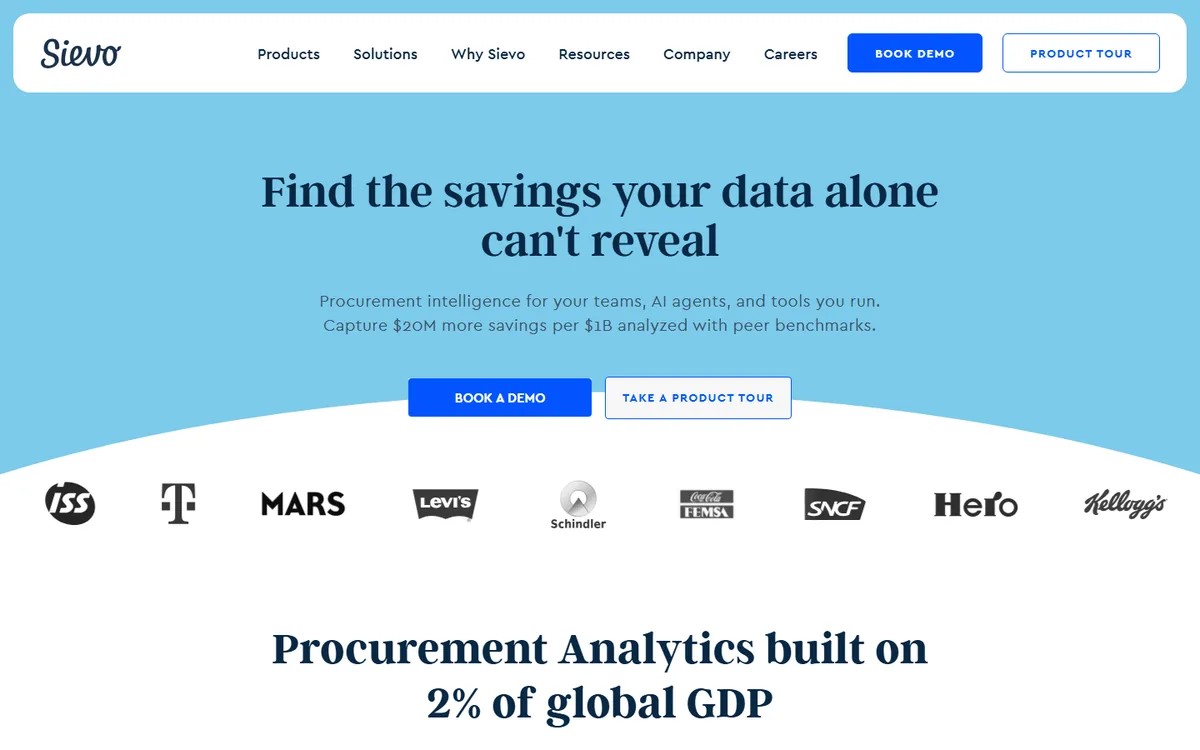
The Specialist Pick for Teams That Want Spend Analytics Without Buying a Full Procurement Suite
Sievo focuses on spend analytics and savings tracking, with unlimited users on its Spend Analytics edition.
Sievo is where I send teams whose main problem is seeing and trusting their spend. It brings data from several ERP and payables systems into one model, classifies it and gives category managers dashboards they can use without a data team. A second product, Initiative Management, tracks savings projects from idea to booked result.
What I value is the focus. You are not buying purchasing, sourcing and contract modules you may not use, and the savings tracking speaks the language of finance. The limit is the same: Sievo shows you the opportunity, and you act in other tools. Expect a data load project at the start, since the quality of the result depends on how clean your source data is. For the cleanup steps, my spend analytics guide lists what to prepare.
Where Sievo Shines
- Built for spend analytics, so dashboards and workflows fit category managers
- Unlimited users on the Spend Analytics edition
- Savings tracking connects findings to results
Where Sievo Falls Short
- Does not run purchasing or sourcing events
- Needs a proper data load project before it pays off
Sievo Pricing
Sievo lists Spend Analytics and Initiative Management as priced on request and billed per year. G2 notes that the cost depends on your spend volume, and that there is no free trial.
Sievo Reviews
- G2: rated 4.1/5 (across 9 ratings)
GEP SMART
A Broad Source-to-Pay Suite With Spend Analytics Built on a Data Layer for Cleansing and Classification
GEP SMART combines spend analysis with sourcing, contracts and procurement, and GEP's data layer cleans and classifies spend across systems.
GEP SMART is a source-to-pay platform, and its analytics work sits on a data layer that cleanses and classifies spend from many sources. You can also ask questions in plain language rather than build every report by hand.
I see it work best in large organizations that want one vendor for analytics, sourcing and contracts. The trade-off is scope: you are buying a suite, so the project is larger, and smaller teams will not use most of it. If you are weighing a suite against a specialist, the spend analytics use cases help you decide which analyses you need first.
Where GEP SMART Shines
- Analytics sits beside sourcing and contracts in one platform
- Data cleansing and classification are part of the product
- Natural-language questions lower the barrier for business users
Where GEP SMART Falls Short
- A suite is more than most mid-sized teams need
- Implementation is a real project with real cost
GEP SMART Pricing
GEP does not publish prices for SMART. G2 shows a placeholder figure that I would not rely on, so ask GEP for a quote based on your spend volume and modules.
GEP SMART Reviews
- G2: rated 4.3/5 (across 27 ratings)
G2 lists this rating under GEP Quantum Intelligence, the analytics product in the GEP family.
Ivalua
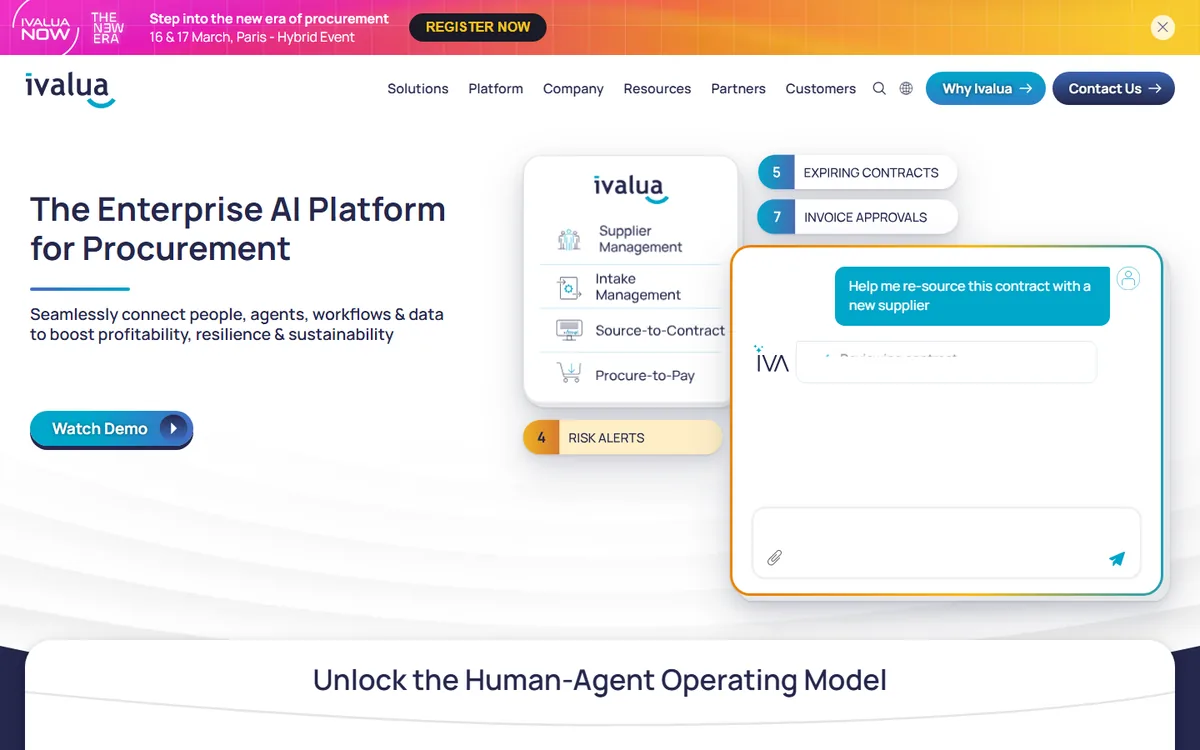
A Flexible Suite Where Business Users Can Edit Classification Rules Without a Developer
Ivalua imports spend from several sources and lets business teams adjust classification rules themselves.
Ivalua is a source-to-pay suite whose spend analytics imports data from multiple systems and classifies it with rules that business users can edit. That detail matters, because classification rules need constant small fixes, and waiting for IT to change each one slows everything down.
I like it for companies with unusual data or many entities, where fixed templates do not fit. The flexibility has a price: configuration takes skill, and you need a clear owner for the rules. If you adopt Ivalua, plan the category tree first, using the habits in my notes on spend analytics best practices.
Where Ivalua Shines
- Classification rules can be edited by business teams
- Handles spend from several systems and entities
- Covers more than analytics, if you want a suite later
Where Ivalua Falls Short
- Flexible setup needs experienced configuration
- Pricing sits at the enterprise level
Ivalua Pricing
Ivalua does not publish a standard price list. G2 shows a figure of $150,000 per year, noted as provided by Ivalua, which gives you a sense of scale. Your quote will depend on modules and volume.
Ivalua Reviews
- G2: rated 4.4/5 (across 122 ratings)
Coupa
The Natural Choice if Coupa Already Runs Your Purchasing, With AI Classification and Community Benchmarks
Coupa adds spend analysis to its procurement suite, with AI classification and benchmarks drawn from its customer community.
Coupa is a business spend management suite, and its analytics are strongest when your purchasing and payables already run on it, because the data is native. It uses AI to classify spend and offers benchmarking against data from other Coupa customers.
If you are not already a Coupa customer, I would not buy it only for analytics. The suite is big, and a specialist can be quicker to value. If you are, switching on the analytics is a natural step. My spend analytics examples show the first analyses I would run.
Where Coupa Shines
- Analytics sits directly on your purchasing and payables data
- Community benchmarks give a reference for prices
- AI classification speeds up the first cleanup
Where Coupa Falls Short
- Less attractive as an analytics-only purchase
- Enterprise pricing and implementation effort
Coupa Pricing
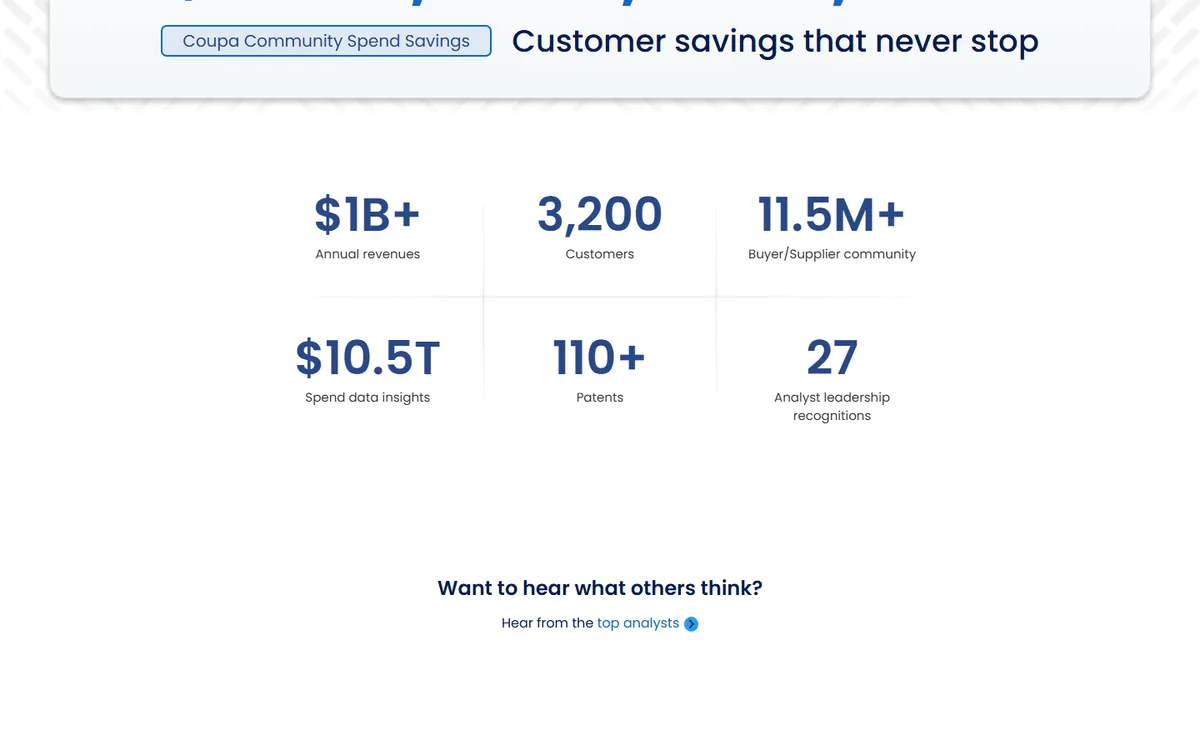
Coupa does not publish prices. Quotes depend on the modules you choose and on your spend volume, so ask for a written proposal.
Coupa Reviews
I could not read a current G2 or Capterra rating for the Coupa analytics product when I checked, so I leave a rating out instead of guessing.
JAGGAER
Prebuilt Dashboards and Classification That Handle Spend From Several ERP Systems
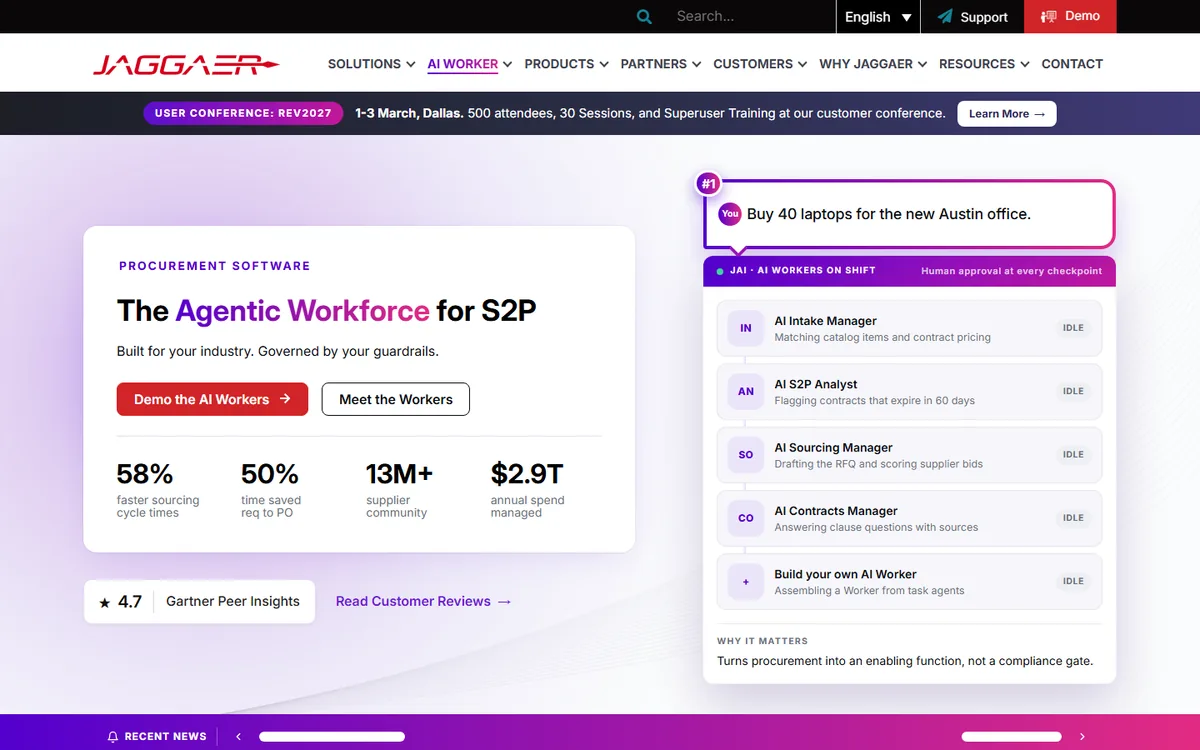
JAGGAER classifies spend from multiple ERPs and ships with a large set of prebuilt dashboards.
JAGGAER offers spend analytics inside its source-to-pay suite, with a classification tool that works across several ERP systems and more than sixty-five prebuilt dashboards. For a team that does not want to design every view, the starting library saves weeks.
The platform suits manufacturers, universities and public-sector buyers, where JAGGAER has a long track record. Expect a heavier project than with a lightweight tool. If your goal is a quick first look at your spend, start with a cleaned extract in a BI tool, and bring in a platform once you know what you need.
Where JAGGAER Shines
- Large library of prebuilt dashboards
- Works across spend from several ERP systems
- Strong presence in manufacturing and public-sector buying
Where JAGGAER Falls Short
- Heavier implementation than lighter tools
- Interface feels dated to some users
JAGGAER Pricing
JAGGAER does not publish prices. G2 says to contact JAGGAER, and it also shows a $1.00 placeholder that is not a real price.
JAGGAER Reviews
- G2: rated 4.1/5 (across 86 ratings)
SAP Ariba
A Logical Fit for SAP Shops, With Spend Analysis That Can Draw on SAP and Non-SAP Sources
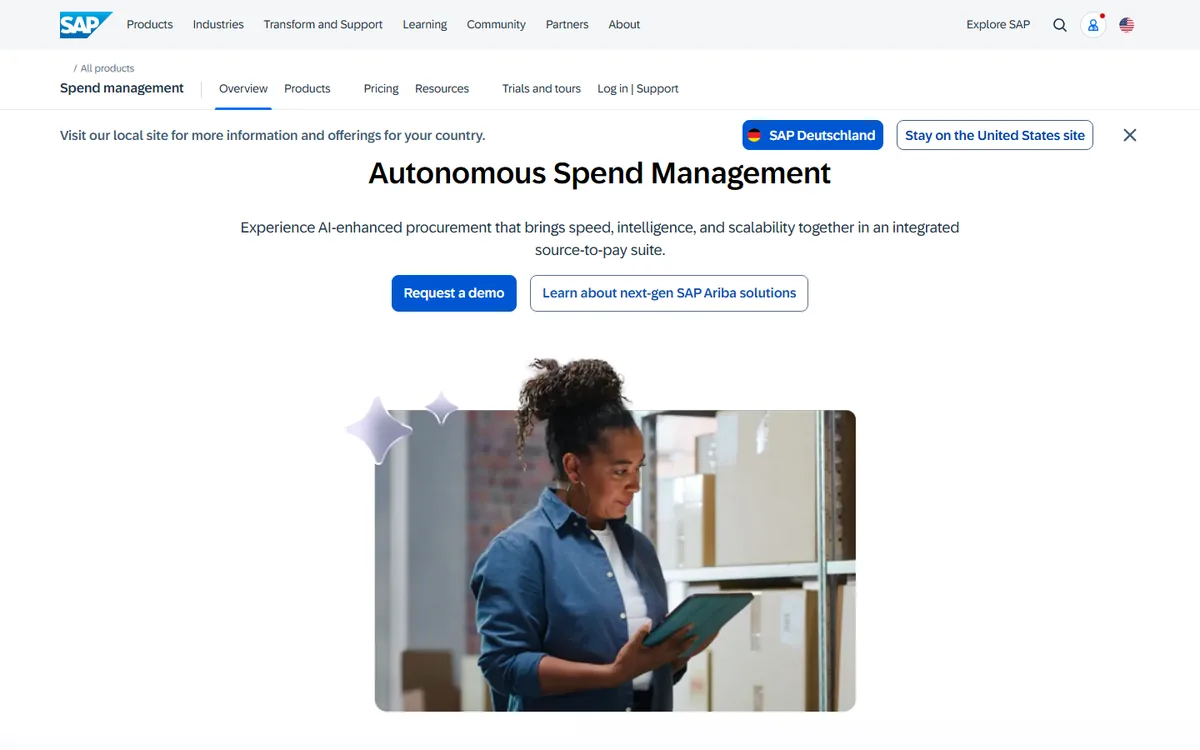
SAP Ariba offers spend analysis alongside SAP's other procurement tools and can use data from SAP and other systems.
If your finance and purchasing already run on SAP, Ariba spend analysis deserves a look. It draws on SAP and non-SAP sources and sits next to SAP's other spend tools, which keeps your vendor count down and fits existing security and support arrangements.
Outside the SAP world the case is weaker. Product names and bundles change often, so confirm exactly what is included in your contract before you plan around it. Whatever you choose, record your baseline first, as described in my spend analytics guide.
Where SAP Ariba Shines
- Close fit with SAP landscapes
- Can use data from SAP and non-SAP systems
- Large community and partner network
Where SAP Ariba Falls Short
- Product bundles and names change, which makes scoping confusing
- Less appealing without SAP in the stack
SAP Ariba Pricing
SAP does not publish Ariba prices. Quotes depend on modules, users and spend volume, so ask your SAP account team.
SAP Ariba Reviews
- G2: rated 4.1/5 (across 760 ratings)
The G2 listing is for SAP Ariba as a whole, not only its analytics.
Precoro
A Lighter Option for Mid-Sized Teams That Want Purchase Control and Spend Reporting in One Tool
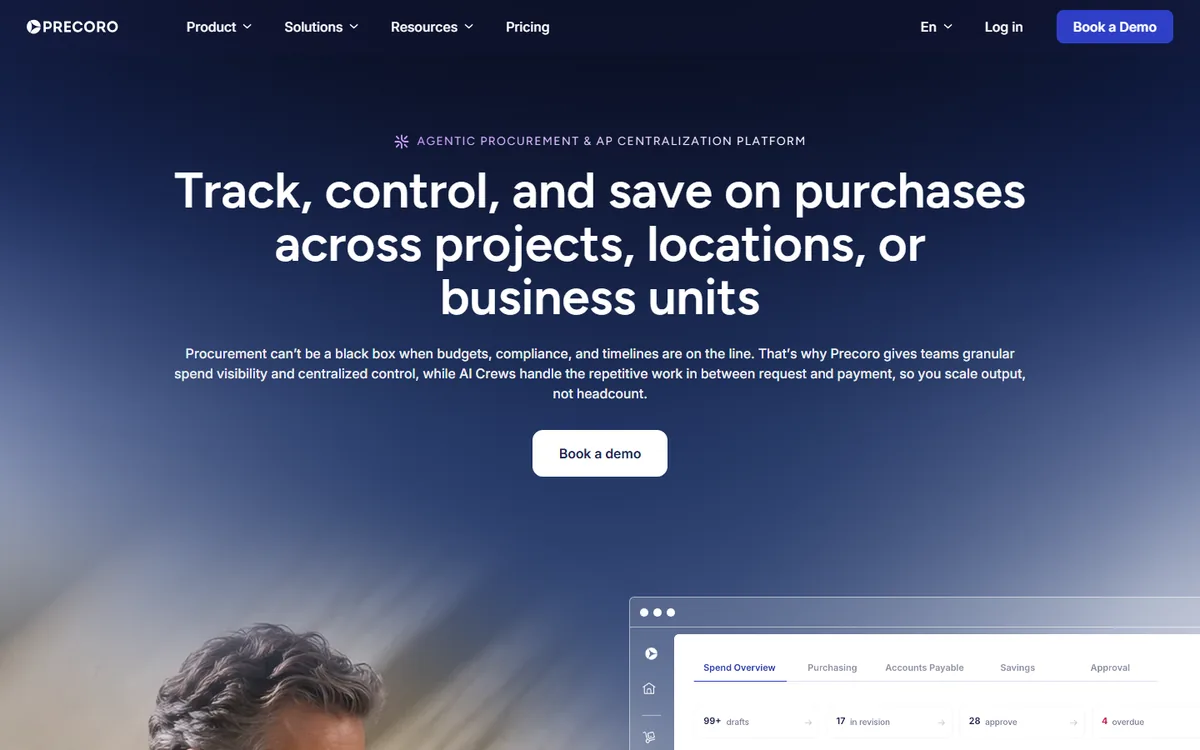
Precoro combines purchase approvals and orders with spend reporting for mid-sized companies.
Precoro is not a pure analytics tool. It is a procurement platform for mid-sized teams, with purchase requests, approvals and orders, and spend reporting built on that data. For companies that have no purchasing process yet, this is often the better first step.
The reporting is as good as the process behind it: if purchases bypass the platform, they are missing from the numbers. Large companies with several ERPs will outgrow it. For a mid-sized firm that wants to see spend by category and approver, it is a practical option, and you can add analysis on top later.
Where Precoro Shines
- Purchasing and reporting share one data source
- Quicker to roll out than an enterprise suite
- Strong user ratings on G2
Where Precoro Falls Short
- Reporting is limited to purchases that run through the tool
- Not built for multi-ERP enterprises
Precoro Pricing
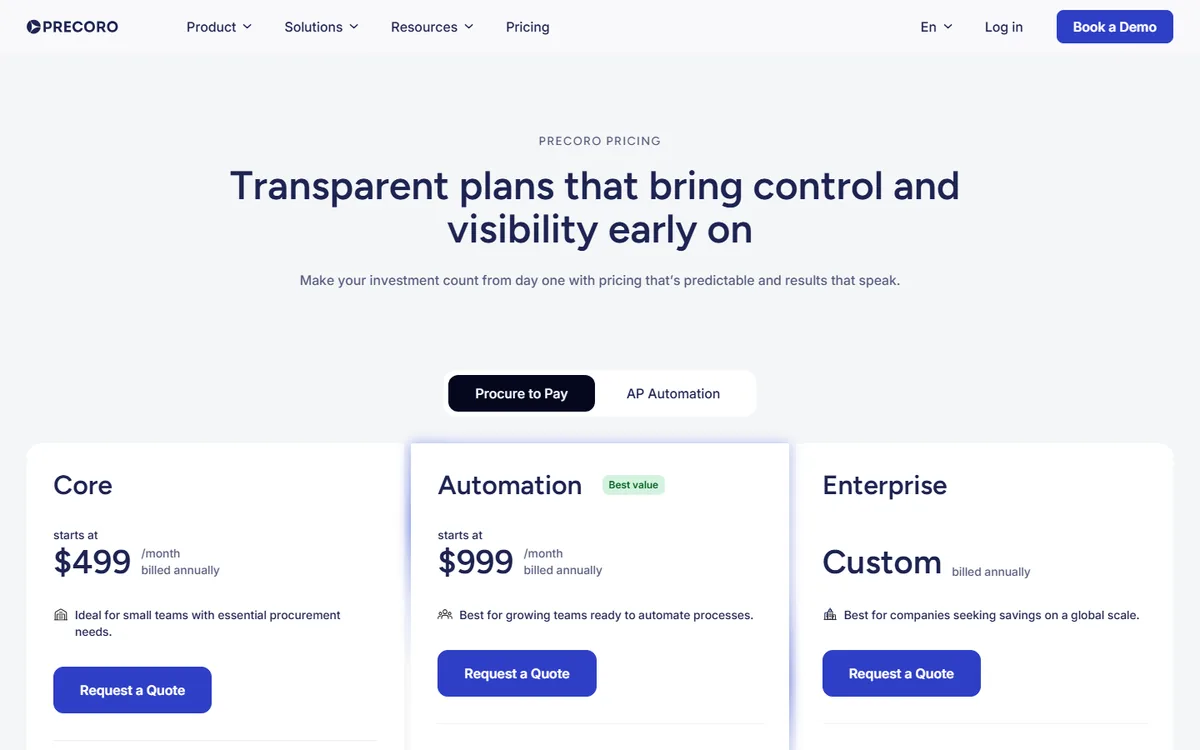
I could not confirm current Precoro prices, so check its pricing page for plans and a quote.
Precoro Reviews
- G2: rated 4.7/5 (across 221 ratings)
Zycus
A Source-to-Pay Suite With an Analytics Module and AI Assistance, Best Judged on a Real Pilot
Zycus pairs its iAnalyze module with its Merlin AI assistants inside a source-to-pay suite.
Zycus offers spend analytics through its iAnalyze module, with its Merlin AI features layered on top. It belongs to the group of suites that bundle sourcing, contracts and procurement with analysis.
The G2 review count is small, so I would run a proper pilot on your own data before you commit, and ask for references in your industry. As with every suite, the analytics only pay off after the classification work is done, so budget for that in the project plan.
Where Zycus Shines
- Analytics module alongside sourcing and contracts
- AI assistance built into the suite
Where Zycus Falls Short
- Few public reviews, so references matter
- G2 reviewers rate the price level high
Zycus Pricing
G2 shows no pricing for Zycus, and its perceived cost rating is the highest band. Ask Zycus for a quote based on your modules and spend volume.
Zycus Reviews
- G2: rated 3.6/5 (across 13 ratings)
Estimate the Return on a Spend Analytics Tool
Before you pick a plan, check whether the numbers work for you. Enter the analyst hours you spend preparing spend reports and the monthly price of the tool you are considering, and you will see what it could return in a year. The calculator counts time only, so add the savings you expect from the analysis itself.
Is the Software Worth the Cost?
Move the sliders to match the work you want the tool to cover and the plan you are considering.
How to Choose the Right Spend Analytics Software
Fit with your data and your process decides more than any feature list. Before you compare vendors, I suggest you answer four questions:
- How many systems hold your purchase and invoice data?
- Do you also need sourcing and contract tools from the same vendor?
- Who will maintain the classification rules after go-live?
- Which analyses do you need first, and can a BI tool deliver them for now?
If you want a quick first look, start with the nine analyses in my guide to spend analytics use cases and run them on a cleaned extract. Teams that are further along can compare suites using the checks in my spend analytics best practices, and see what results look like in my spend analytics examples. If you want a second opinion on your setup, a short call usually settles it.
Questions About Choosing Spend Analytics Software
What Is the Best Spend Analytics Software?
It depends on your size and systems. Sievo is the specialist pick, and suites such as GEP SMART, Ivalua, Coupa, JAGGAER and SAP Ariba fit larger companies that want analytics beside sourcing and contracts.
Do I Need Software for Spend Analytics?
Not at the start. A spreadsheet or BI tool on a cleaned invoice extract covers the first analyses. Software pays off when you refresh across several systems every month.
How Much Does Spend Analytics Software Cost?
Most vendors on this list do not publish prices. Quotes depend on spend volume, modules and users, so ask for a written proposal and compare the first-year total including implementation.
What Is the Difference Between Spend Analytics and Procurement Software?
Spend analytics shows what you buy, from whom and at what price. Procurement software also runs purchasing, sourcing and contracts. Suites include both, and specialists focus on analytics.
How Long Does Implementation Take?
Plan for weeks to months, mostly for data loading and classification. The software is the easier part, and clean source data decides the pace.
Should I Choose a Suite or a Specialist?
Choose a suite if you also need sourcing and contracts from the same vendor. Choose a specialist if your problem is seeing and trusting spend data first.
How Do I Check a Vendor Before I Buy?
Run a pilot on your own data, ask for references in your industry and test the classification on your hardest suppliers. Compare the result with a manual check on the top vendors.
Disclaimer: Prices, plans and ratings change often. They were checked when this article was last updated, so confirm them on each vendor’s site before you buy. Nothing here is legal or financial advice.
Was this useful?
We appreciate the feedback.
Rosalind Tierney
Rosalind leads the Flume editorial team and works with our consultants to turn real client projects into practical guides on dashboards, tracking, experimentation and machine learning. Before joining Flume, she spent 11 years in analytics and business intelligence roles. She has since edited more than 300 articles on analytics practice and reviewed dashboards, tracking plans and analytics audits from over 100 client projects. She is based in Minneapolis, Minnesota.