In Short
- Google Analytics 4 is still the practical default for most sites, because it is free and linked to Google Ads.
- Plausible, Fathom and Simple Analytics suit teams that want a readable dashboard and a privacy-first setup.
- Matomo, Umami and PostHog give you open-source control, if someone owns hosting and updates.
- Behavior tools such as Clarity and Hotjar explain why numbers move, but they do not replace a core analytics tool.
The Best Web Analytics Tools at a Glance
| Tool | Type | Best for |
|---|---|---|
| 1. Google Analytics 4 | Free web and app analytics | Most websites, and the baseline every alternative is judged against |
| 2. Adobe Analytics | Enterprise analytics suite | Large organizations with deep segmentation needs and an Adobe stack |
| 3. Matomo | Open-source web analytics | Teams that want data ownership and a GA4-like feature set |
| 4. Plausible Analytics | Lightweight privacy-first analytics | Small and mid-sized sites that want one simple dashboard |
| 5. Fathom Analytics | Privacy-first web analytics | Agencies and owners of several small sites |
| 6. Piwik PRO | Privacy-focused analytics suite with consent management | Regulated industries that need consent management and data control |
| 7. Simple Analytics | Privacy-first web analytics | Teams who want clean charts, exports and a strong privacy stance |
| 8. Umami | Open-source web analytics | Developers and small teams who want an open-source, self-hostable tool |
| 9. Hotjar | Behavior analytics: heatmaps and recordings | Teams who need to see why visitors drop off |
| 10. Microsoft Clarity | Free behavior analytics | Anyone who wants free heatmaps and session recordings |
| 11. PostHog | Open-source product analytics suite | Product teams that want analytics, replays and feature flags in one place |
| 12. Mixpanel | Product and event analytics | Teams who care about funnels, retention and what users do after sign-up |
| 13. Heap | Product analytics with automatic capture | Teams that cannot plan every event in advance |
The 13 Best Web Analytics Tools, Ranked
I start with Google Analytics 4 because it is the baseline, then move through privacy-first and open-source options to behavior and product analytics, so you can stop reading when you find your fit. Keep in mind that tool choice is only part of the result: in the web analytics consulting projects I review, a clear tracking plan matters more than the platform.
Google Analytics 4
The Default Choice Is Free, Connected to Google Ads and Hard to Ignore, Even If You Dislike Its Interface
Google Analytics 4 tracks websites and apps with an event-based model, free reporting and a direct link to Google Ads and BigQuery.
I put GA4 first because the question behind this list, "what should I use instead?", only makes sense once you know what you are replacing. GA4 has no license fee for the standard version and connects to Google Ads, Search Console and BigQuery without extra work. For most sites, that combination is hard to beat.
The friction is real, though. In the web analytics audits I review, GA4 properties often carry duplicate events, unclear conversions and consent settings nobody remembers choosing. Google documents hard limits on the standard version, including 25 event parameters per event, 50 saved comparisons and data retention of 2 or 14 months in the interface. Explorations sample data above 10 million events per query. If you outgrow those limits, the BigQuery export is the way out.
Where Google Analytics 4 Shines
- Free for standard use, with a large community and plenty of documentation
- Native links to Google Ads, Search Console and BigQuery
- Web and app data can sit in one property
Where Google Analytics 4 Falls Short
- Interface and report structure confuse many people coming from older versions
- Standard limits on retention, parameters and sampling bite at higher volumes
Google Analytics 4 Pricing
The standard version of Google Analytics 4 has no license fee. Google sells Analytics 360 for higher limits, and the price is quoted individually, so no list price is published. Google’s own limits page shows 360 raises event parameters to 100 per event and BigQuery daily export to billions of events.
Google Analytics 4 Reviews
- G2: rated 4.5/5 (across 6,891 ratings)
Adobe Analytics
The Most Flexible Segmentation on This List, With a Price and a Learning Curve to Match
Adobe Analytics is an enterprise platform known for custom variables, flexible segments and tight links to the rest of Adobe Experience Cloud.
If your company already runs Adobe Experience Manager or Target, Adobe Analytics is the natural fit. Analysis Workspace lets analysts drag dimensions and metrics into freeform tables, build segments with nested logic and compare them without exporting to a spreadsheet. Few tools in this price class go as deep.
The cost is not only the license. Implementation needs planning for variables, classifications and processing rules, and I rarely see a clean setup without a specialist involved. A small team without an analytics engineer will use a fraction of what it pays for. For that group, GA4 or one of the privacy-first tools below is the more honest answer.
Where Adobe Analytics Shines
- Segmentation and custom metrics go further than most competitors
- Strong fit with Adobe Target, Experience Manager and Real-Time CDP
- Data can be processed at very high volume
Where Adobe Analytics Falls Short
- Pricing is quote-only and aimed at enterprise budgets
- Implementation and governance need experienced people
Adobe Analytics Pricing
Adobe does not publish a price for Adobe Analytics. Editions are quoted after a conversation with sales, based on server calls and the features you need, so plan on a proof of concept before committing.
Adobe Analytics Reviews
- G2: rated 4.2/5 (across 1,259 ratings)
Matomo
The Closest Open-Source Match to Google Analytics, Hosted by You or by Them
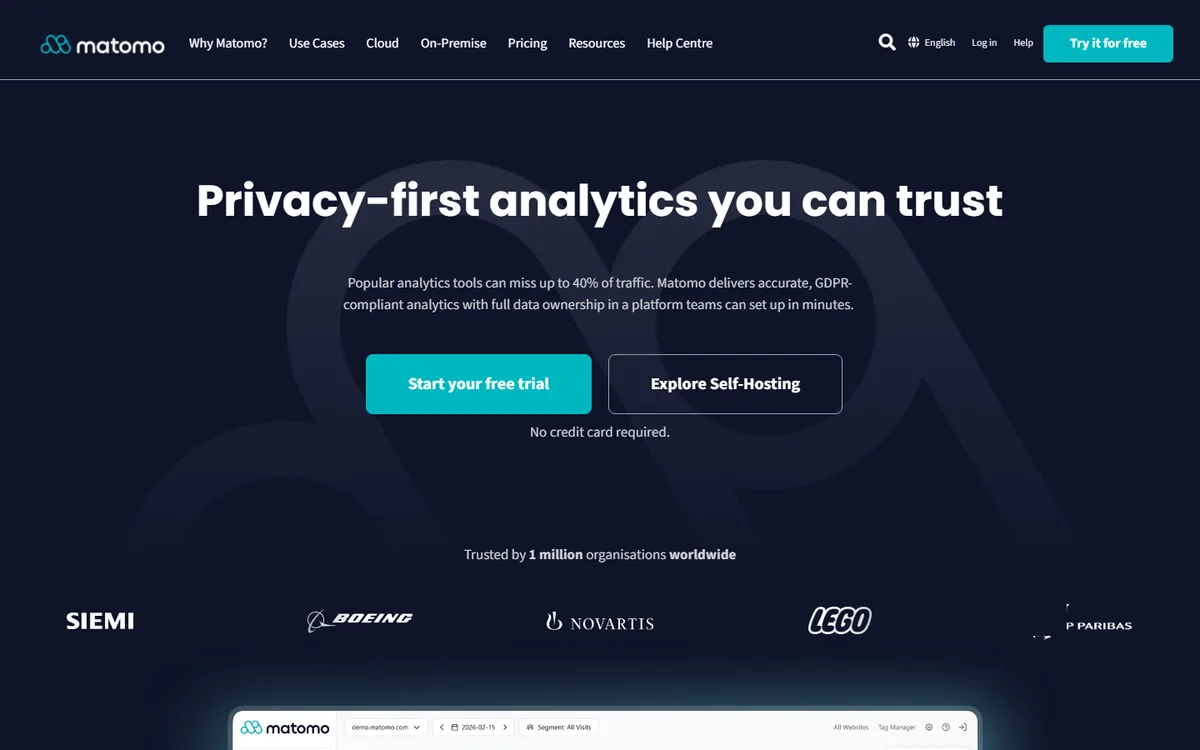
Matomo is an open-source analytics platform you can run on your own servers or buy as a cloud service, with full ownership of the data.
Matomo is where I send clients who need the familiar structure of a full analytics suite, but cannot send visitor data to Google. It offers cloud hosting, or you can install it yourself, and the self-hosted Community edition is free with unlimited users and hits according to Matomo’s pricing page.
Running it yourself means you also run the server, the database and the upgrades. Matomo counts usage in hits, which include pageviews, events, downloads and outlinks, so a busy site with many events can reach the higher tiers sooner than expected. If you want a short, sensible start, read the web analytics guide first and decide which reports you actually need before you pick any host.
Where Matomo Shines
- Self-hosting gives you full control of where data lives
- Feature depth is close to a full suite, with funnels, segments and heatmap add-ons
- Open source means you can inspect and adapt the code
Where Matomo Falls Short
- Self-hosting needs server and database skills
- Some advanced features are paid plugins or sit in higher tiers
Matomo Pricing
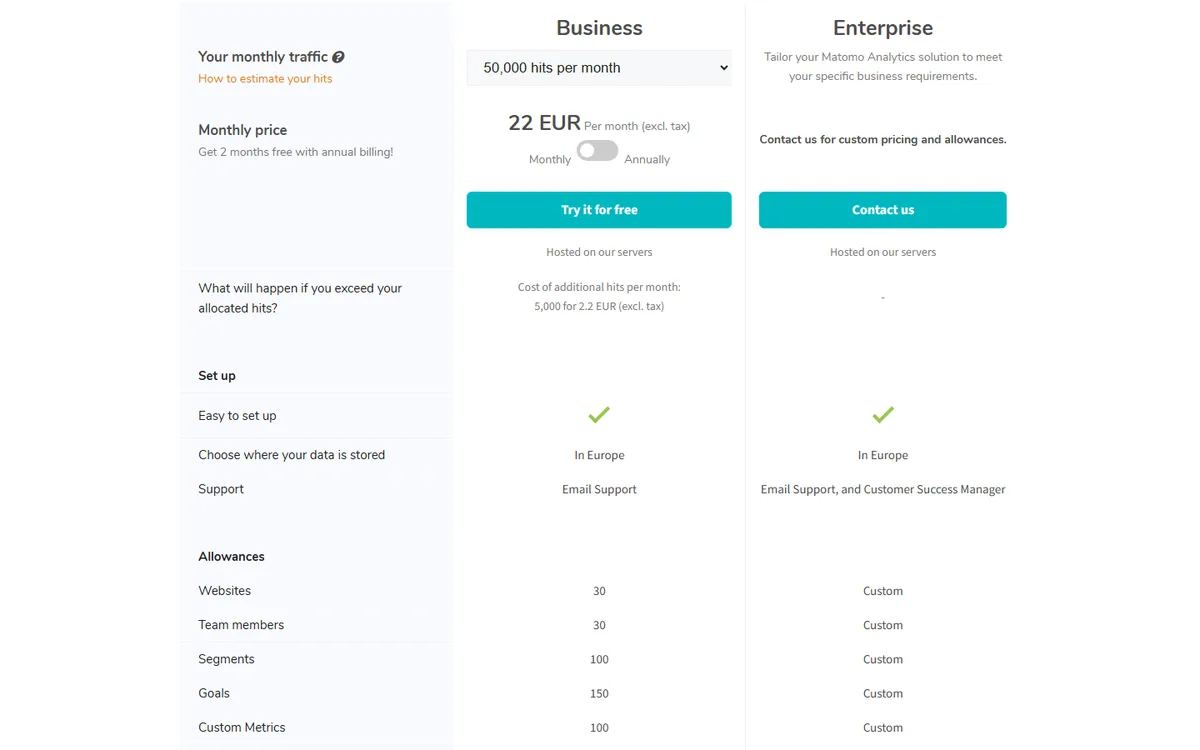
Matomo’s self-hosted Community edition is free. On-Premise Team is listed at €275 for up to 4 users and 5 million hits per month, Business at €1,450 and Enterprise at €3,400. Cloud plans are priced by monthly hit tiers from 50,000 hits upward, with a free trial and no credit card, and the exact figure depends on your tier, so check the pricing page.
Matomo Reviews
- G2: rated 4.2/5 (across 96 ratings)
Plausible Analytics
One Page, a Handful of Numbers and No Cookie Banner Debates
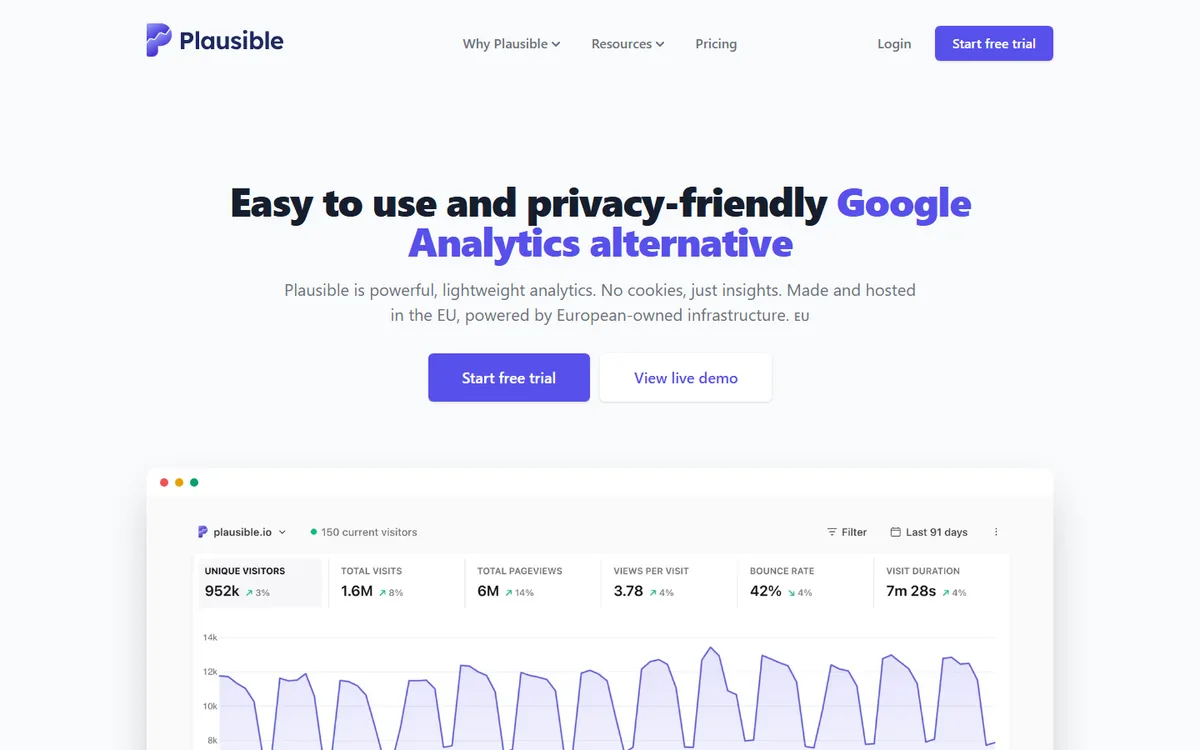
Plausible shows traffic, sources and goals on a single dashboard, and it is built around privacy rather than user-level tracking.
Plausible is the tool I suggest when someone says, "I only look at five numbers anyway". Visitors, pageviews, bounce rate, sources and goals sit on one screen, the script is small and the product does not use cookies. For a content site or a small shop, that simplicity is the feature.
The trade-off is depth. There are no user-level paths, and cohort or retention analysis is out of scope. If a marketing manager wants a funnel with six steps and custom segments, Plausible will feel thin. Put the core web analytics KPIs on a short list first, and if the list fits on one screen, Plausible fits you.
Where Plausible Analytics Shines
- Clean one-page dashboard that non-analysts understand quickly
- Small script and no cookies, which keeps page weight and consent questions low
- Straightforward goals and custom events
Where Plausible Analytics Falls Short
- Limited depth for funnels, cohorts and user-level analysis
- Paid from the first day after the trial, unlike free alternatives
Plausible Analytics Pricing
Plausible lists Starter at $9 per month, Growth at $14 per month and Business at $19 per month, with Enterprise on request. The price scales with monthly pageviews through a slider, and the page shows a 30-day free trial without a credit card and two months free on yearly billing.
Plausible Analytics Reviews
- G2: rated 4.9/5 (across 6 ratings)
Only six reviews back the 4.9 on G2, so treat it as a small sample.
Fathom Analytics
Simple Reporting With an Unusually Generous Number of Sites per Plan
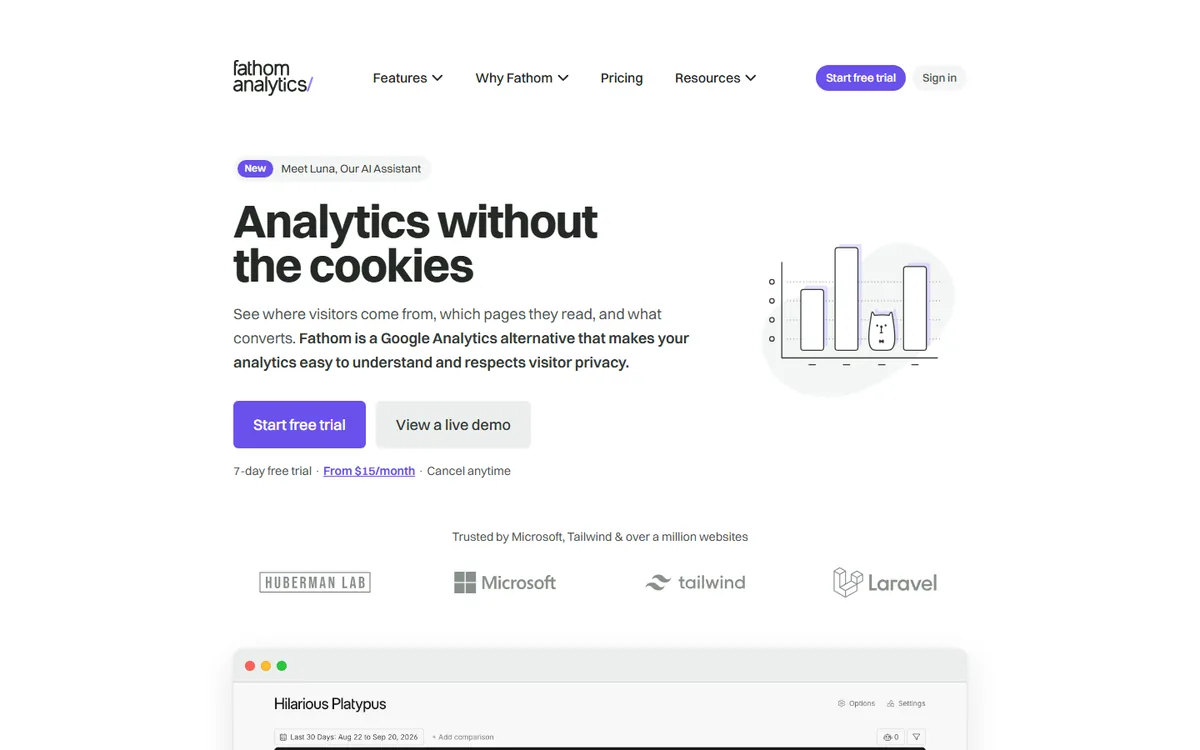
Fathom is a lightweight, privacy-focused analytics tool with a clean dashboard, uptime monitoring and a flat pricing structure by pageviews.
Fathom resembles Plausible in spirit: a single dashboard, no cookies and a deliberately short list of reports. Where it stands out is the plan structure. Every plan includes at least 50 sites according to its pricing page, which makes it attractive for freelancers and agencies with many small client sites.
In practice I see it used where analytics is a reporting chore, not a research tool. If you need event-level analysis or segmentation across customer attributes, you will hit the ceiling quickly. For a monthly traffic check and a few goals, it does the job without needing a person to maintain it.
Where Fathom Analytics Shines
- Many sites per plan, handy for agencies
- Easy to share reports with clients
- Low setup effort and low maintenance
Where Fathom Analytics Falls Short
- Shallow analysis compared with full suites
- Plans are tied to pageview volume, so growth raises the price
Fathom Analytics Pricing
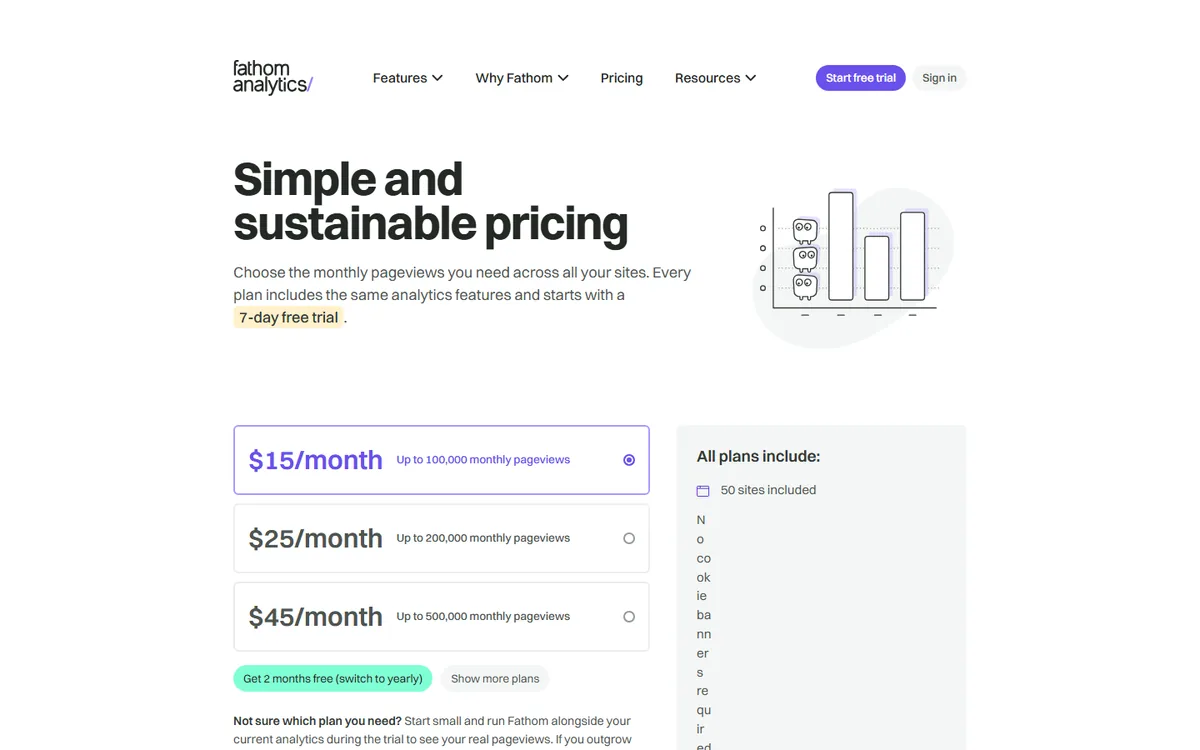
Fathom shows plans at $15 per month for up to 100,000 pageviews, $25 per month for up to 200,000 and $45 per month for up to 500,000, with a 7-day free trial that requires a card. Extra packs of 50 sites cost $10 per month, and yearly billing gives two months free.
Fathom Analytics Reviews
- G2: rated 4.7/5 (across 21 ratings)
Piwik PRO
Built for Teams Whose Legal Department Reads the Tracking Plan
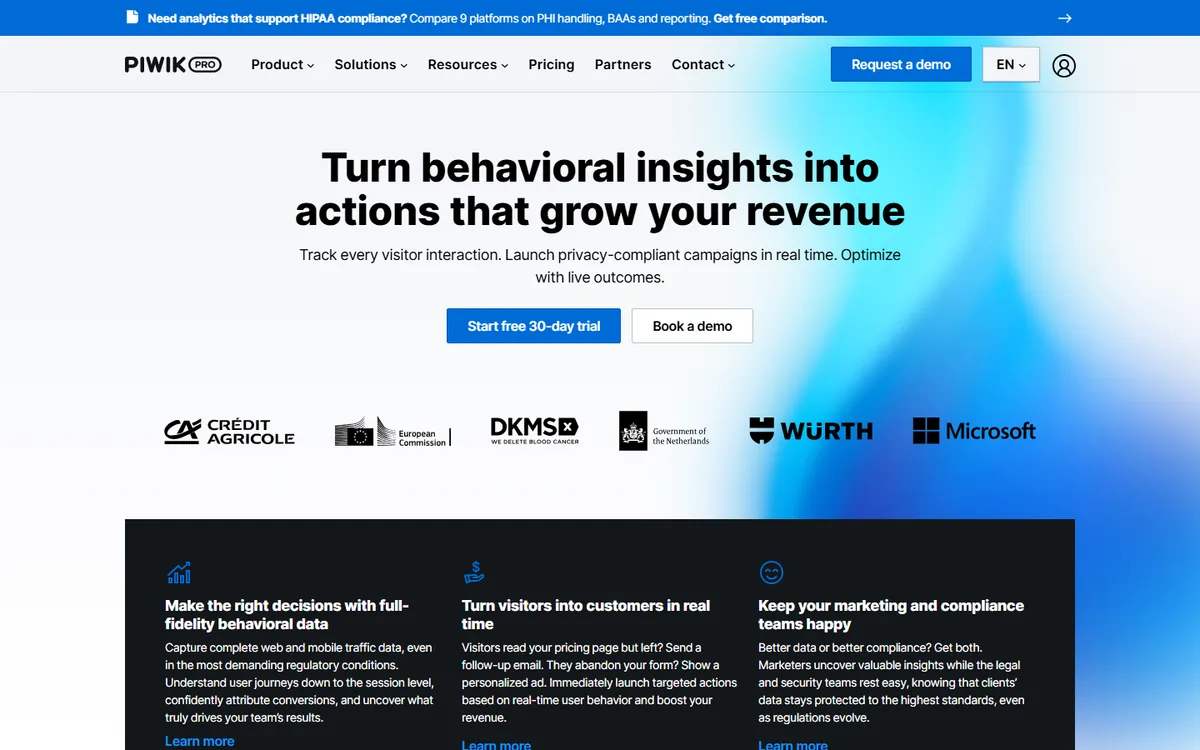
Piwik PRO combines analytics, a tag manager, a consent manager and a customer data platform, with options for EU hosting and private cloud deployment.
Piwik PRO targets organizations in finance, healthcare and the public sector, where the question is less "what is our bounce rate?" and more "where does this data live and who consented to it?". Having the consent manager and tag manager in the same suite removes a handoff between tools that often breaks in real projects.
It is not a casual choice. Pricing is built around enterprise contracts, and the setup needs the same care as any serious analytics platform. If your needs are a monthly traffic report for a marketing site, you are buying more governance than you will use.
Where Piwik PRO Shines
- Analytics, tag management and consent management in one place
- Hosting choices suit strict compliance requirements
- Strong support for regulated sectors
Where Piwik PRO Falls Short
- Enterprise-oriented pricing and sales process
- Overkill for small sites with simple reporting
Piwik PRO Pricing
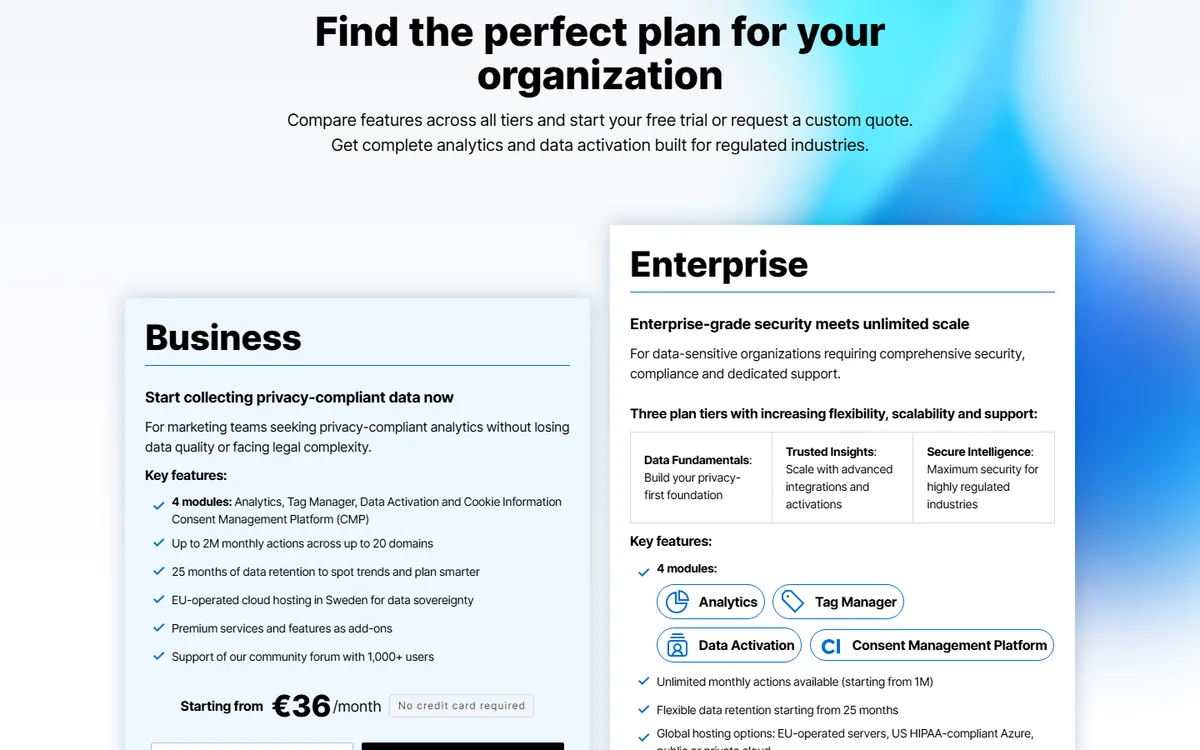
Piwik PRO’s pricing page lists Healthcare Enterprise and Enterprise plans without prices. Cost depends on your traffic tier and is quoted individually, with annual billing in advance according to the page. Contact the vendor for a current quote.
Piwik PRO Reviews
- G2: rated 4.5/5 (across 49 ratings)
Simple Analytics
A Calm, Readable Dashboard That Still Lets You Pull Raw Data
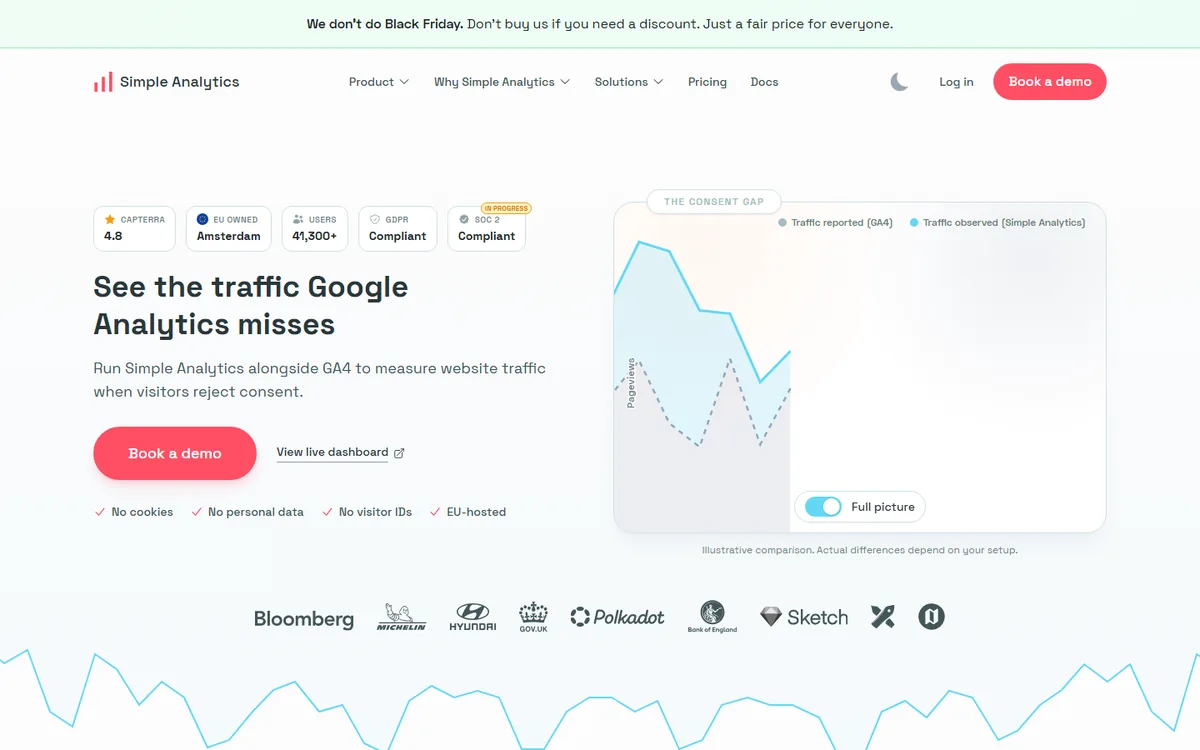
Simple Analytics is a European privacy-first web analytics service with a plain dashboard, event tracking and data export.
Simple Analytics sits between the minimal tools and the full suites. The dashboard is as quiet as Plausible’s, but it also supports raw data export, and its enterprise plan includes API and BI access, which matters when analysts want the numbers in their own warehouse.
The self-serve plan includes one user, and extra users cost $20 per month each, so a team of five can pay more in seats than in traffic. Check that before you choose it for a larger group. For one or two people who want a tidy, privacy-friendly view, it works well.
Where Simple Analytics Shines
- Tidy dashboard that non-technical colleagues can read
- Raw data export and enterprise API access
- Free plan for hobby sites
Where Simple Analytics Falls Short
- Seats are charged per user, which adds up for teams
- Less depth for funnels and segmentation than full suites
Simple Analytics Pricing
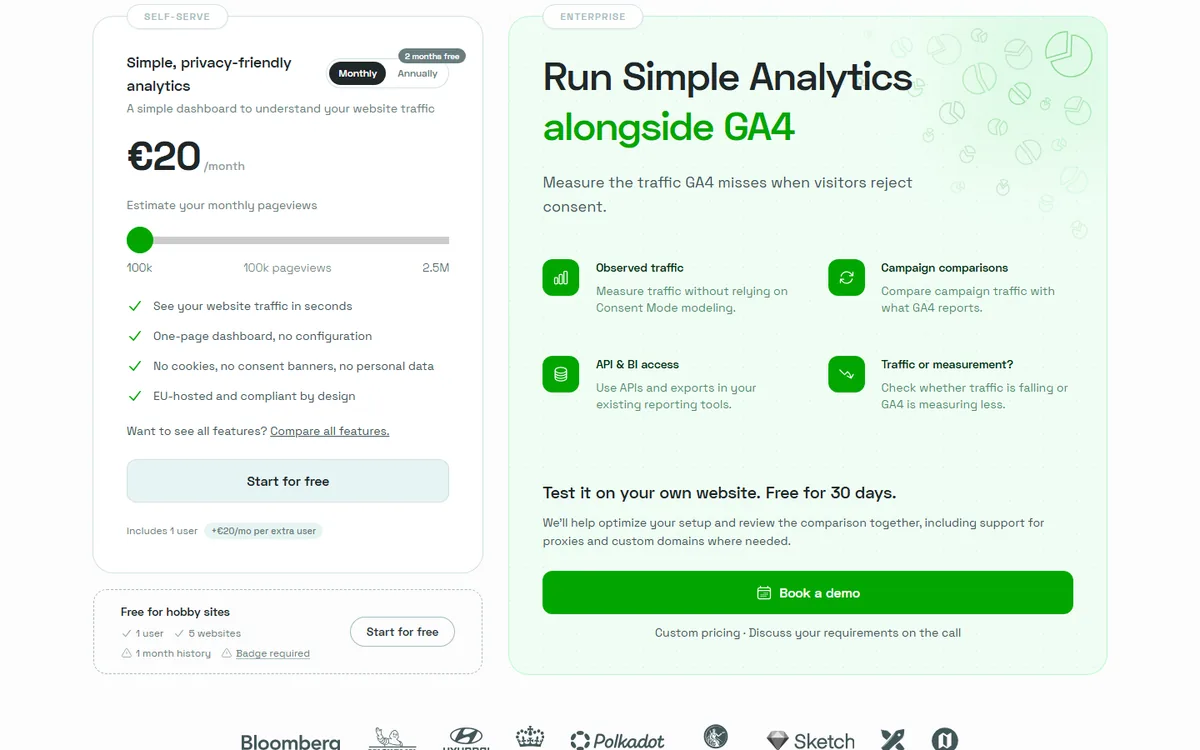
The self-serve paid plan starts at $20 per month and is priced by estimated monthly pageviews on a slider from 100,000 to 2.5 million, with one user included and $20 per month for each extra user. A free hobby plan covers 5 websites with one month of history and a badge. Self-serve trials run for 14 days without a card, and Enterprise is quoted individually.
Simple Analytics Reviews
- G2: rated 4.5/5 (across 24 ratings)
Umami
Open Source, Simple to Host and Cheap to Start
Umami is a lightweight open-source analytics tool you can self-host for free or use as a paid cloud service.
Umami appeals to developers because it is small, readable and easy to install on a server or a platform you already use. Its cloud plans add email reports and the streaming API that the self-hosted version lacks. The product also tracks custom events and event properties, which is enough for many marketing sites and side projects.
The G2 sample is tiny, so I judge it by the product itself: it is a good fit for a team with a developer who will own it, and a weak fit for a marketing team that expects vendor-style support and long-tail integrations. Decide who owns it before you install it.
Where Umami Shines
- Free to self-host and easy to inspect
- Cloud plans stay cheap at small volumes
- Custom events and properties are included
Where Umami Falls Short
- Small ecosystem compared with the big suites
- Self-hosting means you maintain updates and backups
Umami Pricing
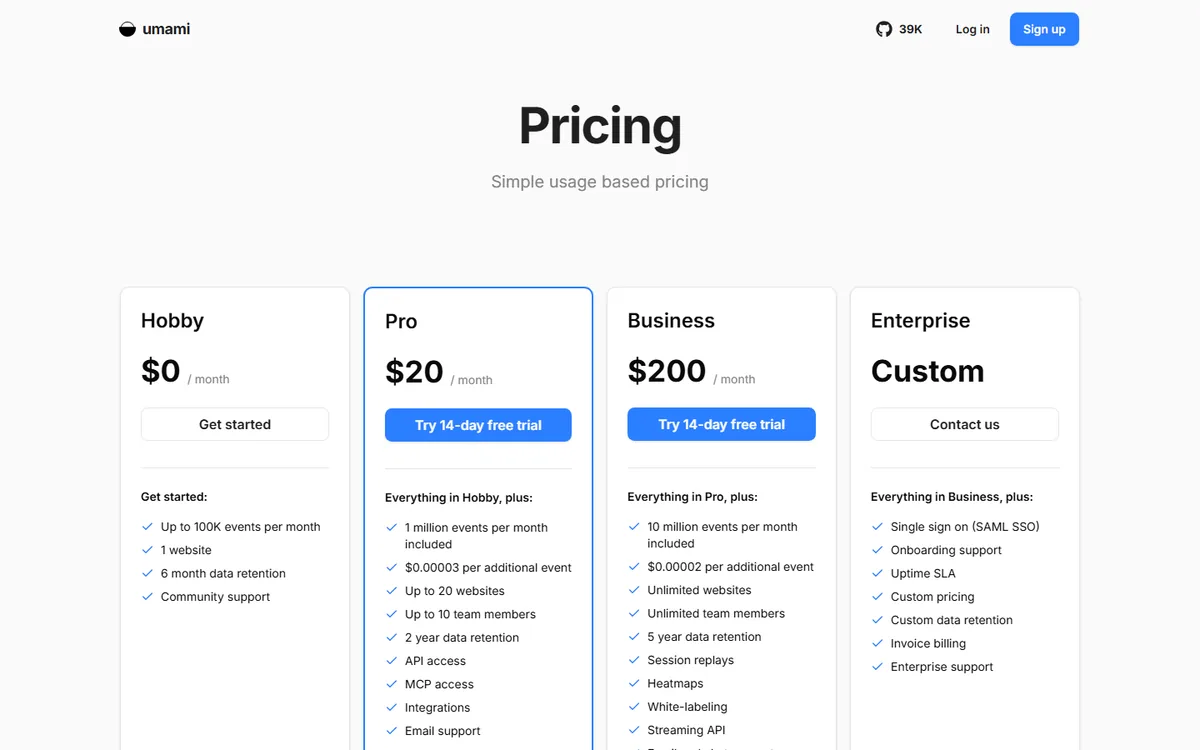
Umami Cloud has a free Hobby plan with up to 100,000 events per month for 1 website and 6 months of retention. Pro is $20 per month with 1 million events, up to 20 websites and 10 team members, and Business is $200 per month with 10 million events. Extra events are billed per event, and Enterprise is custom. Self-hosting is free.
Umami Reviews
- G2: rated 4.5/5 (across 6 ratings)
G2 lists only six reviews, so the rating is a small sample.
Hotjar

It Will Not Replace Your Analytics Tool, but It Explains What the Numbers Cannot
Hotjar adds heatmaps, session recordings and feedback surveys to your analytics, so you can watch what visitors do on a page.
I use Hotjar-style tools after the numbers raise a question. When GA4 shows that a checkout step loses visitors, recordings and heatmaps often show a button that looks disabled or a form field that fails on mobile. That kind of answer is hard to get from aggregate charts.
It does not replace an analytics platform. Treat it as a second layer, and plan privacy settings early, since recordings can capture sensitive input if masking is not set properly. Hotjar now sits under Contentsquare, and its pricing page redirects there.
Where Hotjar Shines
- Heatmaps and recordings make problems visible fast
- Surveys and feedback widgets in the same tool
- Easy to install through a tag
Where Hotjar Falls Short
- Not a full analytics platform
- Recordings need careful masking and consent planning
Hotjar Pricing
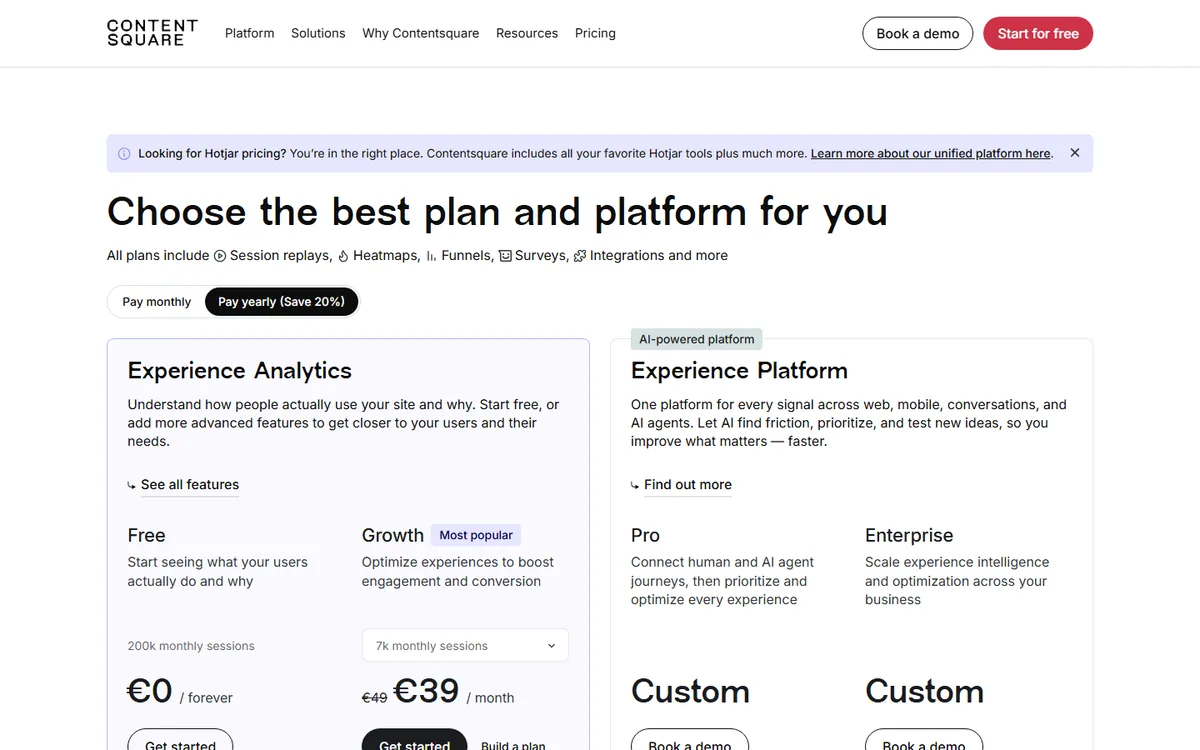
Hotjar’s pricing page redirects to Contentsquare’s pricing page, which I could read for Contentsquare plans but not for individual Hotjar tiers. Check hotjar.com for the current free plan and paid tiers, which are priced by session volume.
Hotjar Reviews
- G2: rated 4.3/5 (across 345 ratings)
Microsoft Clarity
Free Session Recordings and Heatmaps With No Stated Traffic Cap
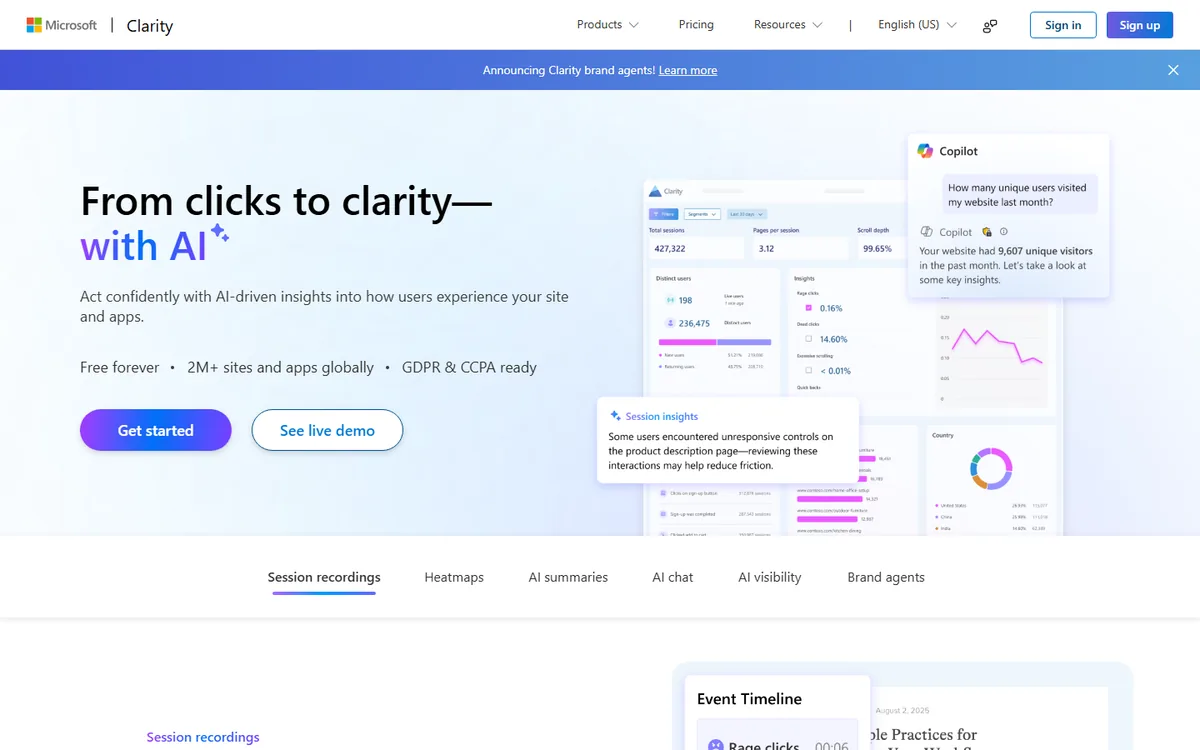
Microsoft Clarity is a free behavior analytics tool with session recordings, heatmaps, funnels and AI-generated summaries.
Clarity is the first tool I mention when a team has no budget for behavior analytics. Microsoft describes it as a free service forever, with session recordings, click, scroll and area heatmaps, filters, funnels and a Copilot feature that summarizes behavior data. Mobile app analytics are supported on Android, iOS and common frameworks.
The documentation I read did not list traffic caps, so check Microsoft’s FAQ before you rely on it for a very large site. Clarity says it should not be used on sites or apps that target users under 18, which rules it out for some products. As with any recording tool, set masking and consent up before launch.
Where Microsoft Clarity Shines
- Free, with a broad feature set
- Heatmaps, recordings and funnels in one tool
- Mobile app support and an API for exports
Where Microsoft Clarity Falls Short
- Reporting depth is below full analytics suites
- Not suitable for properties aimed at under-18 users
Microsoft Clarity Pricing
Microsoft calls Clarity a free service forever with no obligation to upgrade. Its documentation refers to a pricing page and FAQ for any limits, so confirm current terms there before you plan around it.
Microsoft Clarity Reviews
I could not read a current G2 rating for Clarity, so I leave it out rather than guess.
PostHog
A Developer-Friendly Suite That Covers Web Analytics, Replays and Experiments
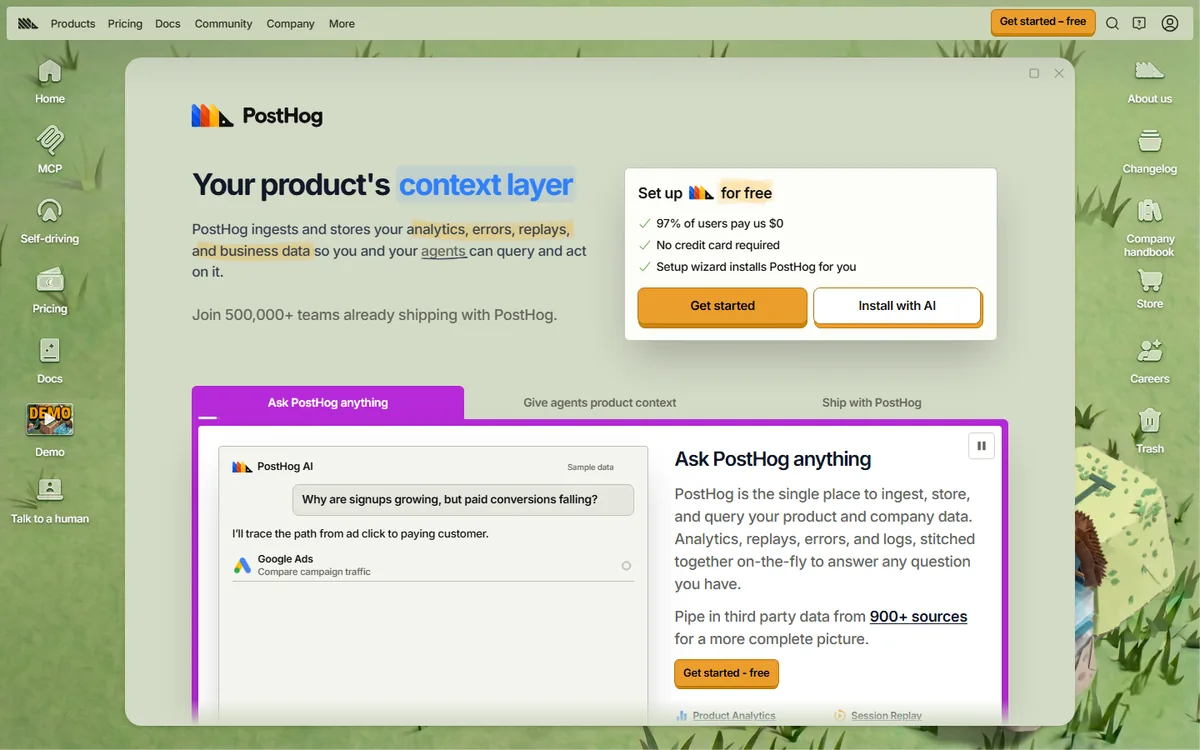
PostHog combines web and product analytics, session replay, feature flags and experiments, with usage-based pricing and a generous free allowance.
PostHog started as product analytics and now includes a web analytics view, which makes it a real GA4 alternative for teams that already track in-app behavior. Having replays, feature flags and A/B tests next to the numbers shortens the path from insight to change.
Developers tend to love it, and marketers sometimes find it dense. Event-based pricing is also something to watch: one noisy autocapture setting can inflate volume. Set up a short event plan, as laid out in my web analytics strategy guide, so your usage stays understandable.
Where PostHog Shines
- Many products in one platform, from analytics to experiments
- Free tier with a monthly allowance and no card required
- Open-source roots and a very active development pace
Where PostHog Falls Short
- Interface suits technical users better than casual marketers
- Usage-based billing needs attention to event volume
PostHog Pricing
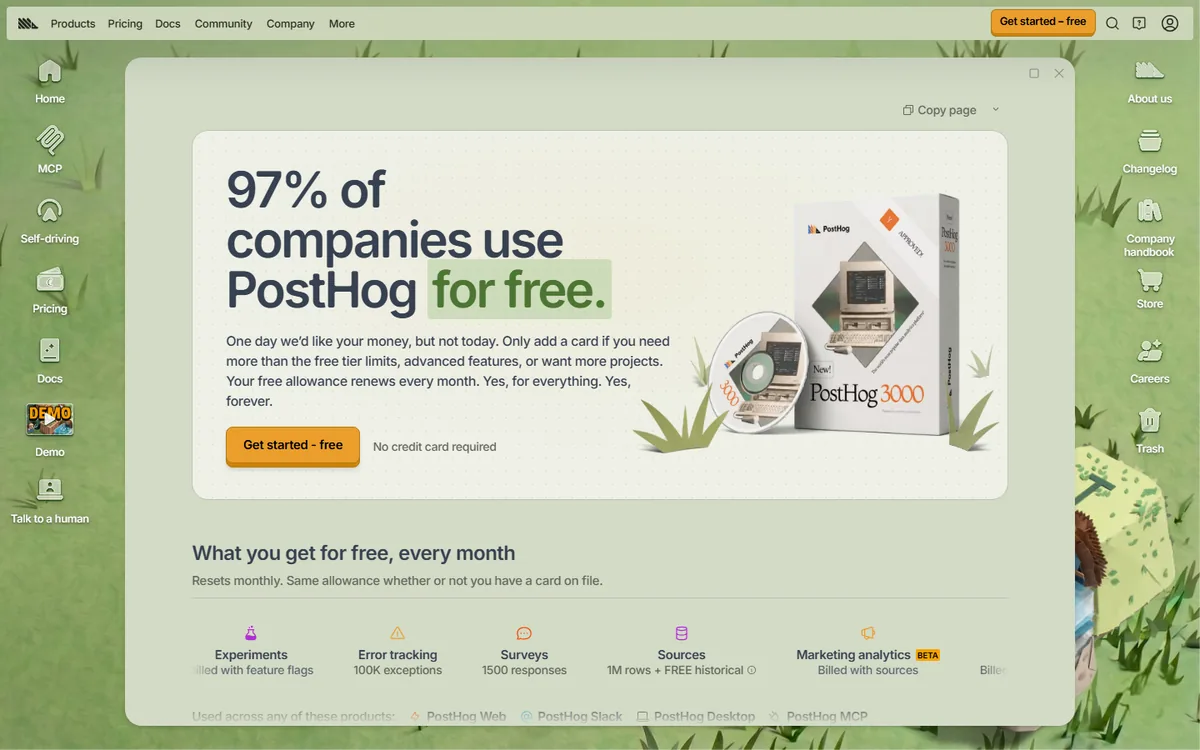
PostHog’s free tier includes 1 million analytics events, 5,000 session recordings, 1 million feature flag requests and 100,000 exceptions per month, with usage stopping at those limits. Pay-as-you-go keeps the same free allowance and bills only for usage beyond it, with no minimums or required annual contracts.
PostHog Reviews
- G2: rated 4.5/5 (across 1,057 ratings)
Mixpanel
The Place to Go When Your Questions Start With "What Do Users Do Next?"
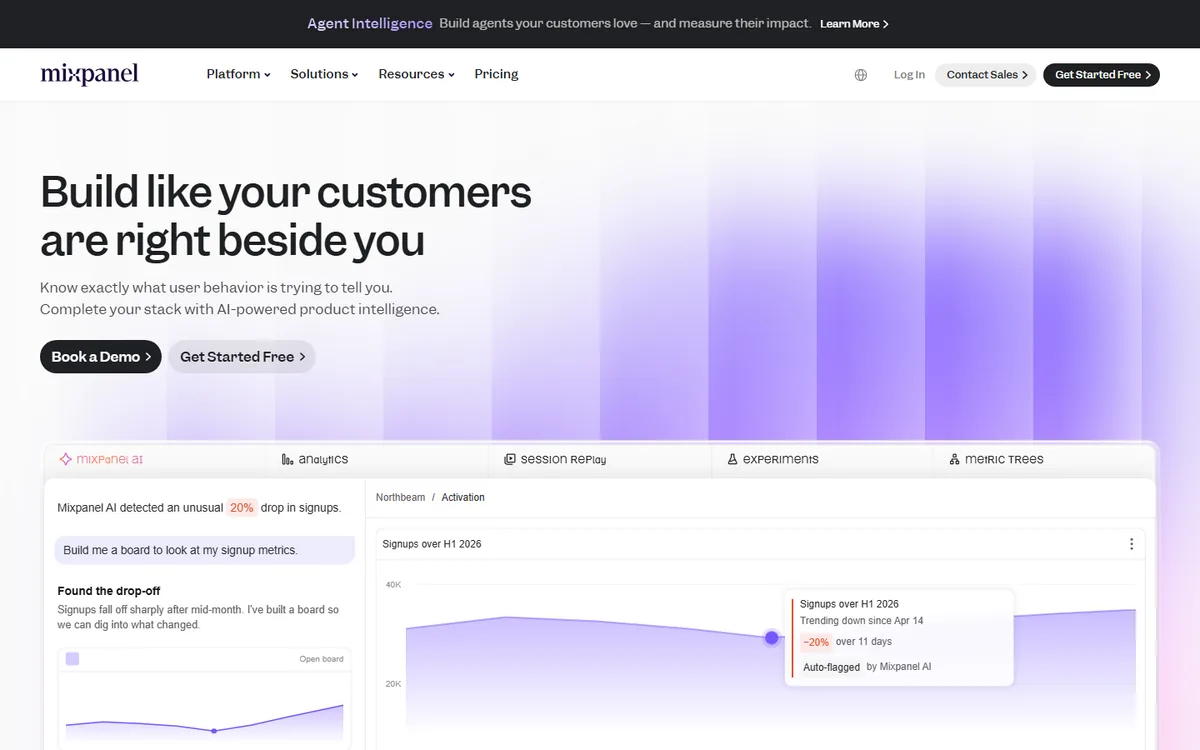
Mixpanel is an event-based product analytics tool known for funnels, retention reports and fast self-serve exploration.
Mixpanel makes sense when marketing questions turn into product questions: which sign-up path leads to active users, and where do they stop? Funnels, flows and retention tables are quick to build, and non-technical colleagues can answer many questions without a request to the data team.
It works best with a deliberate event plan. Teams that track everything end up with hundreds of events nobody understands. The web analytics examples I collected show how fewer, well-named events outperform large unstructured ones.
Where Mixpanel Shines
- Funnels, flows and retention are fast and intuitive
- Strong self-serve experience for non-analysts
- Free tier with 1 million events per month
Where Mixpanel Falls Short
- Less suited to content-site traffic reporting
- Event volume drives cost as you scale
Mixpanel Pricing
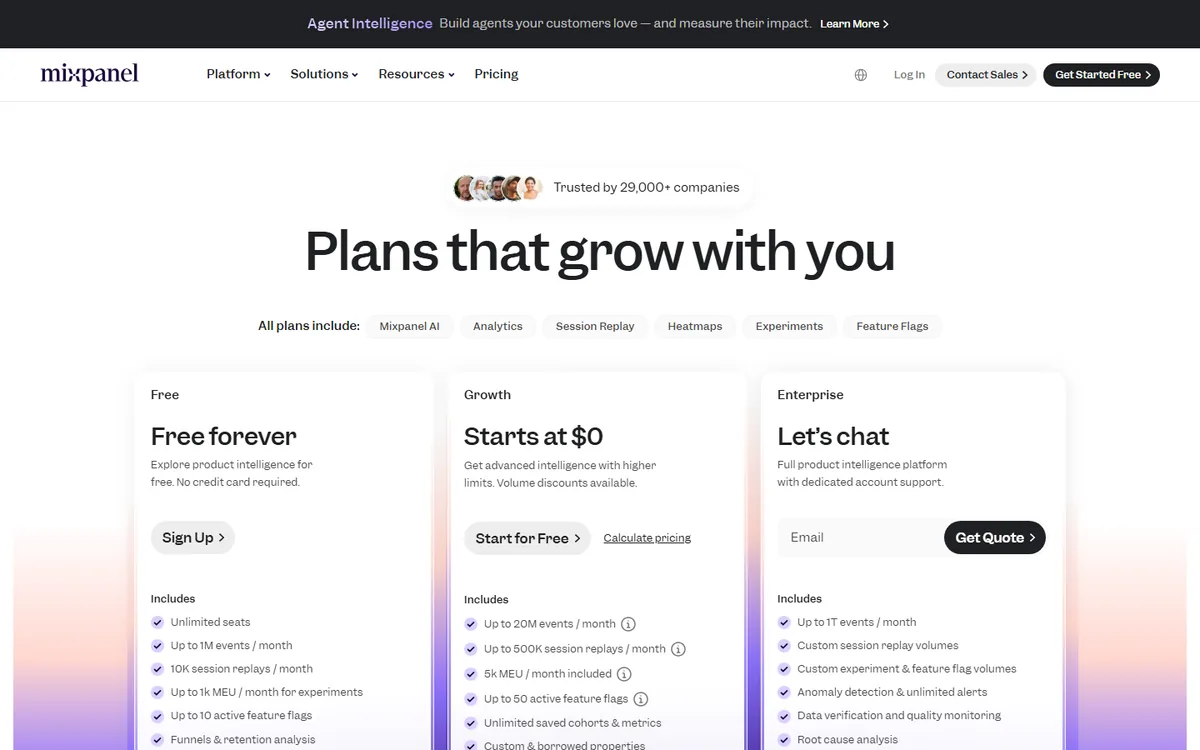
Mixpanel’s Free plan is listed as free forever with up to 1 million events per month, unlimited seats, 10,000 session replays and 10 active feature flags. Growth starts at $0 with volume discounts, and the page cites $100 per month on yearly billing, or $140 monthly, at 1.5 million events. Enterprise is custom.
Mixpanel Reviews
- G2: rated 4.5/5 (across 1,395 ratings)
Heap
Automatic Capture Saves Setup Time, and Governance Becomes Your Job Later
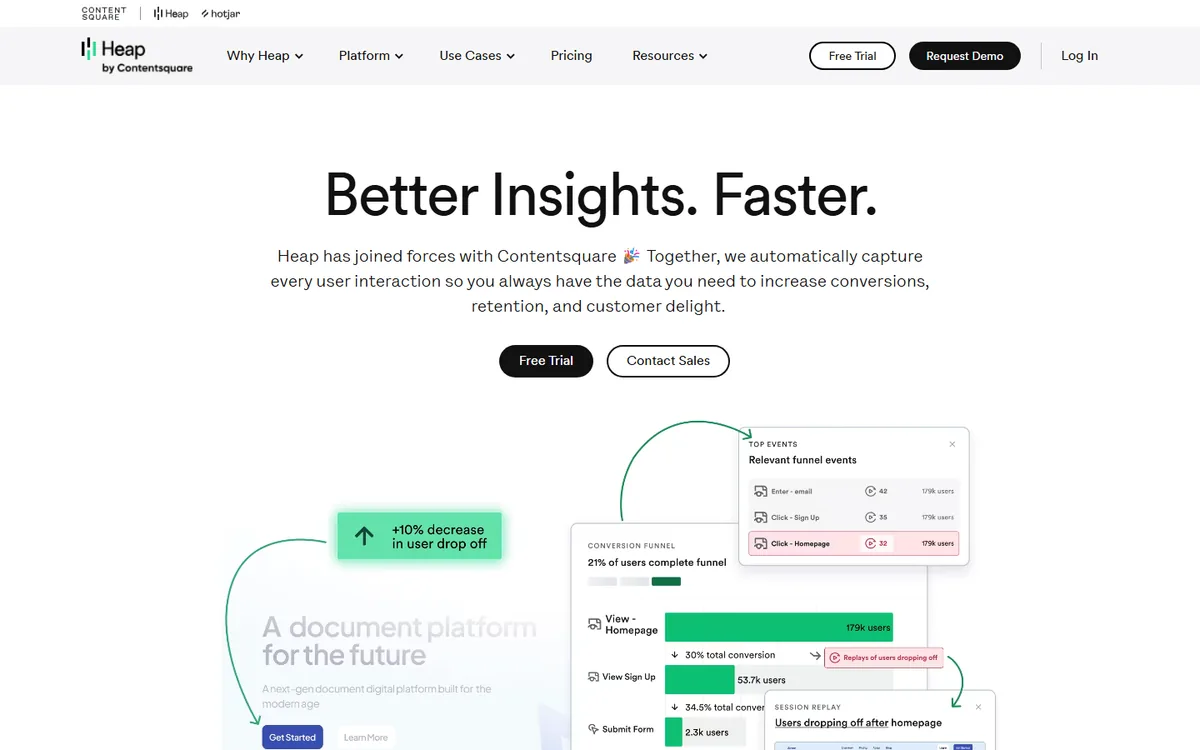
Heap by Contentsquare records user interactions automatically, so you can define events after the fact instead of tagging everything up front.
The pitch is simple: install the snippet once, and Heap records clicks, page views and form interactions. You define the events you care about afterwards, which suits teams that cannot wait for a tracking plan. For a young product, retroactive analysis is a real advantage.
Automatic capture does not remove the need for naming and governance. Without ownership, definitions drift and dashboards disagree again. Use Heap when speed matters most, and plan a clean-up pass every quarter.
Where Heap Shines
- No need to tag every event in advance
- Retroactive analysis answers new questions on old data
- Part of the Contentsquare family for behavior analysis
Where Heap Falls Short
- No public pricing beyond the free tier
- Needs data governance to avoid a mess of definitions
Heap Pricing
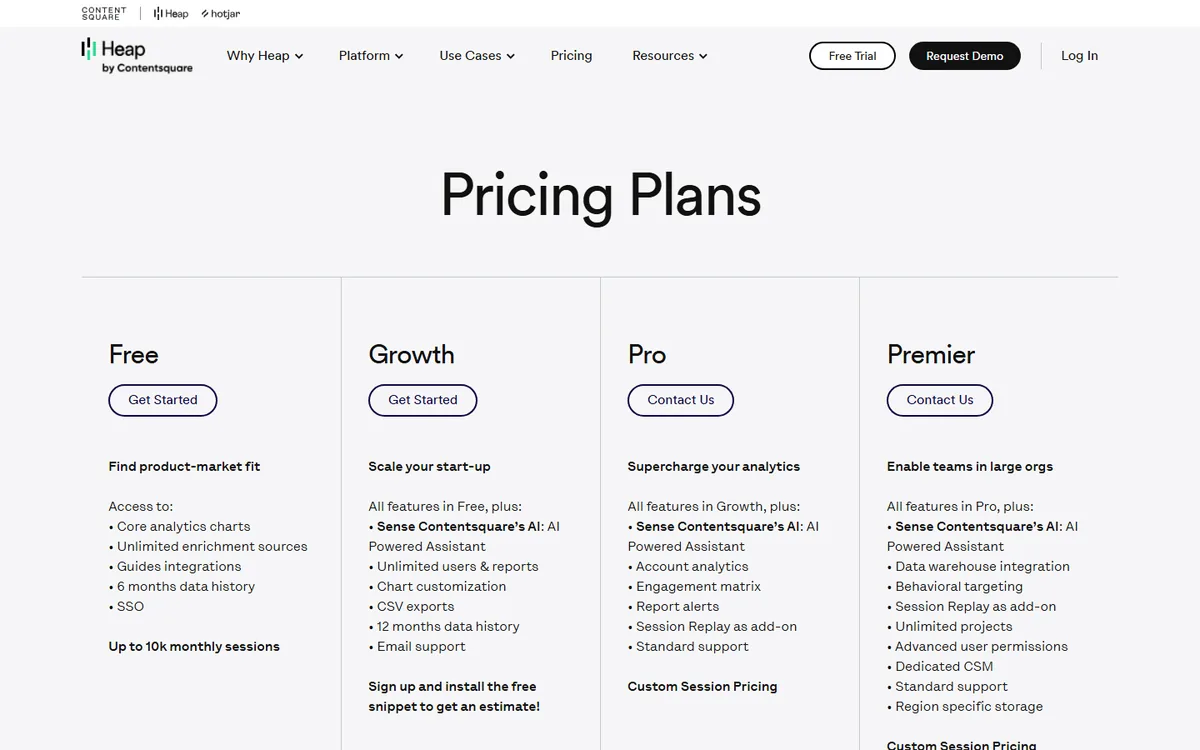
Heap lists Free, Growth, Pro and Premier plans. The Free plan covers up to 10,000 monthly sessions, and the page does not show dollar prices for paid plans. Growth gives an estimate after install, and Pro and Premier are priced on session volume through sales.
Heap Reviews
- G2: rated 4.4/5 (across 1,097 ratings)
Estimate the Return on a Web Analytics Tool
Before you pick a plan, check whether the numbers work for you. Enter the hours your team spends pulling reports by hand and the monthly price of the tool you are considering, and you will see what it could return in a year.
Is the Software Worth the Cost?
Move the sliders to match the work you want the tool to cover and the plan you are considering.
How to Choose the Right Web Analytics Tool
In my experience, the questions you need answered decide more than any feature list. Before you compare vendors, I suggest you work through four checks:
- Which five numbers do you check every week, and can the tool show them without custom work?
- Where may your visitor data be stored, and does your legal adviser need to sign off?
- Who will maintain the setup: marketing, a developer or an agency?
- Do you need a link to your ad platforms, your CRM or a data warehouse?
If you want a simple, readable dashboard, start with Plausible, Fathom or Simple Analytics. If you need control over hosting, look at Matomo or Umami, and if your questions are about product usage, Mixpanel, PostHog or Heap fit better. Enterprise teams with an Adobe stack will look at Adobe Analytics, and Piwik PRO suits regulated sectors.
Whichever you pick, tool choice is only part of the work. Clean events, clear definitions and a regular check matter more, which is the heart of every good analytics project. A short call can settle the choice if your setup is unusual.
Questions About Choosing Web Analytics Tools
What Is the Best Alternative to Google Analytics 4?
It depends on what you dislike about GA4. If it is complexity, Plausible or Fathom give you a one-page dashboard. If it is data control, Matomo offers a self-hosted option. If you need product behavior, Mixpanel or PostHog fit better. Name the problem first, then pick the tool that solves it.
Is Google Analytics 4 Really Free?
The standard version has no license fee. Google also sells Analytics 360 for higher limits, and its price is quoted individually. Standard properties have documented limits, such as 25 event parameters per event and 2 or 14 months of retention in the interface, which matter once your volume grows.
Do I Need a Cookie Banner with Privacy-First Tools?
It depends on the tool, your settings and your markets. Some tools say they work without cookies, but legal requirements vary by country and by what else is on your site. Ask your legal adviser, and document what each tool collects.
Can I Run Two Analytics Tools at the Same Time?
Yes, and I often suggest it during a move. Run both for at least a month, compare key numbers and write down why they differ. Expect differences from bot filtering, session rules and consent handling, so decide which tool is the reference before you switch off the old one.
Are Free Analytics Tools Good Enough?
For many sites, yes. GA4, Clarity, Umami’s self-hosted version and Matomo’s Community edition cost nothing in licenses. Your real cost is time: setup, maintenance and the hours spent explaining numbers. Count those before you call a tool free.
How Hard Is It to Migrate Away from GA4?
Moving the tag is easy. The hard part is history, since you cannot import old GA4 data into most alternatives. Export what you need to BigQuery or a spreadsheet first, rebuild your goals and conversions, and tell stakeholders in advance that trend lines will restart.
Do I Need a Consultant to Choose a Tool?
Not always. If you have one site and five metrics, the table above is enough. If you have several properties, consent requirements or a CRM to connect, an outside review can save months of rework, because most problems come from the tracking plan rather than from the tool.
Disclaimer: Prices, plans and ratings change often. They were checked when this article was last updated, so confirm them on each vendor’s site before you buy. Nothing here is legal or financial advice.
Was this useful?
We appreciate the feedback.
Rosalind Tierney
Rosalind leads the Flume editorial team and works with our consultants to turn real client projects into practical guides on dashboards, tracking, experimentation and machine learning. Before joining Flume, she spent 11 years in analytics and business intelligence roles. She has since edited more than 300 articles on analytics practice and reviewed dashboards, tracking plans and analytics audits from over 100 client projects. She is based in Minneapolis, Minnesota.