In Short
- Dedicated platforms such as Visier and One Model give you people metrics and history across many HR systems.
- If Workday or SAP already holds your HR data, check their built-in analytics before you add a tool.
- Mid-sized companies often get enough from the analytics inside ChartHop, Lattice or HiBob.
- A general BI tool such as Tableau gives the most flexibility, and leaves definitions and privacy to you.
The Best HR Analytics Software at a Glance
| Tool | Type | Best for |
|---|---|---|
| 1. Visier | Dedicated people analytics | Large teams that want ready-made HR metrics |
| 2. One Model | People data warehouse and analytics | Analytics teams that want to own the data model |
| 3. Workday | HR and finance suite | Companies already running Workday |
| 4. ChartHop | Org planning and analytics | Growing companies that plan headcount with finance |
| 5. Crunchr | Managed people analytics | Teams that want benchmarks and attrition drivers |
| 6. SAP SuccessFactors | Enterprise HR suite | Enterprises already on SAP |
| 7. Lattice | Performance and engagement platform | Performance, engagement and pay questions |
| 8. HiBob | HRIS with built-in analytics | Mid-sized companies that want analytics inside the HR system |
| 9. Tableau | General BI tool | Teams with analysts who build custom dashboards |
The 9 Best HR Analytics Software Platforms, Ranked
I start with dedicated people analytics platforms, then move to HR suites and finally to general BI, so you can stop reading when you reach your fit. Software is only half the result. In the HR analytics consulting projects I review, clean employee data and agreed definitions matter more than the platform name.
Visier
The Specialist Pick for Large Teams That Want People Analytics Without Building a Data Model
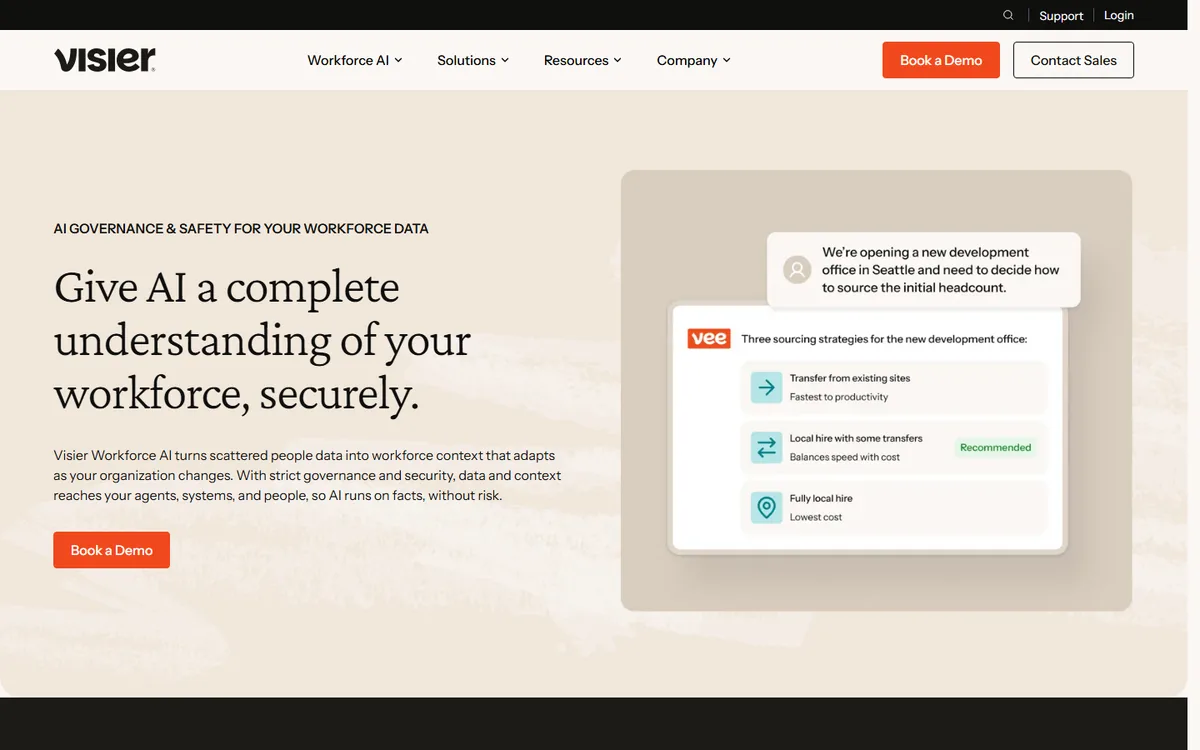
Visier is a dedicated people analytics platform that arrives with ready-made HR metrics, benchmarks and planning tools.
Visier is where I send HR teams that want answers fast and do not want to build a data model from scratch. It connects to your HR system, payroll and applicant tracking, applies a prebuilt set of people metrics, and gives HR business partners dashboards on turnover, hiring, pay and workforce plans from the first weeks.
The trade-off is control. The metric logic is largely Visier’s, so if your company defines headcount or tenure in an unusual way, you will spend time aligning definitions with the platform. It also suits larger organizations best, since the price and the setup effort make less sense under a few hundred employees. If you are choosing a first set of numbers to put on it, my guide to HR analytics metrics covers nine worth tracking.
Where Visier Shines
- Prebuilt people metrics get you to dashboards quickly
- Workforce planning and benchmarks sit in the same product
- Built for HR users, not for analysts
Where Visier Falls Short
- No public pricing, and quotes tend to suit larger companies
- Custom definitions take effort to align with its metric logic
Visier Pricing
Visier does not publish prices. HiBob’s 2026 comparison lists it as custom pricing, so expect to request a quote based on employee count and modules.
Visier Reviews
- Rating: 4.6 out of 5 stars (from 200+ ratings, as listed in HiBob’s 2026 comparison of HR analytics tools)
One Model
A Strong Choice When Your Data Sits in Many Systems and You Want to Control the Model
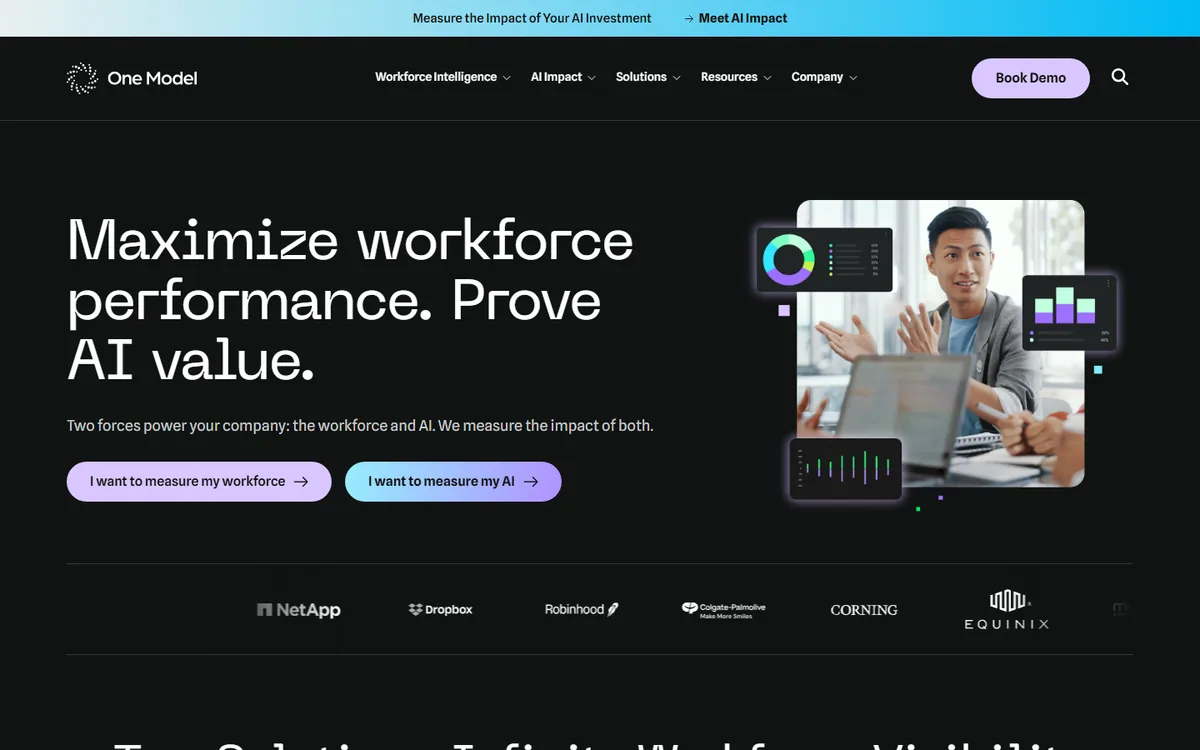
One Model pulls workforce data from many sources into one model, with dashboards and an analytics layer on top.
One Model is closer to a people data warehouse with analytics attached than to a ready-made dashboard tool. It ingests data from HR, payroll, recruiting and survey systems, keeps history, and lets analysts shape the data model, then exposes dashboards and metrics to business users.
I recommend it when an HR analytics team already exists and wants to keep control of definitions across many systems. It is less of a fit for a team that wants to switch on a dashboard on day one, because you get the most from the platform when someone owns the model. The same applies to the definitions work in my HR analytics framework, which you should finish before you configure any platform.
Where One Model Shines
- Flexible data model across many source systems
- Full history is kept, which supports trend analysis
- Suits teams with analysts who want to own definitions
Where One Model Falls Short
- Needs an owner for the data model
- Pricing is quote-only
One Model Pricing
One Model lists pricing on request. Check the vendor’s site and ask for a quote based on your data sources and users.
One Model Reviews
- I could not confirm a current review rating for One Model, so none is shown. Check G2 and Capterra before you decide.
Workday
The Natural Pick If Workday Already Runs Your HR and Finance Data
Workday’s analytics and planning features sit inside its HR and finance suite, so reporting uses the same data as payroll and headcount.
If your company already runs Workday for HR and finance, its built-in reporting and analytics deserve a look before you buy anything else. The data is already there, headcount ties to finance, and managers see reports inside the tool they use.
The catch is that the strongest analytics need extra modules, and building flexible reports takes training. Teams that want to join Workday data with surveys, applicant tracking and external benchmarks often add a separate analytics layer on top.
Where Workday Shines
- HR and finance data share one system
- No extra integration for core headcount reports
- Strong governance and security controls
Where Workday Falls Short
- The best analytics features sit in add-on modules
- Custom reports take training and patience
Workday Pricing
Workday prices on request and by employee count. HiBob’s comparison lists it as custom pricing.
Workday Reviews
- Rating: 4.2 out of 5 stars (from 1,700+ ratings, as listed in HiBob’s 2026 comparison of HR analytics tools)
ChartHop
A Good Fit for Growing Companies That Want Org Charts, Planning and Pay in One Place
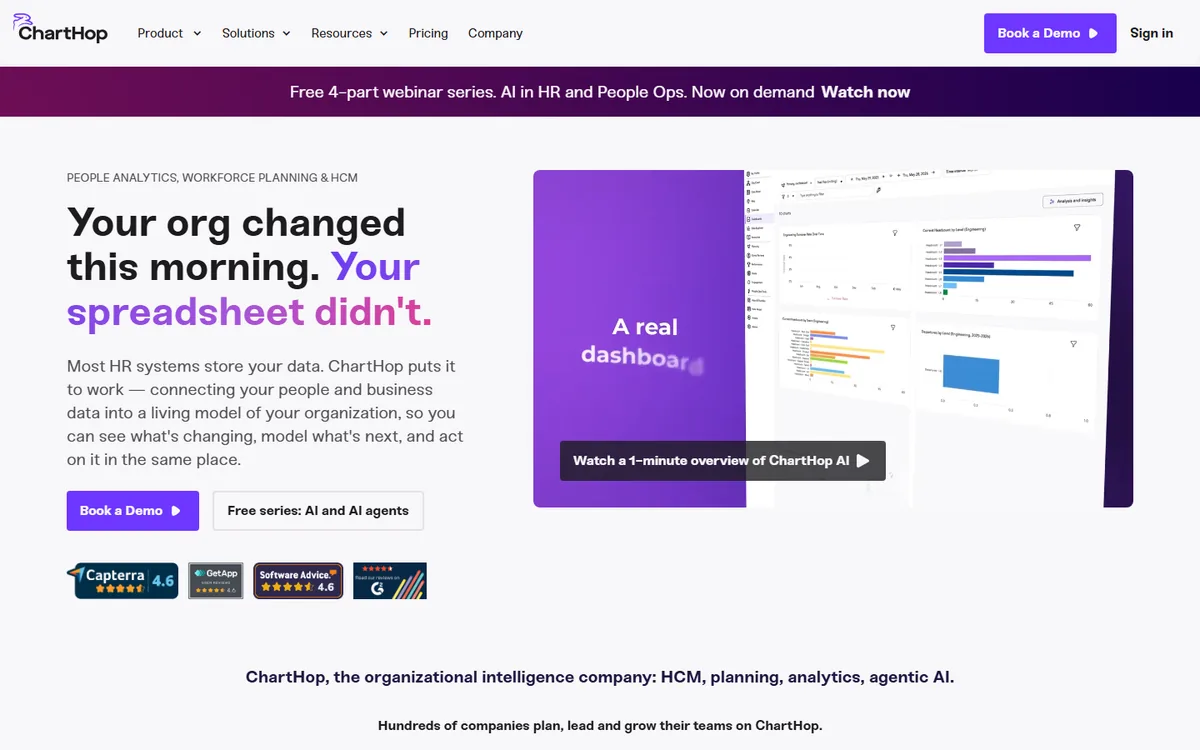
ChartHop combines an org chart, headcount planning, compensation and people analytics on a single dataset.
ChartHop started as an org chart tool and grew into a platform for headcount planning, compensation cycles and analytics. For companies between 100 and a few thousand employees, it puts finance and HR on the same live view of the org, which cuts a lot of spreadsheet reconciliation.
I like how quickly a team gets a usable org view and plan. The limit shows up with heavy statistical work, where analysts will still export data and use their own tools. It is a planning-first product that does analytics well, not an analytics workbench. Headcount planning is a pattern I describe among the HR analytics trends to watch.
Where ChartHop Shines
- A live org chart that stays current
- Headcount planning shared by HR and finance
- Published module pricing is easier to budget
Where ChartHop Falls Short
- Deep statistical analysis needs outside tools
- Modules add up as you switch on more
ChartHop Pricing
HiBob’s comparison lists ChartHop modules from $3 to $5 per person per month, depending on the module, with custom pricing for Enterprise.
ChartHop Reviews
- Rating: 4.3 out of 5 stars (from 170 ratings, as listed in HiBob’s 2026 comparison of HR analytics tools)
Crunchr
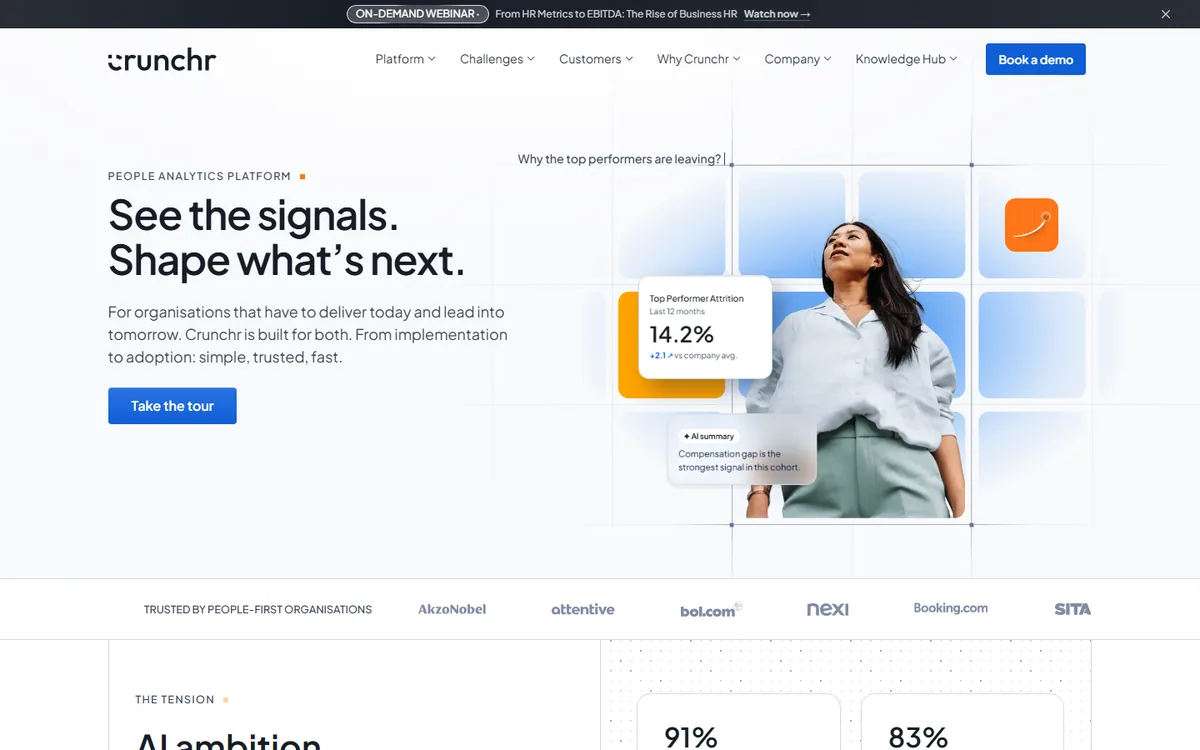
A People Analytics Platform with a Focus on Benchmarks and Attrition Drivers
Crunchr aggregates HR data sources and adds predictive analytics, attrition driver analysis and benchmarking.
Crunchr targets mid-sized and large organizations that want a managed people analytics service as much as software. It combines your HR data, adds drivers of attrition and benchmarking, and presents them in dashboards for HR and business leaders.
The rating in HiBob’s comparison is high, but it rests on a small number of reviews, so treat it with caution and ask for reference customers in your industry. Check how much of the service is configured for you and how much your team must build.
Where Crunchr Shines
- Benchmarking and attrition drivers come built in
- Aggregates many HR data sources
- Positive early review scores
Where Crunchr Falls Short
- A small number of public reviews
- Pricing is quote-only
Crunchr Pricing
Crunchr lists custom pricing, so you need a demo and quote.
Crunchr Reviews
- Rating: 4.8 out of 5 stars (from 29 ratings, as listed in HiBob’s 2026 comparison of HR analytics tools)
SAP SuccessFactors
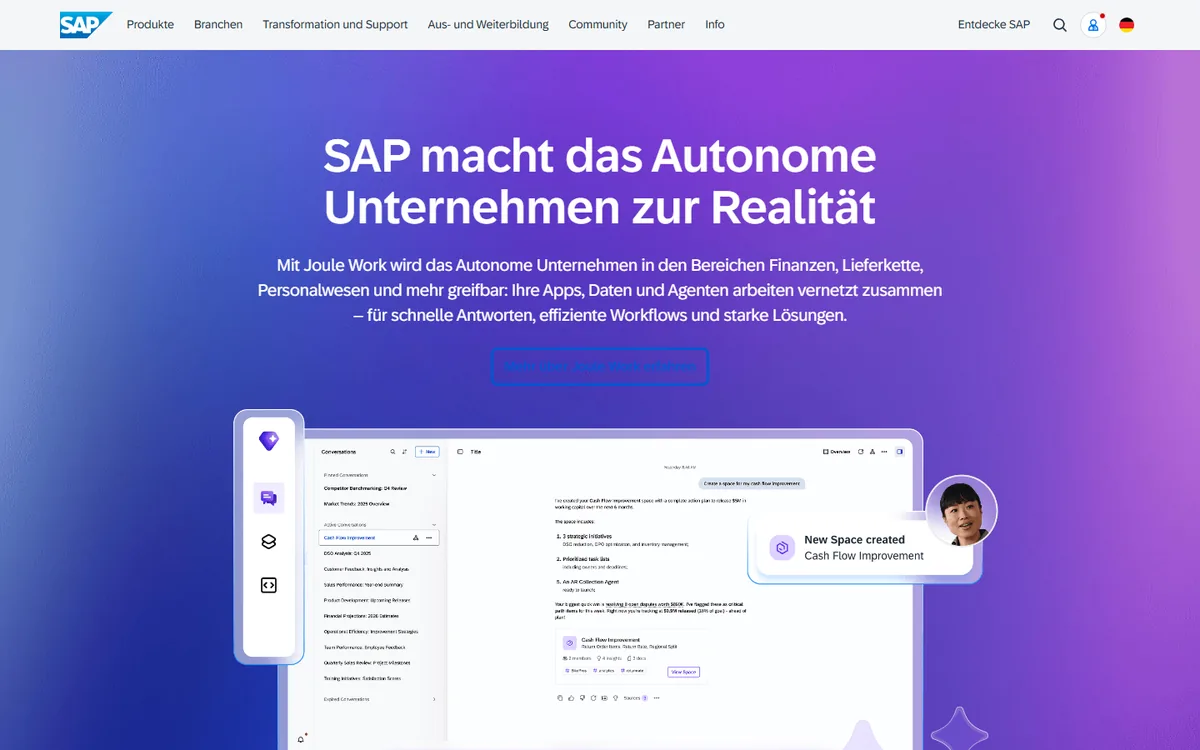
The Enterprise Option If You Already Run SAP for HR and Finance
SuccessFactors offers workforce analytics and planning inside SAP’s HR suite, with reporting tied to the rest of the SAP stack.
SuccessFactors makes sense when SAP is already your system of record. Workforce analytics and planning modules read the same employee data as core HR and payroll, and integration with SAP finance is a real advantage for headcount and cost work.
The product is large, and reaching the analytics layer usually means an implementation partner and a long configuration phase. In my view, it suits big enterprises with an IT team to support it. Smaller companies get faster results from a lighter tool.
Where SAP SuccessFactors Shines
- Tied to SAP HR, payroll and finance data
- Suits global enterprises with complex structures
- Strong security and compliance features
Where SAP SuccessFactors Falls Short
- Implementation is long and often needs a partner
- Reporting flexibility depends on which modules you license
SAP SuccessFactors Pricing
SAP prices SuccessFactors on request. HiBob’s comparison lists custom pricing.
SAP SuccessFactors Reviews
- Rating: 4.1 out of 5 stars (from 1,600+ ratings, as listed in HiBob’s 2026 comparison of HR analytics tools)
Lattice
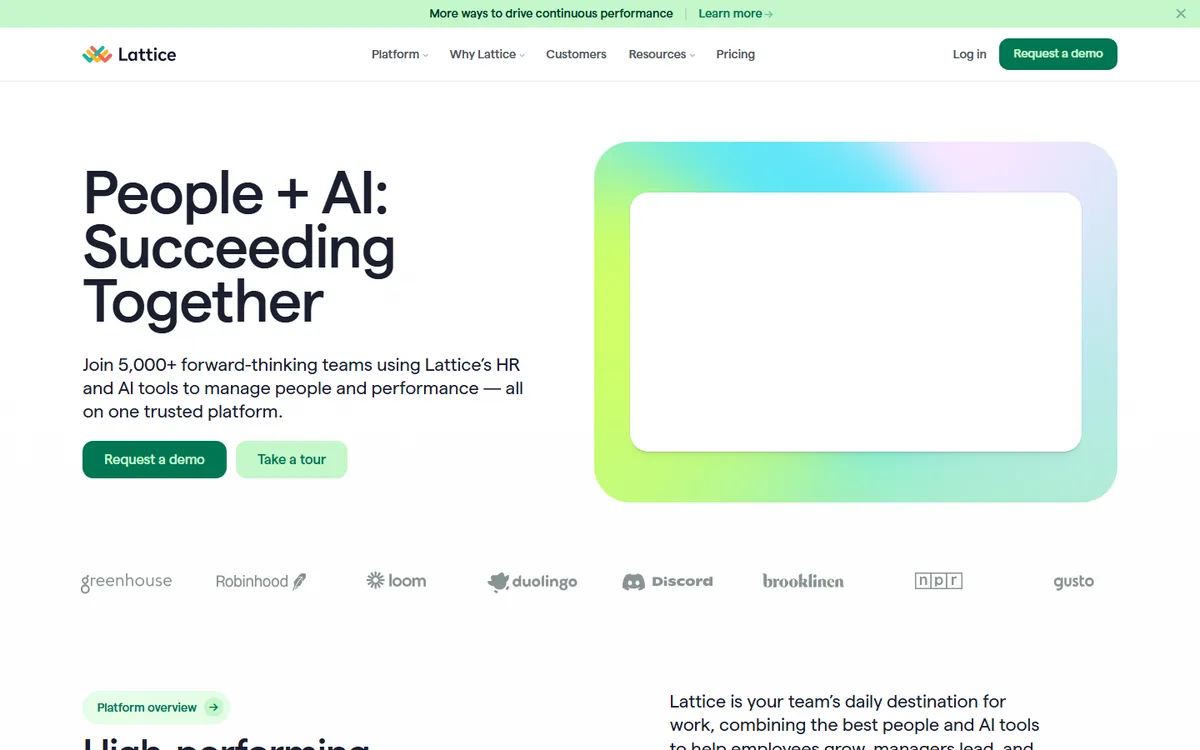
A Good Fit for Performance, Engagement and Pay Analytics in Mid-Sized Companies
Lattice combines performance reviews, engagement surveys, compensation and analytics in one people platform.
Lattice is a people management platform with analytics built around performance, engagement and compensation. If those are your three main questions, you get reporting on all of them without building a data model.
It is less suited to full workforce analytics across hiring, payroll and absence, since its data is strongest where Lattice itself holds the records. Many teams pair it with an HR system for the core data. Performance rating reviews are one of the HR analytics examples that suit it well.
Where Lattice Shines
- Performance, engagement and pay data in one place
- Clear interface for managers and employees
- Published starting price
Where Lattice Falls Short
- Narrower than a full workforce analytics platform
- Costs rise as you add modules
Lattice Pricing
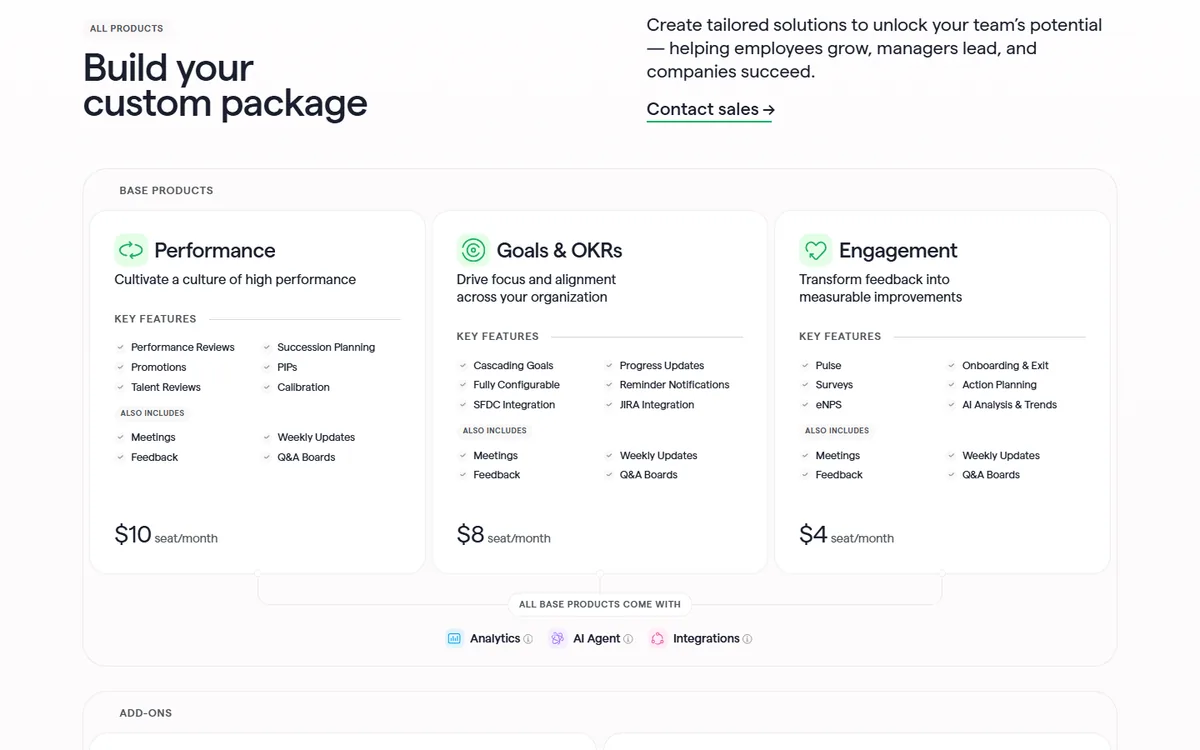
HiBob’s comparison lists Lattice from $11 per user per month. Larger bundles are priced on request.
Lattice Reviews
- Rating: 4.6 out of 5 stars (from 4,100+ ratings, as listed in HiBob’s 2026 comparison of HR analytics tools)
HiBob
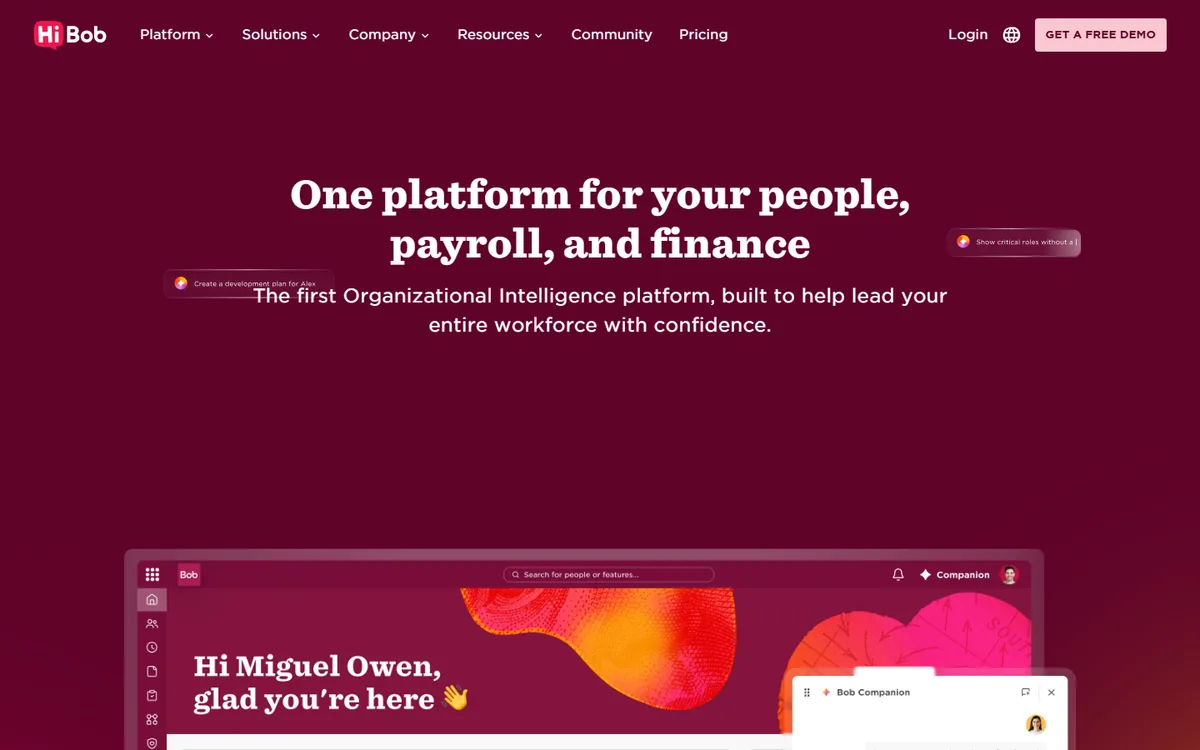
An HR Platform With Solid Built-In Analytics for Mid-Sized, Fast-Growing Companies
HiBob is an HRIS with dashboards for headcount, turnover, engagement and pay, aimed at mid-sized companies.
HiBob is primarily an HR system, and its analytics are part of the package. For a company of 100 to 2,000 people, built-in dashboards for headcount, turnover, tenure and diversity cover the questions most leaders ask, without a separate tool.
Remember that the comparison where I found its rating was published by HiBob itself, so apply the usual skepticism to the ranking and look at the ratings. As the data model grows more complex, an external BI layer often becomes necessary.
Where HiBob Shines
- Analytics included with the HR system
- Quick setup for mid-sized teams
- Modern interface for employees and managers
Where HiBob Falls Short
- Less depth than a dedicated analytics platform
- Pricing is quote-only
HiBob Pricing
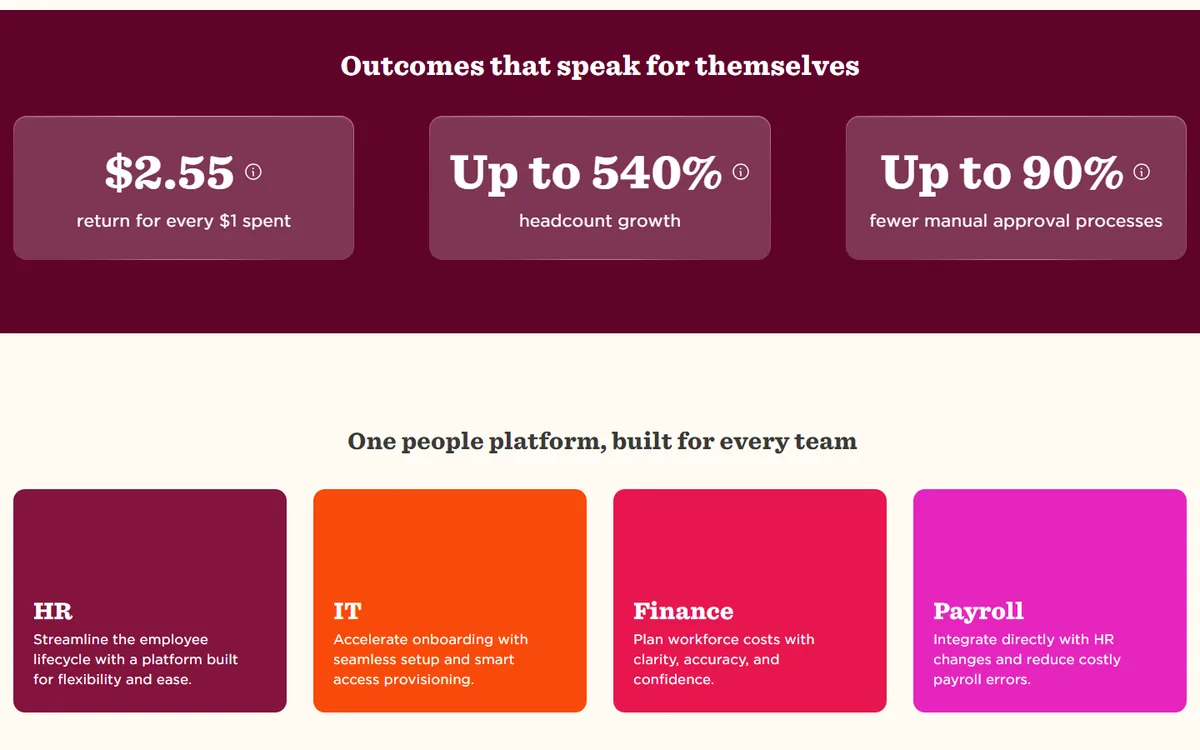
HiBob does not publish prices, and HiBob’s own comparison lists it as custom pricing.
HiBob Reviews
- Rating: 4.5 out of 5 stars (from 2,600+ ratings, as listed in HiBob’s 2026 comparison of HR analytics tools)
Tableau
The Flexible Choice When You Want to Build Your Own HR Dashboards on a General BI Tool
Tableau is a general business intelligence tool that analysts use to build custom HR dashboards from any data source.
Tableau is not an HR tool, and that is the point. If you have an analyst, clean data and specific questions, you can build exactly the HR dashboards you want, and join people data with sales, finance or customer data in the same tool.
Expect to do the work yourself. You define the metrics, build the model and own the privacy controls, which makes it a strong choice for teams with analytics skills and a poor one for HR teams who want a finished product. For the numbers executives read first, see the HR analytics KPIs I recommend.
Where Tableau Shines
- Flexible dashboards from any data source
- Joins HR data with other business data
- A large community and many templates
Where Tableau Falls Short
- You build and maintain every metric
- Privacy and access controls are your job
Tableau Pricing
Tableau offers a 14-day free trial, and pricing otherwise depends on user roles. Check the vendor’s current price list.
Tableau Reviews
- Rating: 4.4 out of 5 stars (from 3,700+ ratings, as listed in HiBob’s 2026 comparison of HR analytics tools)
Estimate the Return on an HR Analytics Tool
Before you pick a plan, test whether the numbers work. Enter the manual hours your team spends on HR reporting each week and the monthly price of the tool you are considering, and you will see what it could return in a year.
Is the Software Worth the Cost?
Move the sliders to match the work you want the tool to cover and the plan you are considering.
How to Choose the Right HR Analytics Software
In my experience, the quality of your people data decides more than any feature list. Before you compare vendors, answer four questions:
- Which people questions must the tool answer, and who asks them every month?
- How many systems hold your HR data, and do they share an employee ID?
- Who will own definitions and access rules after the tool goes live?
- What is your headcount, and does a vendor’s pricing fit it?
If you have no analyst, start with the analytics in your HR system or a planning tool like ChartHop. If you have an analytics team, look at One Model or a BI tool. Very large organizations with several HR systems belong with Visier, Workday or SAP. Whichever you choose, the sequence in my HR analytics framework applies before you sign.
Questions About Choosing HR Analytics Software
What Is the Best HR Analytics Software?
It depends on your size and your data. For large teams that want ready-made metrics, I look at Visier and One Model first. If you already run Workday or SAP SuccessFactors, start with the analytics inside them. For mid-sized companies, ChartHop, Lattice and HiBob include analytics with the HR tooling.
Do I Need Dedicated HR Analytics Software?
Not always. Many HR systems include reporting that covers headcount and turnover. You need a dedicated platform when you combine several data sources, want history and benchmarks, or want managers to self-serve.
How Much Does HR Analytics Software Cost?
Most vendors quote on request, based on employee count and modules. Published prices I found run from about $3 to $11 per person per month for planning and performance tools, while dedicated analytics platforms cost considerably more. Ask for a quote with all modules and implementation included.
Can I Use a BI Tool Like Tableau or Power BI for HR Analytics?
Yes, if you have an analyst and clean data. You gain flexibility and lose the prebuilt metrics, so you must define and govern each number. Privacy controls also become your responsibility.
How Do I Protect Employee Privacy in These Tools?
Choose software with role-based access, audit logs and minimum group sizes, and set your own rules on top. Tell employees what you analyze, and ask legal counsel to check the rules in each country where you employ people.
How Long Does Implementation Take?
Lighter tools can show first dashboards in a few weeks. Enterprise platforms often take several months, mostly for data integration and definitions. Clean employee IDs and job titles shorten any project.
What Should I Ask in a Vendor Demo?
Ask the vendor to load your own sample data, show how a metric definition is changed, and demonstrate how access is limited by role. Ask for references from companies of your size and industry.
Disclaimer: Prices, plans and ratings change often. They were checked when this article was last updated, so confirm them on each vendor’s site before you buy. Nothing here is legal or financial advice.
Was this useful?
We appreciate the feedback.
Rosalind Tierney
Rosalind leads the Flume editorial team and works with our consultants to turn real client projects into practical guides on dashboards, tracking, experimentation and machine learning. Before joining Flume, she spent 11 years in analytics and business intelligence roles. She has since edited more than 300 articles on analytics practice and reviewed dashboards, tracking plans and analytics audits from over 100 client projects. She is based in Minneapolis, Minnesota.