In Short
- AI makes text data such as survey comments and exit notes usable at scale, and raises the bar on governance.
- Skills-based planning and pay transparency both depend on cleaner people data than most companies have.
- Rules on AI in hiring are tightening, so document what your tools do and check the current status.
- The foundation, one employee ID and one set of definitions, matters more than any new tool.
People analytics has moved from an occasional report to a routine part of how companies plan hiring, pay and development. The trends below are the ones I see changing real HR analytics consulting projects in 2026, not the ones that look best on a conference slide.
I separate what is already happening from what is still early. Where I am unsure, I say so. If a trend touches regulation, check the current status with your legal team, as details keep changing.
1. AI Turns Text Into Usable People Data
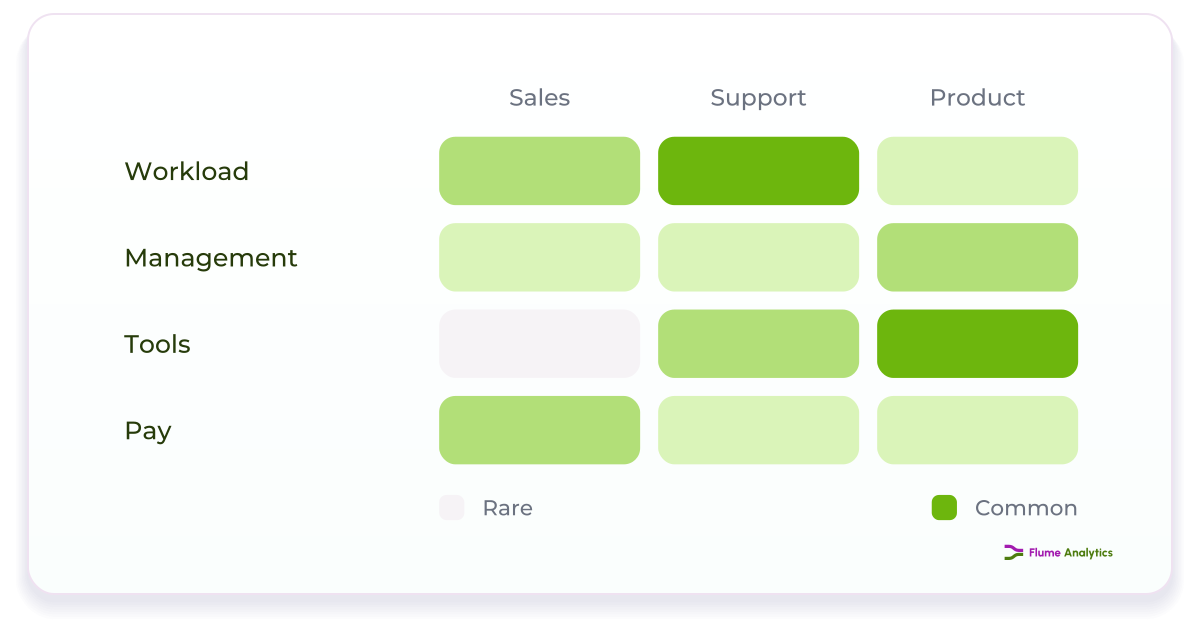
Survey comments, exit interview notes, performance reviews and job descriptions are all text, and for years they were read by a few people or not at all. Language models now group them into themes, flag sentiment shifts and summarize a team’s comments in seconds.
The gain is speed. The risk is that a summary reads confident and is wrong, or exposes a person through a distinctive phrase. I tell clients to anonymize before analysis, sample the output by hand and keep minimum group sizes. A good place to see this at work is in my HR analytics examples, where comment analysis comes in as an example.
2. Planning Around Skills Instead of Job Titles
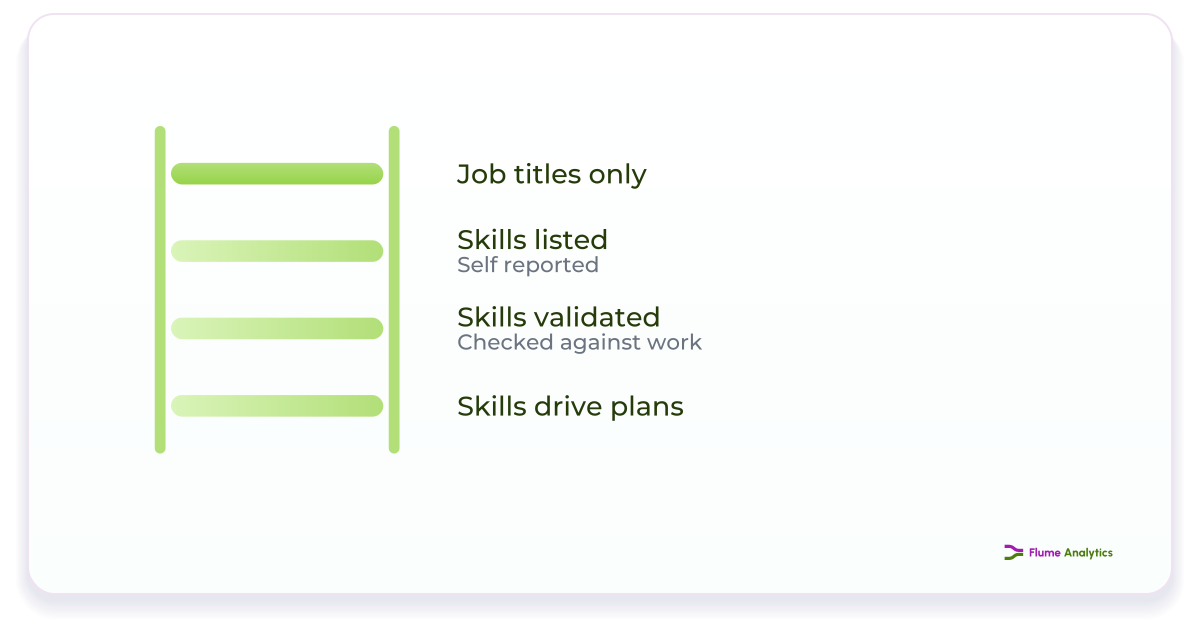
Job titles describe a role, not what a person can do. Companies now try to hold a skills inventory, compare it with what next year’s plans need and decide where to hire, train or contract.
I am cautious on timing. Self-reported skills are noisy, and a skills graph built from guesses looks precise and misleads. Start with one function, validate the data against real work, and expect a year before it informs workforce plans. Skills data also shows up as a feature in many of the HR analytics software platforms I compare.
3. Pay Transparency Raises the Bar on Pay Data
More jurisdictions now require employers to show pay ranges in job ads or report pay gaps. Whatever the exact rules in your region, the direction is the same: you need clean, defensible data on who is paid what for comparable work.
The analysis is not hard. The hard part is job architecture: levels, families and locations that mean the same thing in every system. If your job titles are inconsistent, fixing them is the real project. Check the current requirements and timelines that apply to you with legal counsel before you plan around any date.
4. Regulation Reaches AI in Hiring and Worker Management
The EU AI Act names AI systems for recruitment, selection, promotion, task allocation and worker monitoring among its high-risk use cases. Other regions and several US cities have their own rules on automated hiring tools. The detail and timing vary, so treat any specific date you read with suspicion and check the current position.
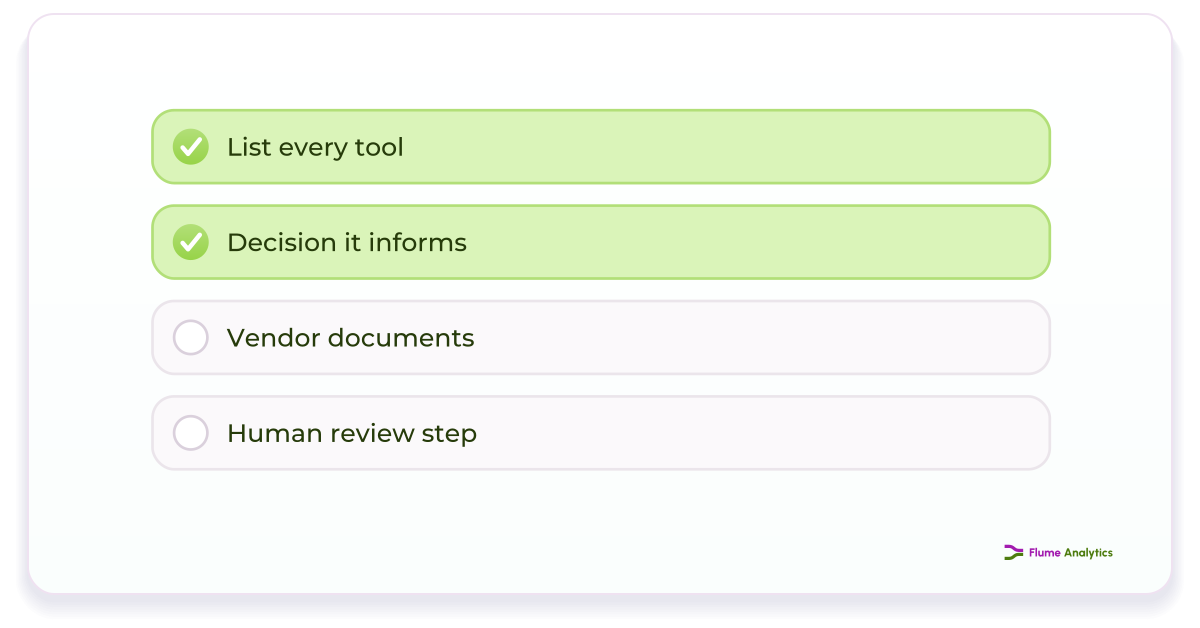
What you can do now regardless of timing: keep an inventory of the tools that score or rank people, record what data they use, test for uneven outcomes across groups and keep a person responsible for each decision. Those habits are cheap today and expensive to retrofit.
5. Self-Service Answers for Managers
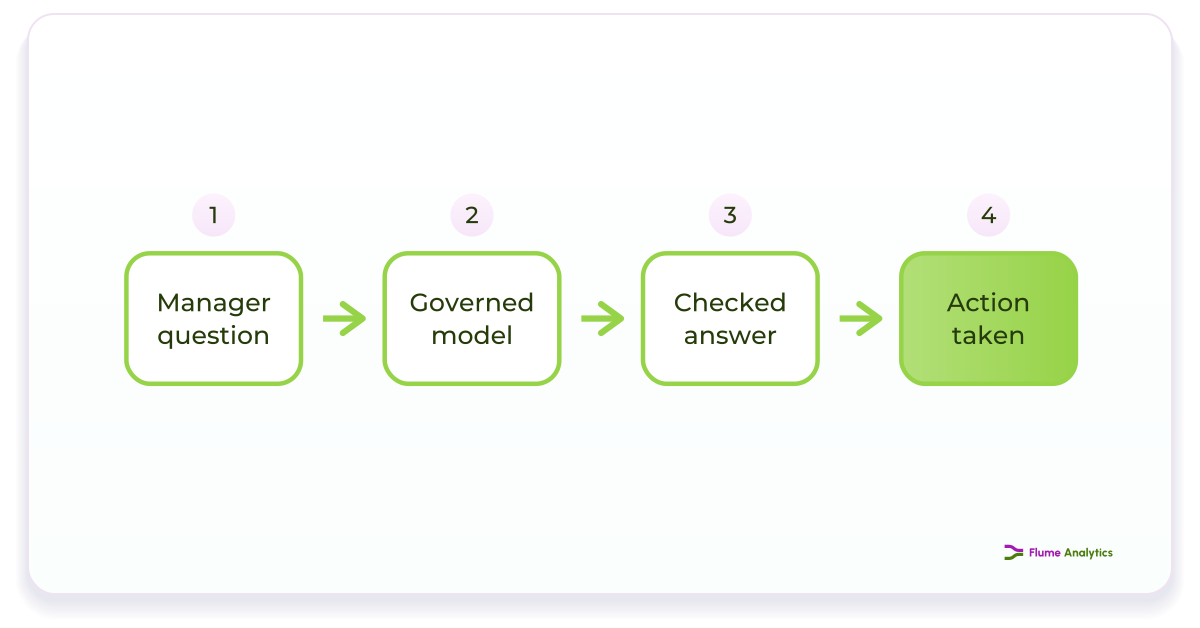
Managers want answers to simple questions about their own teams, such as who is likely to leave or how long hiring is taking, without filing a request. Natural-language query tools make that more realistic than before, but only on top of a governed data model.
Without one, the tool gives each manager a different answer to the same question. My advice is to fix the definitions first, as the HR analytics metrics guide lays out, and add the natural-language layer last.
6. HR and Finance Share One Workforce Model
Headcount, hiring plans and labor cost used to live in separate spreadsheets, and the two functions reconciled them every quarter. More companies now run one workforce model that both use, with HR owning the people attributes and finance the cost.
It tends to expose differences in definitions that were hidden for years, such as who counts as headcount. Agreeing on them is uncomfortable and pays back at once. The KPIs that both sides read are listed in HR analytics KPIs.
7. Privacy and Trust Become a Design Requirement
Employees are more aware of what their employers can see, and works councils and regulators are more engaged. The programs that last make privacy part of the design: team-level reporting, minimum group sizes, published purposes and role-based access.
I treat this as a trend about method, not about law. A company that explains what it analyzes gets honest survey answers, and honest answers are the raw material for everything else on this list. The practical sequence for building these rules in is in my HR analytics framework.
What Does Not Change Under Any Trend
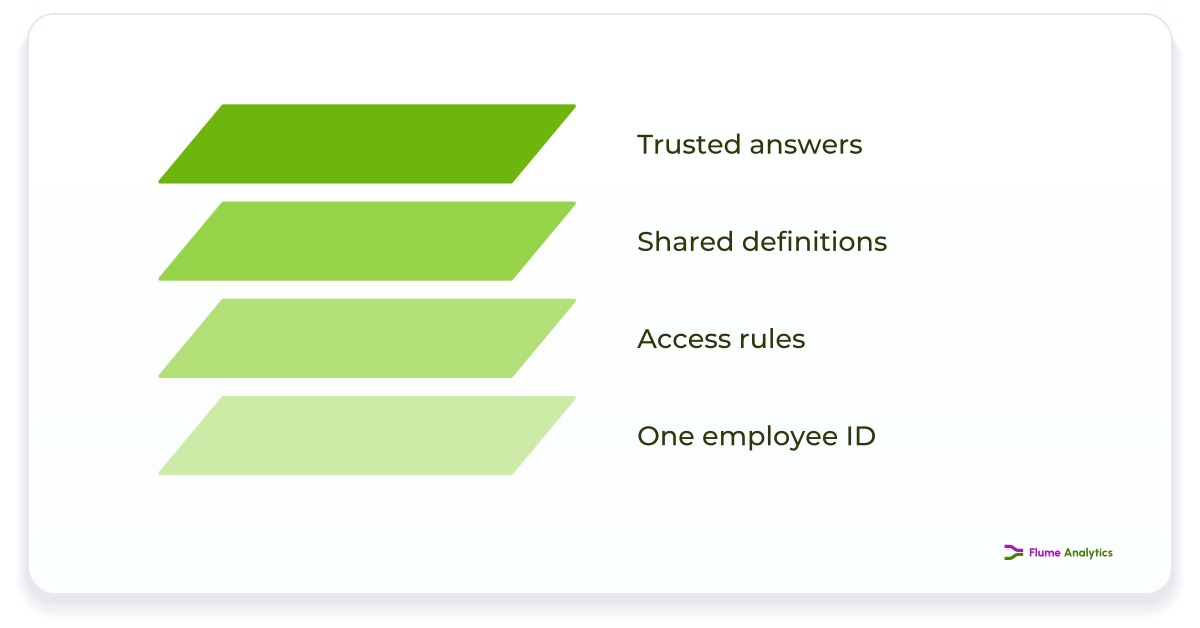
Looking across the seven trends, the same four pieces of groundwork keep coming back. None of them is exciting, and all of them decide whether the new tools help or harm.
First, a single employee ID across HR, payroll, recruiting and survey systems. Second, a job architecture with levels and families that mean the same thing everywhere. Third, written metric definitions with owners. Fourth, access rules and a record of what each analysis uses.
In my client work, companies that had these four in place adopted text analysis or skills planning in weeks. Companies without them spent months on data preparation before the first result, and sometimes dropped the project when the budget ran out before the analysis began. If you only act on one thing from this article, make it this groundwork.
There is also an honest caveat about forecasting this field. Several of these trends have been described as imminent for years, and adoption has been slower than vendors predict. I weight a trend by whether I see clients paying for it, not by how often it appears in a press release. Right now, that applies fully to text analysis and pay data, partly to manager self-service, and only early to skills-based planning.
Keep the list of trends short in your own planning documents too. Two or three items with an owner and a date will get done, and a list of seven will sit in a slide deck until the next planning cycle.
Questions to Ask Before You Buy Into Any of Them
When a vendor presents one of these trends as a feature, a few questions separate substance from demo. They also help you judge the platforms in my ranking of HR analytics software, because vendors market the same ideas in different ways.
- Can you run it on my data in the demo, not on a sample set?
- How does it handle small groups and sensitive fields?
- Can I see how a result was calculated, step by step?
- Which customers of my size use it in production today?
- What does it cost once all modules and the data integration are included?
A vendor that answers these plainly is worth a second meeting. One that changes the subject has told you what you needed to know.
Across all seven, the practical advice is to pick one, run it as a small experiment with a clear end date, and write down what you learned before you pick the next. A trend you have tested yourself tells you far more than the ten you have only read about.
What the Trends Mean for a Small HR Team
Most coverage of people analytics assumes a team of analysts and a large budget. If you run HR for a company of a few hundred people, the picture looks different, and some of these trends can wait.
Text analysis is the easiest to adopt at any size, since a language model can group a survey’s comments in an afternoon once the data is anonymized. Pay transparency work also applies to you, because job architecture and pay ranges matter at any size. Manager self-service and a shared workforce model with finance need a stable data model, so build that quietly in the background.
Skills-based planning and heavy regulation of AI tools apply less when you do not use automated screening and your data covers a few hundred people. Even so, keep a one-page list of the tools that score or rank people, and revisit it each year. Small companies get caught out less by the trends themselves than by a tool that was switched on without anyone checking how it treats candidates.
How to Decide Which Trends to Act On
Not every trend deserves your attention this year. Use two questions: does your current data support it, and does a leader need it for a decision in the next twelve months?
| Trend | Data you need first | Act now if |
|---|---|---|
| AI on text data | Anonymized comments and notes | You run surveys that nobody has time to read |
| Skills-based planning | A skills inventory validated against work | You face real skills shortages |
| Pay transparency | A clean job architecture | You hire or pay across several jurisdictions |
| AI regulation | An inventory of people-scoring tools | You use automated screening or monitoring |
| Manager self-service | A governed data model | Your analysts spend most time on requests |
| Shared HR and finance model | Agreed headcount definitions | Headcount debates recur each quarter |
| Privacy by design | Role-based access | You report anything at individual level |
Questions About HR Analytics Trends
What Is the Biggest HR Analytics Trend Right Now?
Language models applied to unstructured people data such as survey comments, exit notes and job descriptions. It removes the slowest manual step in many analyses. It also raises new questions about privacy and bias, so the governance work grows with it.
Will AI Replace HR Analysts?
I do not expect it to. AI speeds up the first pass on text and data preparation, but defining the question, judging whether a result makes sense and persuading a manager to act remain human work. The role shifts toward those parts.
Is AI in Hiring Regulated?
Increasingly, yes. The EU AI Act lists systems used for recruitment, selection and worker management among its high-risk categories, and several other jurisdictions have rules on automated hiring tools. Check the current status and the requirements that apply where you hire.
What Is Skills-Based Workforce Planning?
It plans around skills rather than job titles. You map the skills you have, the ones your plans need and where the gaps lie, then decide to hire, train or contract. It needs reliable skills data, which most companies still lack.
How Should I Prepare My HR Data for These Trends?
Get the basics right: one employee ID across systems, consistent job and skill taxonomies, and clean manager links. Every trend on this list depends on them, and none of them can be fixed by a tool alone.
Should Small Companies Care About These Trends?
Selectively. Pay transparency, privacy and better definitions apply at any size. Predictive models and skills graphs usually need more data than a company under a few hundred people has.
How Do I Keep Employee Trust as Analytics Grows?
Tell people what you analyze and why, show them the results that concern their own team, limit access, and keep individuals out of reports. Trust is built slowly and lost in one badly handled analysis.
Sources
Important: nothing in this article is legal, financial or tax advice. All figures are estimates from typical projects, so verify them with your own providers and advisers.
Was this useful?
We appreciate the feedback.
Rosalind Tierney
Rosalind leads the Flume editorial team and works with our consultants to turn real client projects into practical guides on dashboards, tracking, experimentation and machine learning. Before joining Flume, she spent 11 years in analytics and business intelligence roles. She has since edited more than 300 articles on analytics practice and reviewed dashboards, tracking plans and analytics audits from over 100 client projects. She is based in Minneapolis, Minnesota.