In Short
- No-code tools such as Pecan, Akkio and SageMaker Canvas get business teams to a first model fastest.
- Alteryx, KNIME and Dataiku suit analyst teams that want repeatable workflows and room to grow.
- DataRobot and SAS Viya fit large, regulated organizations that value governance over lower cost.
- Pick the tool after you pick the decision, then test it on your own data against a plain baseline.
The Best Predictive Analytics Tools at a Glance
| Tool | Type | Best for |
|---|---|---|
| 1. Pecan | No-code predictive platform | Business teams that want churn and conversion scores without data scientists |
| 2. Akkio | No-code AI and forecasting | Small teams that want quick forecasts and scoring from spreadsheet-style data |
| 3. Alteryx | Analytics automation platform | Analysts who prepare data in spreadsheets today and want repeatable workflows with built-in modeling |
| 4. KNIME | Visual data science platform | Teams that want visual workflows with the option to drop into Python or R |
| 5. Dataiku | Collaborative data science platform | Mixed teams of analysts and data scientists working on shared projects |
| 6. DataRobot | Enterprise AI and AutoML platform | Large organizations that need governed model building and deployment at scale |
| 7. IBM SPSS Statistics | Statistical analysis software | Researchers and analysts who need rigorous statistics, regression and forecasting |
| 8. SAS Viya | Enterprise analytics platform | Large, regulated organizations with existing SAS skills and heavy governance needs |
| 9. Amazon SageMaker Canvas | No-code ML on AWS | Teams on AWS that want analysts to build forecasts and classifications without code |
| 10. Google BigQuery ML | SQL-based machine learning | Analytics teams that already work in SQL and keep data in BigQuery |
The 10 Best Predictive Analytics Tools, Ranked
I start with tools that need the least technical skill and finish with enterprise suites and SQL-based options, so you can stop reading once you find your fit. Keep in mind that the tool is only part of the result. In the predictive analytics consulting projects I review, the choice of question and the quality of the data matter more than the platform. Ratings and prices below were read from G2 and vendor pages when I wrote this.
Pecan
The Quickest Route From Customer Data to Churn and Conversion Scores Without Writing Code
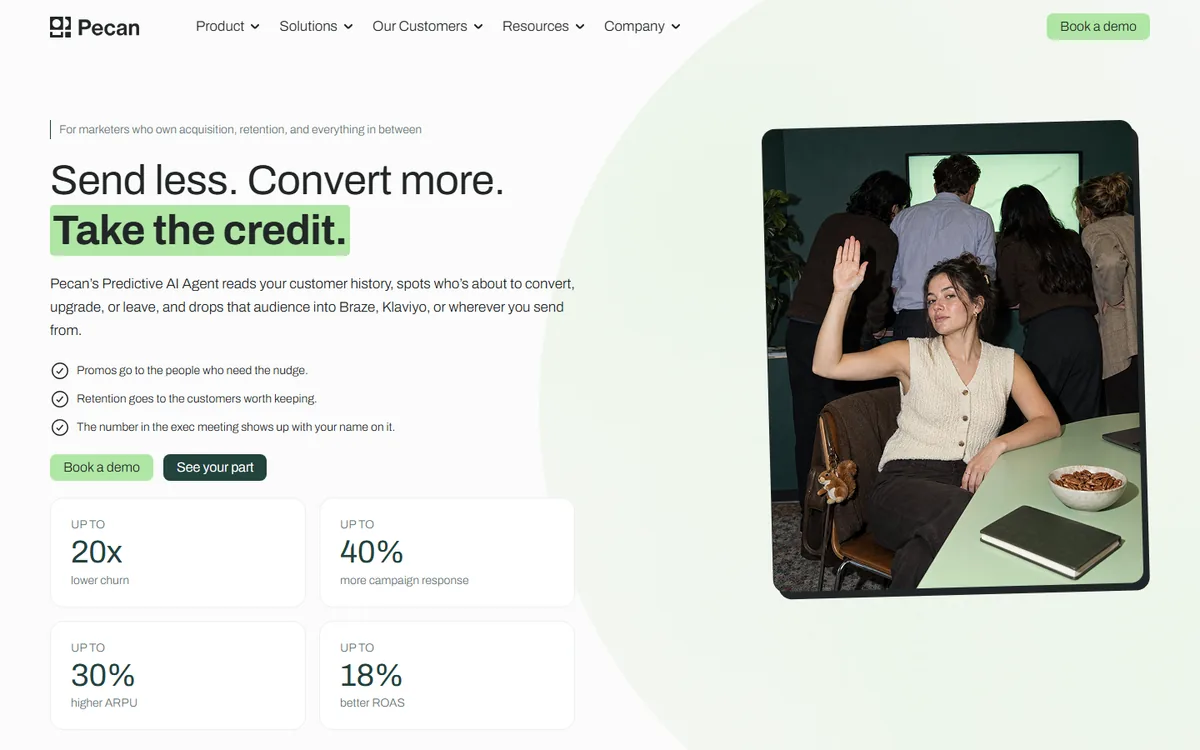
Pecan lets business teams describe the outcome they want to predict, connects to their data and builds, validates and deploys the model for them.
Pecan is the tool I point marketing and customer teams to when there is no data scientist on staff. You connect your customer and transaction data, say what you want to predict, such as churn, repeat purchase or lifetime value, and the platform prepares the data, trains models and checks them. Predictions then flow into tools like Salesforce, HubSpot, Braze or Klaviyo, so the people who act on them see them where they already work.
The trade-off is control. A guided platform makes choices for you about features and model types, which is a relief on day one and a limit once you need something unusual. I treat it as a fast way to prove a use case. If the first prediction clearly pays, you can decide later whether to keep it or rebuild in-house, using the steps in my guide to predictive analytics implementation.
Where Pecan Shines
- You get a working model quickly, without writing code
- Predictions can be sent to the marketing and CRM tools your team already uses
- The workflow is built around business questions such as churn and lifetime value
Where Pecan Falls Short
- You have less control over features and model internals than in a code-first tool
- No public pricing, so budgeting starts with a sales call
Pecan Pricing
Pecan does not publish prices. G2 lists its plans (Starter, Team and Business) as contact-for-quote, so you need to talk to sales before you can compare it with other options.
Pecan Reviews
- G2: rated 4.7/5 (across 45 ratings)
Akkio
A Light, Approachable Way for Small Teams to Try Predictive Modeling on Spreadsheet-Style Data
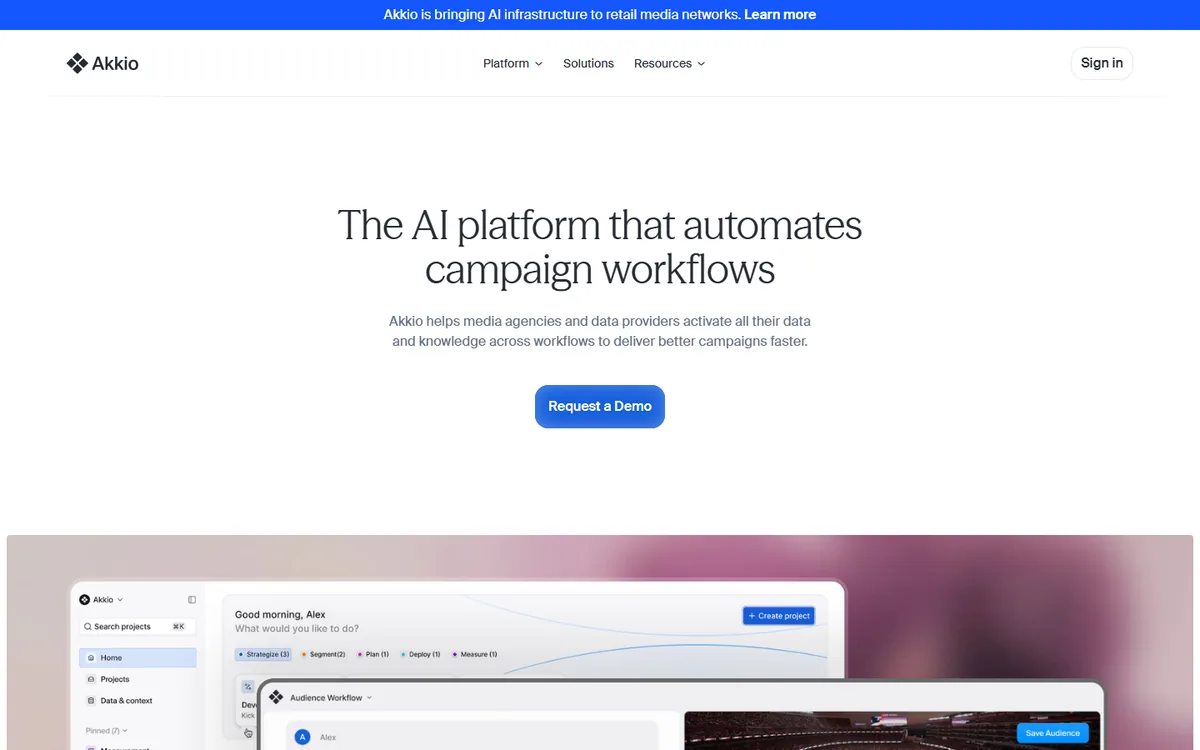
Akkio is a no-code platform for forecasting, lead scoring and classification that works on tables you upload or connect.
Akkio suits small teams that think in spreadsheets. You bring in a table, pick the column you want to predict and Akkio trains a model and shows you which inputs mattered. G2 reviewers, mostly small businesses, praise how little programming it takes and how responsive support is. For a first lead-scoring or sales-forecast experiment, that low barrier counts.
The limits show up as your needs grow. Reviewers ask for better documentation, more scenario forecasting and more detail on which models run underneath. Accuracy still depends on your data, and some features need basic statistics knowledge. If you are a small company weighing this route, my article on predictive analytics for small business explains which first projects tend to fit.
Where Akkio Shines
- It needs no code and little training
- Reviewers report friendly, quick support
- You see which inputs drive each prediction
Where Akkio Falls Short
- Documentation and learning resources are thin according to reviewers
- It offers fewer options for tuning and scenario forecasting than larger platforms
Akkio Pricing
G2 lists a Basic plan at $60 per month. Akkio's own pricing page currently shows a single Enterprise plan with custom pricing and a quote through sales, so confirm which plans are open to you before you plan around the lower figure.
Akkio Reviews
- G2: rated 4.5/5 (across 14 ratings)
Alteryx
The Best Step Up for Analysts Who Outgrew Spreadsheets and Want Repeatable Data Prep and Modeling
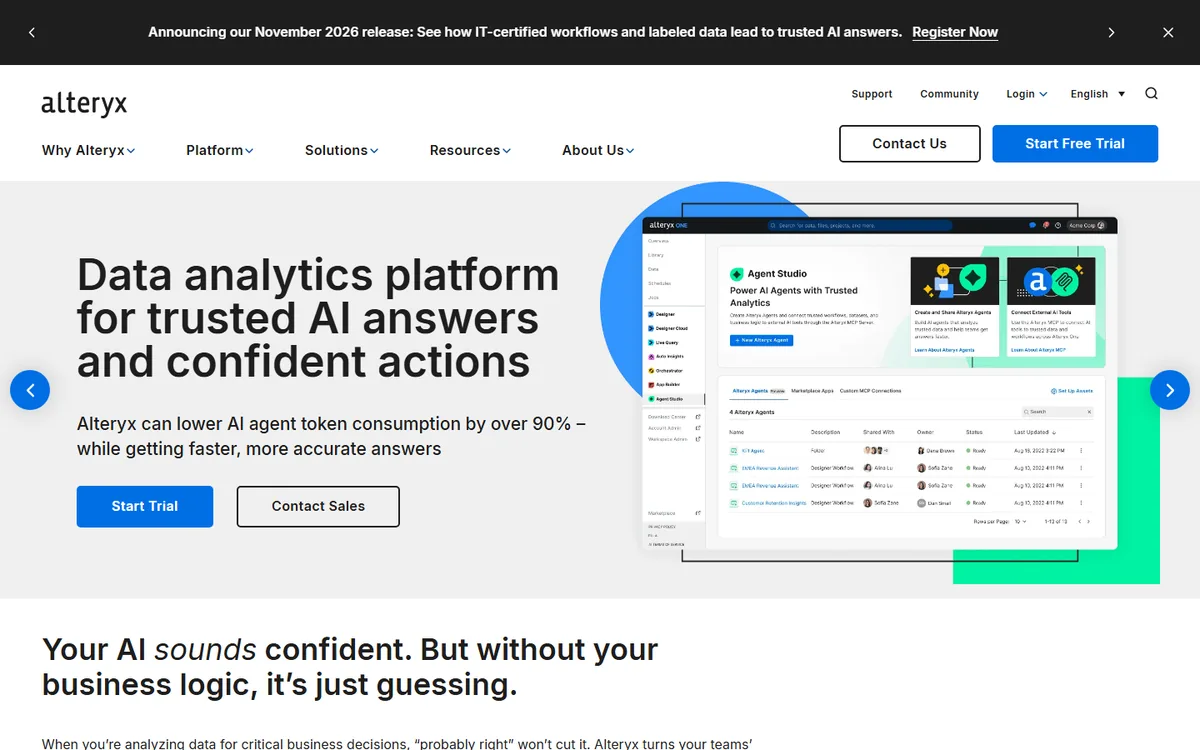
Alteryx combines drag-and-drop data preparation, automation and predictive tools in one workflow canvas.
Alteryx is where I see many analyst teams land when spreadsheets stop scaling. You build a workflow on a visual canvas that blends sources, cleans fields and runs predictive steps, then schedule it so the same logic runs every week. That repeatability matters more than any single algorithm, because most prediction projects fail on data preparation, not on modeling.
Cost and fit are the questions to settle early. Seats are priced per user, and the features you need for governance and deployment sit in higher editions. Teams with strong engineers sometimes find code-based tools cheaper and more flexible. If you do pick it, set your standards first, as laid out in my predictive analytics framework, so workflows do not pile up undocumented.
Where Alteryx Shines
- Drag-and-drop preparation and modeling in one place
- Workflows can be scheduled, so results refresh without manual work
- A large user community and plenty of training material
Where Alteryx Falls Short
- Per-user pricing adds up quickly across a team
- Advanced governance and deployment features need higher editions
Alteryx Pricing
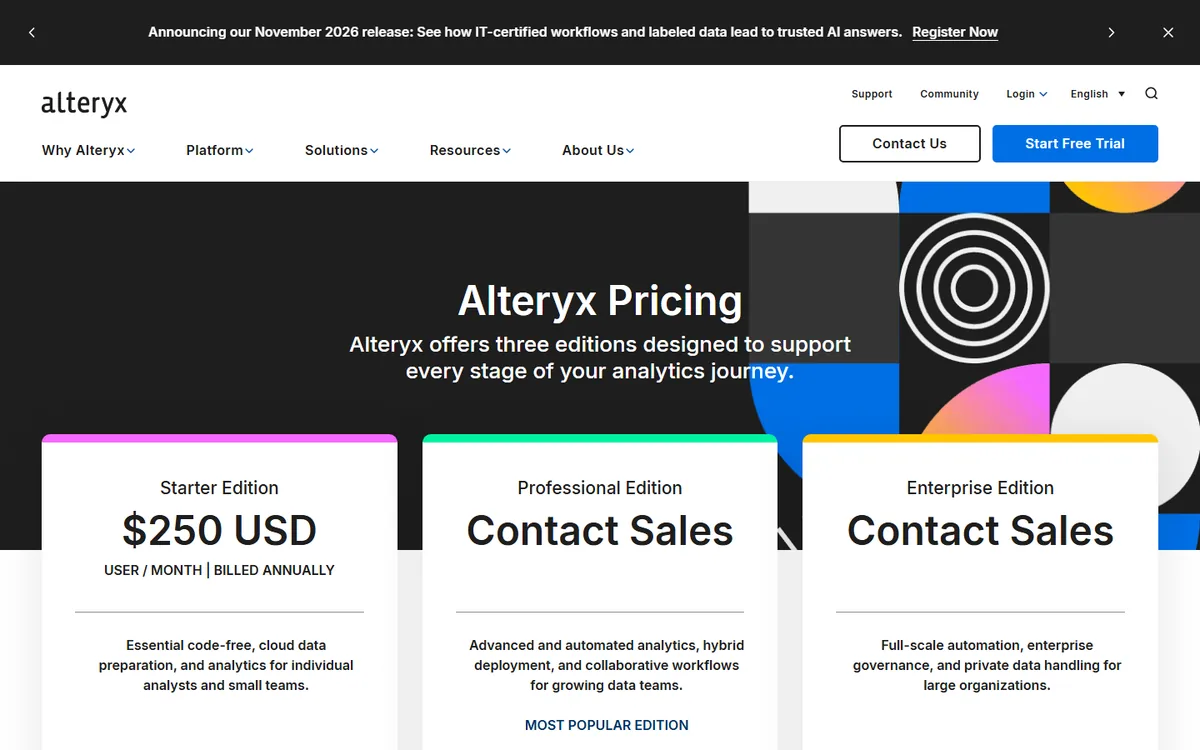
Alteryx One lists a Starter Edition at $250 per user per month, billed annually, for one to ten basic users on cloud. Professional and Enterprise editions are quoted by sales. A 30-day free trial is available.
Alteryx Reviews
- G2: rated 4.6/5 (across 933 ratings)
KNIME
The Most Flexible Visual Workflow Tool for Teams That Want No-Code Building With a Code Escape Hatch
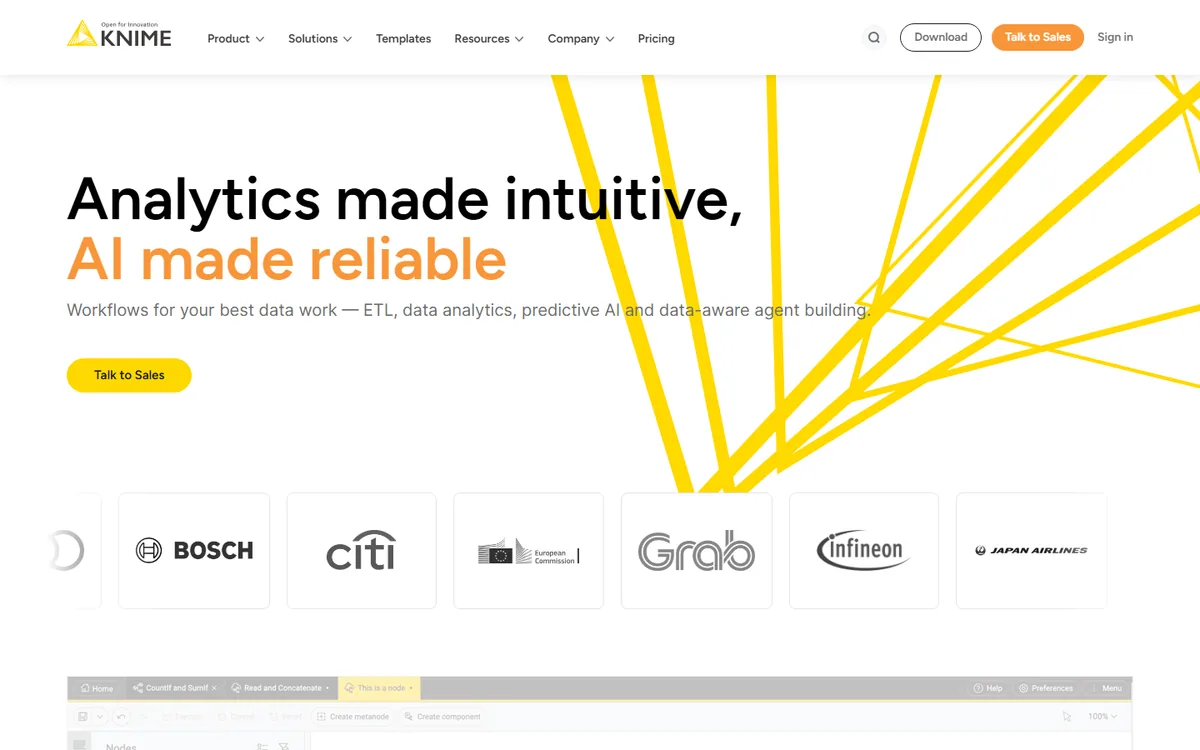
KNIME builds data preparation and machine learning workflows from connected nodes, with Python and R available when you need them.
KNIME gives you a visual canvas like other workflow tools, but it is open to code. Analysts connect nodes for cleaning, feature building and modeling, and a data scientist can add a Python or R node where the standard ones fall short. That mix lets one team cover both skill levels in a single environment, which I find useful in companies growing their first analytics group.
KNIME's team platform is priced by capacity, not seats, and the current pricing page directs you to a contact form. That can suit a larger group, since you are not rationing licenses, but it makes quick comparison harder. The visual style also has a learning curve, and big workflows can get hard to read without naming conventions. Check what could go wrong with an early rollout in my overview of predictive analytics risks.
Where KNIME Shines
- Visual building with code available when you need it
- Broad coverage from data prep to machine learning
- Pricing by capacity avoids per-seat rationing for team use
Where KNIME Falls Short
- Large workflows get messy without strict naming and structure
- Team pricing is not published
KNIME Pricing
KNIME's pricing page lists no prices. It describes capacity-based pricing with no per-seat licensing, handled through a contact form. The open-source desktop Analytics Platform is a separate download, so check KNIME's site for current terms.
KNIME Reviews
- G2: rated 4.5/5 (across 128 ratings)
Dataiku
The Strongest Choice When Analysts and Data Scientists Must Build and Govern Models on One Shared Platform
Dataiku offers one workspace for data preparation, visual and code-based modeling, deployment and governance.
Dataiku is built for teams. Analysts can use visual recipes, data scientists can write code in notebooks and both work on the same project with shared data and version history. Deployment, monitoring and approval workflows sit in the same place, which helps when more than a handful of models are live and somebody has to answer how each one was built.
The cost is complexity. A platform this broad takes time to roll out, and a team of two will use a fraction of it. I recommend it when you already know you will have many models and several contributors. For a single first model, a lighter tool is usually enough, and a free edition lets you test the interface before talking to sales.
Where Dataiku Shines
- Analysts and coders work side by side in one project
- Deployment, monitoring and governance are built in
- A free edition and a trial let you try it before you buy
Where Dataiku Falls Short
- It is more platform than a small team needs
- Rollout and administration take real effort
Dataiku Pricing
Dataiku's site offers a downloadable Free Edition and a 14-day cloud trial without a credit card. It does not list paid prices, so you need to contact sales. Capterra shows a placeholder starting price, so confirm current pricing with Dataiku directly.
Dataiku Reviews
- G2: rated 4.4/5 (across 267 ratings)
- Capterra: rated 4.6/5 (across 13 ratings)
DataRobot
A Heavyweight Platform for Enterprises That Need Governance, Monitoring and Automated Model Building
DataRobot automates model building and adds deployment, monitoring and governance for enterprise teams.
DataRobot made its name with automated machine learning, where the platform tries many model types and ranks them. Today its marketing leans on agent building and governance, with deployment options across cloud, edge and on-premises. For a regulated company that needs audit documentation and monitoring for dozens of models, that package is the draw.
For smaller teams it is likely too much. G2 shows fewer reviews than the other enterprise platforms here, the pricing page lists no figures and the site currently emphasizes agent products over classic predictive modeling. Ask for a demo built on your own data, and check that the predictive features you need are part of the package you are quoted.
Where DataRobot Shines
- Automated model comparison saves exploration time
- Governance, monitoring and audit documentation are built in
- Flexible deployment on cloud, edge or on-premises
Where DataRobot Falls Short
- No published pricing and a sales-led buying process
- Current positioning leans toward agents, so confirm the predictive features you want
DataRobot Pricing
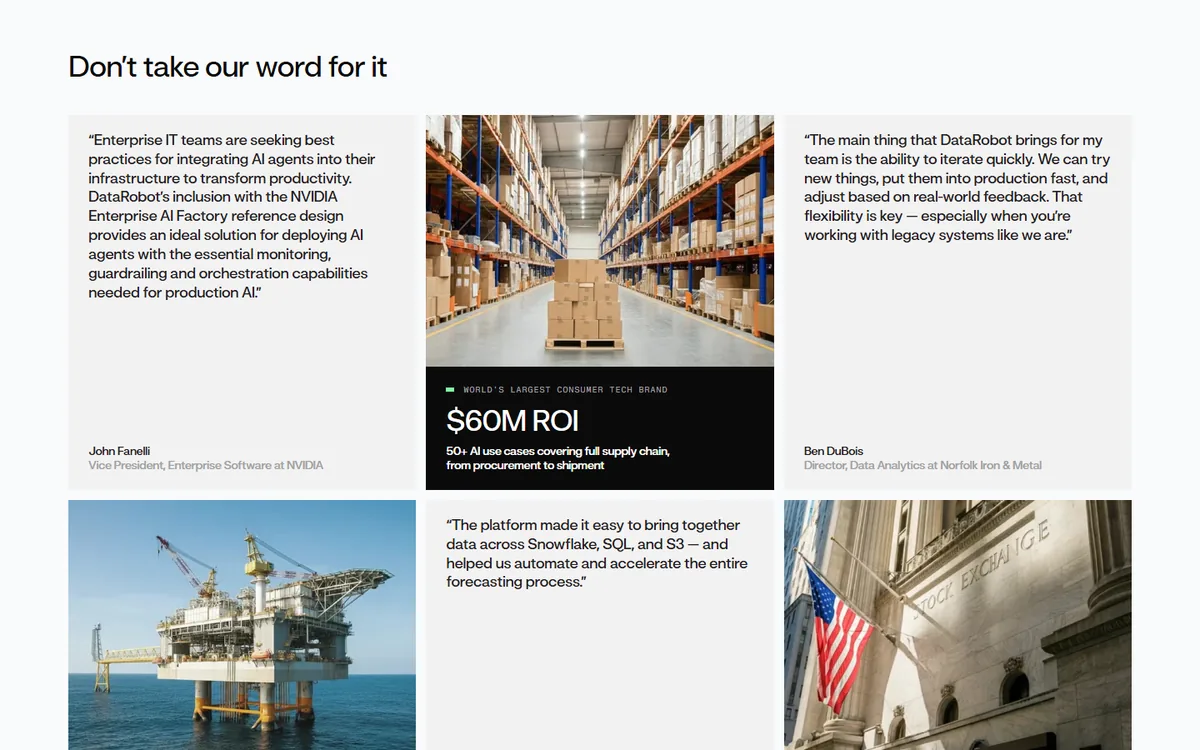
DataRobot's pricing page lists no plans or prices and offers a trial and a demo request. Expect an enterprise quote.
DataRobot Reviews
- G2: rated 4.4/5 (across 55 ratings)
IBM SPSS Statistics
The Dependable Pick for Teams Whose Predictions Rest on Classical Statistics and Clear Documentation
SPSS Statistics covers regression, forecasting, decision trees and neural networks with a menu-driven interface.
SPSS Statistics is a long-standing choice in research, healthcare and market analysis. You can run regression, time-series forecasts and decision trees through menus, and results come in the format statisticians expect. For problems where a well-understood model beats a black box, such as pricing elasticity or survey-driven forecasts, it is a sound option.
It is less natural for production use. Scoring thousands of customers each night, connecting to a CRM and retraining on a schedule take extra engineering around it. I suggest SPSS for analysis and decisions made by people, and a different tool for automated scoring. Pricing is modular, so check which add-ons your methods require.
Where IBM SPSS Statistics Shines
- Menu-driven statistics that trained analysts already know
- Clear, familiar output for reports and reviews
- Subscription pricing starts low per user
Where IBM SPSS Statistics Falls Short
- Automated deployment needs extra tooling
- Needed methods sit in separate paid modules
IBM SPSS Statistics Pricing
IBM lists subscriptions per authorized user: $99 for the Base edition, and $79 each for add-ons covering advanced statistics, forecasting and decision trees, and complex sampling. Prices are indicative and renew at the then-current price.
IBM SPSS Statistics Reviews
- G2: rated 4.2/5 (across 901 ratings)
SAS Viya
A Proven Enterprise Platform for Regulated Teams That Value Governance Over Lower Cost
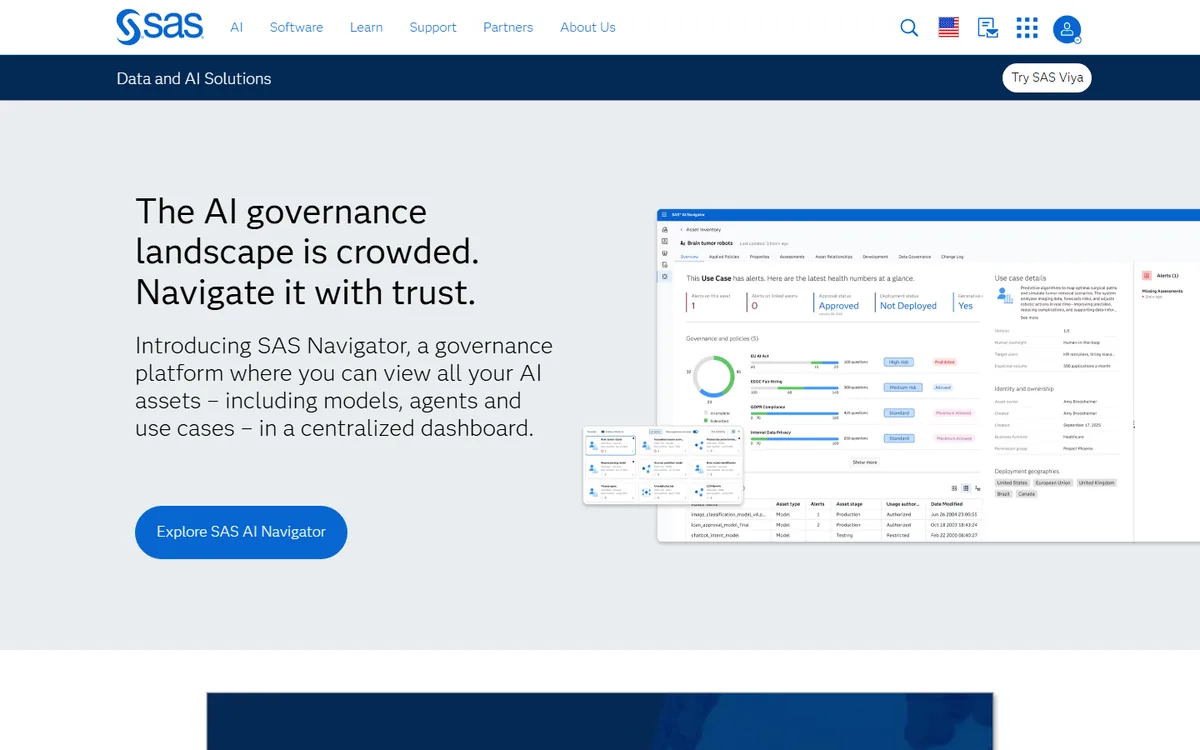
SAS Viya is a cloud-ready analytics and AI platform covering data preparation, modeling, deployment and governance.
SAS has decades of history in banks, insurers, pharma and government, and Viya is its cloud-native platform. It handles data preparation, statistical and machine learning models, decision rules and model management. If your risk and compliance teams already trust SAS output, and you have analysts who write SAS, moving to Viya keeps that investment.
G2 reviewers describe licensing as expensive, especially for smaller teams, and the paid license bundles the full suite. The talent pool for SAS is also narrower than for Python. I rarely recommend it to a company starting from zero. For an existing SAS shop, it is a reasonable place to keep building.
Where SAS Viya Shines
- Mature governance, model management and audit features
- A broad suite from data prep to deployment
- A 14-day trial with access to the Enterprise capabilities
Where SAS Viya Falls Short
- Licensing is expensive, with the whole suite bundled
- Fewer people know SAS than know Python
SAS Viya Pricing
SAS does not list prices. G2 notes that you contact the vendor and negotiate a quote. A 14-day free trial offers access to Viya Enterprise with up to 1 GB of data, though G2 last updated those trial details in March 2024, so check current terms.
SAS Viya Reviews
- G2: rated 4.3/5 (across 795 ratings)
Amazon SageMaker Canvas
The Natural Choice for AWS Teams That Want Analysts to Build Forecasts Without Waiting on Engineers
SageMaker Canvas gives analysts a visual interface for building tabular and time-series models on AWS.
If your data already lives in AWS, Canvas lets analysts build forecasts and classification models through a visual interface, backed by the broader SageMaker service when engineers need more control. Models can be shared with data scientists for review, and AWS security and access controls apply.
Usage-based billing is the thing to watch. You pay for the hours your workspace is open, plus training and prediction costs, so an analyst who forgets to log out runs up a bill. Set guardrails and budget alerts before you roll it out widely. The rating below is for SageMaker as a whole, not Canvas alone.
Where Amazon SageMaker Canvas Shines
- It fits neatly into existing AWS data and security setups
- Analysts build models visually and data scientists can step in
- Pay-as-you-go pricing with a free tier for the first months
Where Amazon SageMaker Canvas Falls Short
- Open workspaces keep billing by the hour
- Costs are harder to forecast than with a flat license
Amazon SageMaker Canvas Pricing
AWS lists the Canvas workspace at $1.90 per hour while you are logged in, with a free tier of up to 160 hours per month for two months. Data processing is free up to 5 GB, and training and prediction costs depend on dataset size.
Amazon SageMaker Canvas Reviews
- G2: rated 4.3/5 (across 57 ratings) (for Amazon SageMaker)
Google BigQuery ML
The Most Practical Option for SQL-Fluent Teams Who Want Models Built Right Next to Their Data
BigQuery ML trains and runs models with SQL statements inside the BigQuery warehouse, so data never has to move.
BigQuery ML turns model building into SQL. A CREATE MODEL statement trains a regression, classification, forecasting or clustering model on the table in front of you, and a prediction function scores new rows. Analysts who know SQL can ship a forecast without learning a new stack, and the data stays in the warehouse.
The warehouse is also its boundary. You get less control over feature engineering and experiment tracking than in a dedicated machine learning platform, and costs depend on the bytes your jobs process. For teams on Google Cloud with SQL skills, it is often the cheapest way to prove a use case. For a broader view of what to weigh in this choice, see the predictive analytics pros and cons.
Where Google BigQuery ML Shines
- Models are built in SQL, with no data movement
- A free monthly query allowance lets you experiment cheaply
- Common model types are supported, including time series
Where Google BigQuery ML Falls Short
- Less flexible than a dedicated machine learning platform
- Costs depend on data processed, which takes watching
Google BigQuery ML Pricing
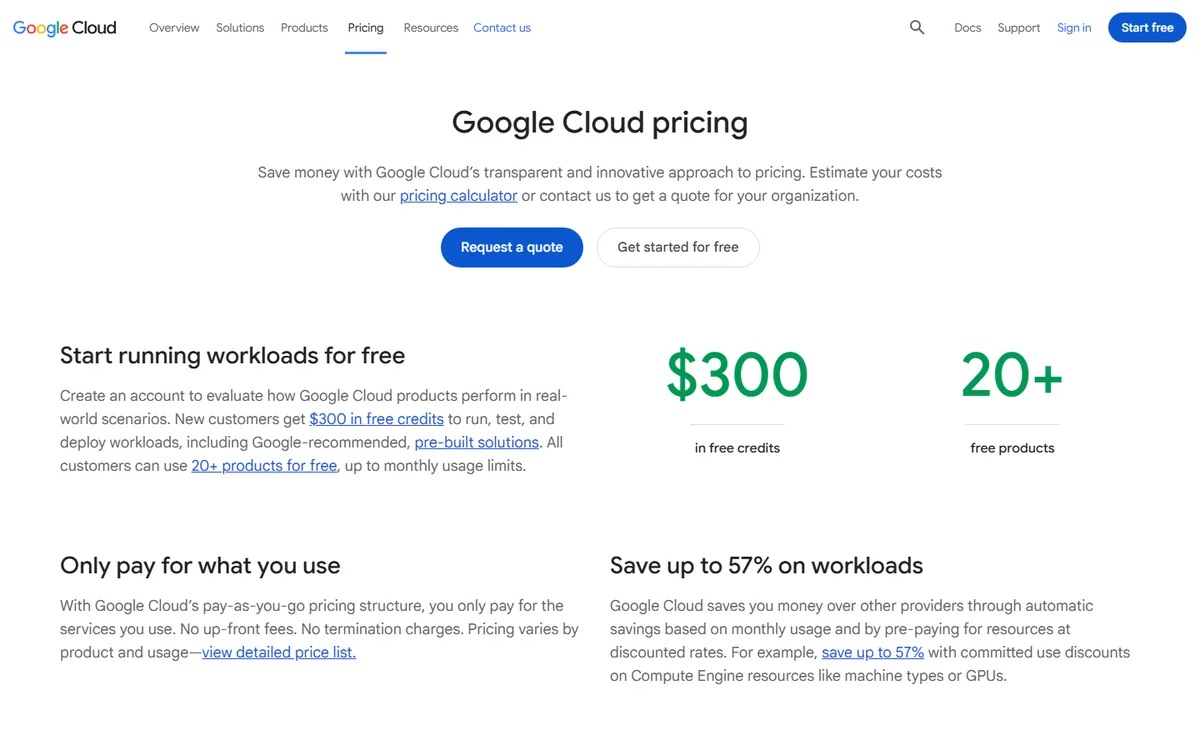
Google's on-demand pricing gives the first 1 TiB of query data processed per month free. Evaluation and prediction cost $6.25 per TiB. Creating logistic regression, linear regression and ARIMA_PLUS models costs $312.50 per TiB processed, and some model types add Gemini platform costs.
Google BigQuery ML Reviews
- G2: rated 4.5/5 (across 1162 ratings) (for Google Cloud BigQuery)
Estimate the Return on a Predictive Analytics Tool
Before you pick a plan, check whether the numbers work for you. Enter the manual hours you spend on forecasting or scoring today, the share the tool would cover and the monthly price you are considering, and you will see what it could return in a year.
Is the Software Worth the Cost?
Move the sliders to match the work you want the tool to cover and the plan you are considering.
How to Choose the Right Predictive Analytics Tool
In my experience, fit with your team and data decides more than any feature list. Before you compare vendors, I suggest you answer four questions:
- Which decision will the predictions support, and where will the scores appear?
- Where does your data live today, and can the tool reach it without copies?
- Who will build, check and maintain the models: analysts, engineers or data scientists?
- How sensitive is the data, and who needs to see how each model was built?
If business users will own the models, start with Pecan, Akkio or Canvas. If analysts will, look at Alteryx, KNIME or Dataiku. If you are a large organization with audit needs, shortlist DataRobot and SAS Viya, and if your team lives in SQL, try BigQuery ML first. Whatever you choose, run a short pilot on your own data. Plan the rollout before you buy, so the model has an owner on day one.
Questions About Choosing Predictive Analytics Tools
What Is the Best Predictive Analytics Tool for a Small Business?
For most small businesses I would start with a no-code option such as Pecan or Akkio, or with the tools you already own. Those two build models from tables you upload and need no data scientist. Run one narrow use case, such as churn or lead scoring, and compare results with a plain baseline before you pay for anything larger.
Do I Need a Data Scientist to Use These Tools?
Not for the no-code tools. Pecan, Akkio, Alteryx and SageMaker Canvas are designed for analysts and business users. You do still need someone who understands your data, can check results against a baseline and can tell when a model has stopped being right. Platforms such as Dataiku, DataRobot and KNIME suit teams that include data scientists.
Which Tool Is Best for Forecasting?
BigQuery ML (ARIMA_PLUS), SageMaker Canvas time-series models, SPSS Forecasting and Alteryx all handle forecasts. Pick based on where your data lives and who will maintain the model. A tool that your team can run every month beats a more accurate one that nobody maintains.
Are Free Predictive Analytics Tools Good Enough?
For learning and a first proof of concept, yes. Dataiku has a free edition, BigQuery gives you a free monthly query allowance and SageMaker Canvas has a short free tier. Once a model drives real decisions, you will want monitoring, access control and support, which is usually where paid plans come in.
How Much Do Predictive Analytics Tools Cost?
The range is wide. Published examples here run from $99 per user per month for a statistics subscription to $250 per user per month for Alteryx Starter and usage-based cloud billing. Enterprise platforms such as DataRobot and SAS Viya are quoted by sales. Add the cost of people, because staff time is normally larger than license cost.
Should I Use a Platform or Build with Open-Source Code?
Open-source code gives you control and no license fee, and it needs engineers who can maintain pipelines. A platform trades money for speed and governance. If you have two or more people who write Python or SQL every day, code is a reasonable path. If you do not, a platform saves months.
How Do I Know a Predictive Model Is Working?
Compare it with a simple baseline on data it did not see during training, then check live predictions against real outcomes every month. If accuracy drifts down, or the people who should use the scores ignore them, the model is not working. My framework and risks articles in this cluster cover those checks in detail.
Disclaimer: Prices, plans and ratings change often. They were read from vendor and G2 pages when this article was last updated, so confirm them on each vendor’s site before you buy. Nothing here is legal or financial advice.
Was this useful?
We appreciate the feedback.
Rosalind Tierney
Rosalind leads the Flume editorial team and works with our consultants to turn real client projects into practical guides on dashboards, tracking, experimentation and machine learning. Before joining Flume, she spent 11 years in analytics and business intelligence roles. She has since edited more than 300 articles on analytics practice and reviewed dashboards, tracking plans and analytics audits from over 100 client projects. She is based in Minneapolis, Minnesota.